
Ukrposhta Domestic Shipments
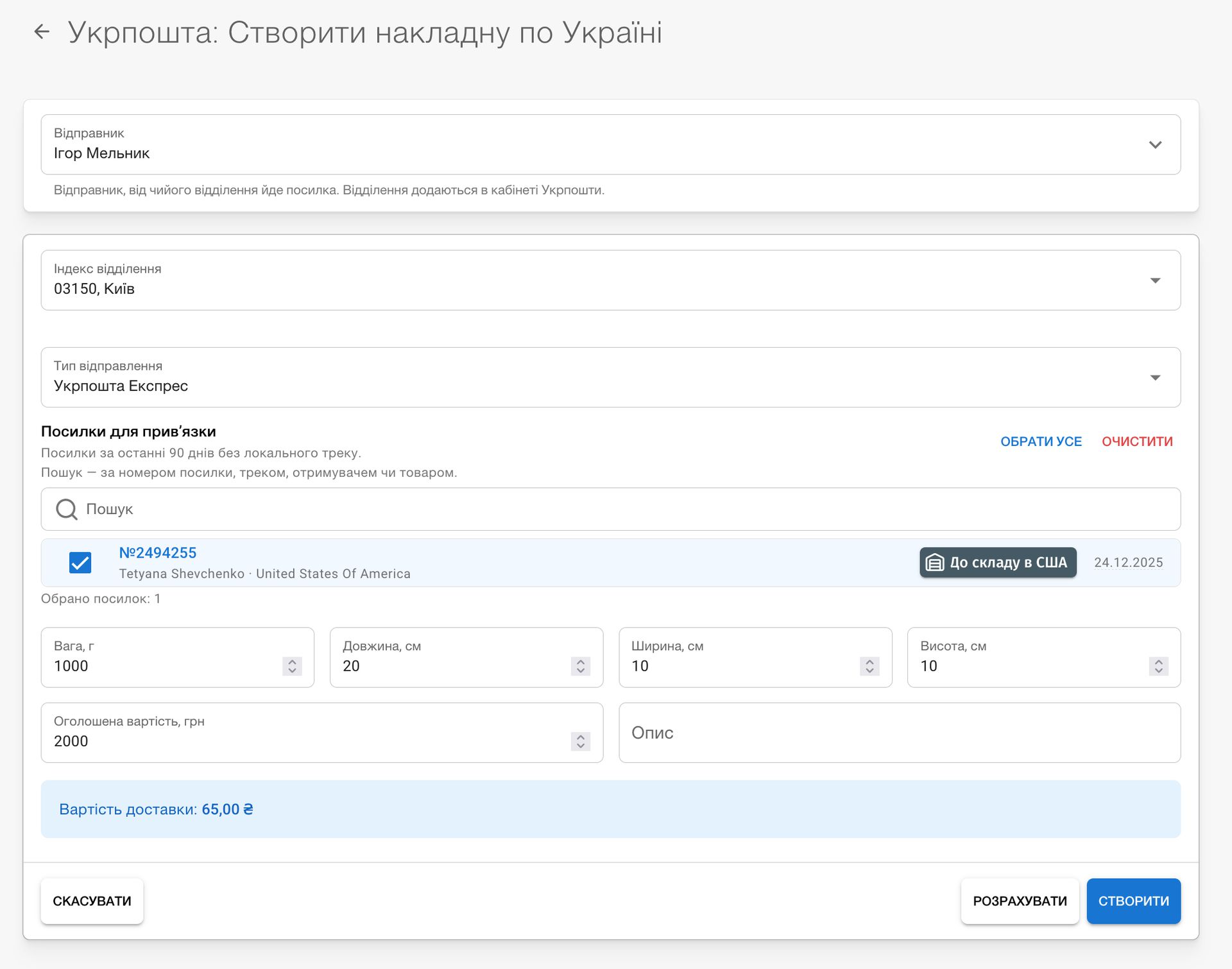
Send parcels to our Kyiv office with Ukrposhta. You can now transfer shipments to Seller-Online not only via Nova Poshta: select parcels in the shipment list, click Create waybill → Ukrposhta, and specify your post office and delivery type (Standard or Express). We calculate the price immediately, and once a waybill is created, you can download its label. A single waybill can include several parcels.

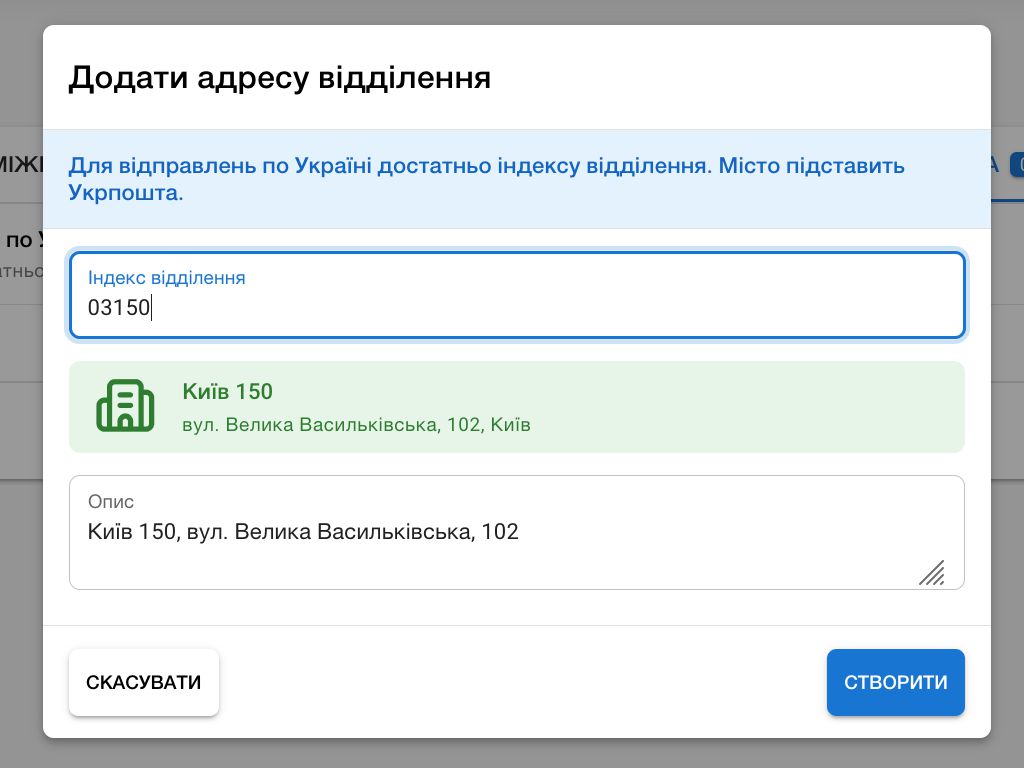
Until a waybill is accepted at the post office, you can change it: select another office or delivery type, change the weight, dimensions, description, and parcel contents. The price is recalculated. You can delete an unneeded waybill, and its parcels become available for shipment again. You can also change or delete the waybill tracking number in shipment details.
Domestic waybill statuses update automatically as soon as Ukrposhta accepts, transports, or delivers a parcel.
The Ukrposhta account now has International and Domestic tabs. For a customer, you can enter their first and last name as in their Ukrainian documents, as well as their full name in Latin characters. This Latin spelling is printed as the sender name for international shipments. You can add a post-office address for domestic shipments.
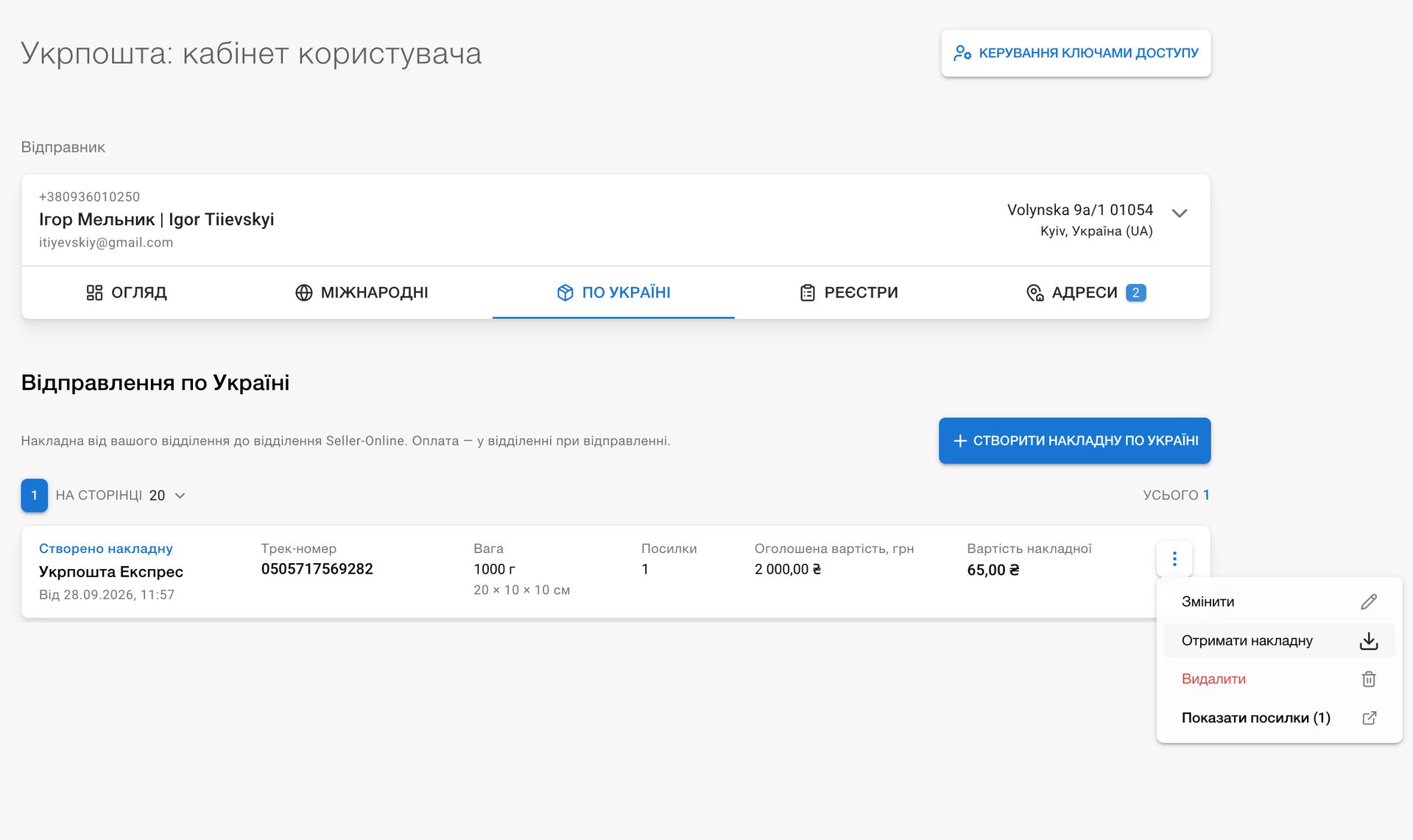
If Ukrposhta changes your parcel's price at the post office, we will update it in CRM and mark the waybill accordingly.
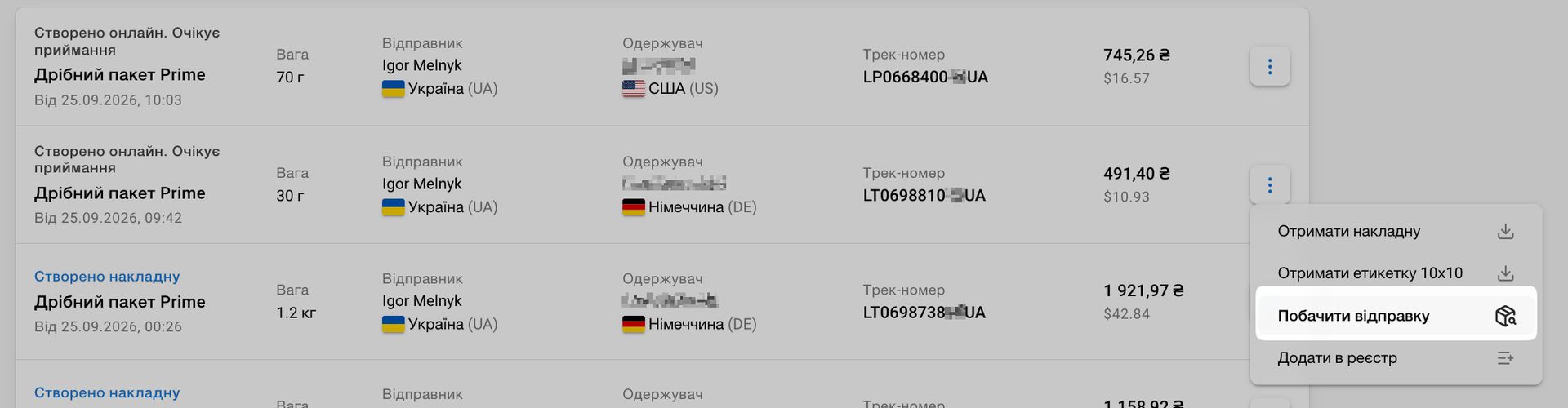
In the list of international waybills and when choosing a sender for a self-shipment, we show the Latin spelling of the name exactly as it will be printed on the waybill. The international waybill menu now includes a View shipment option that opens the related self-shipment.
Minor improvements: the shipment list now shows the carrier for local tracking, and Clear filter in shipments, orders, and listings now also resets the search query.