

Seller Online

Aktualizacje systemu: Jak ulepszamy serwis dla Ciebie

Dodajemy to, o co prosisz, i usuwamy to, co przeszkadza w pracy. Tu jest każda zmiana w panelu: nowe raporty, przewoźnicy, integracje i drobne udogodnienia.

Kanał RSS

Opisy zmian są po angielsku

  1. Nowe

    Tracking and Polish localization

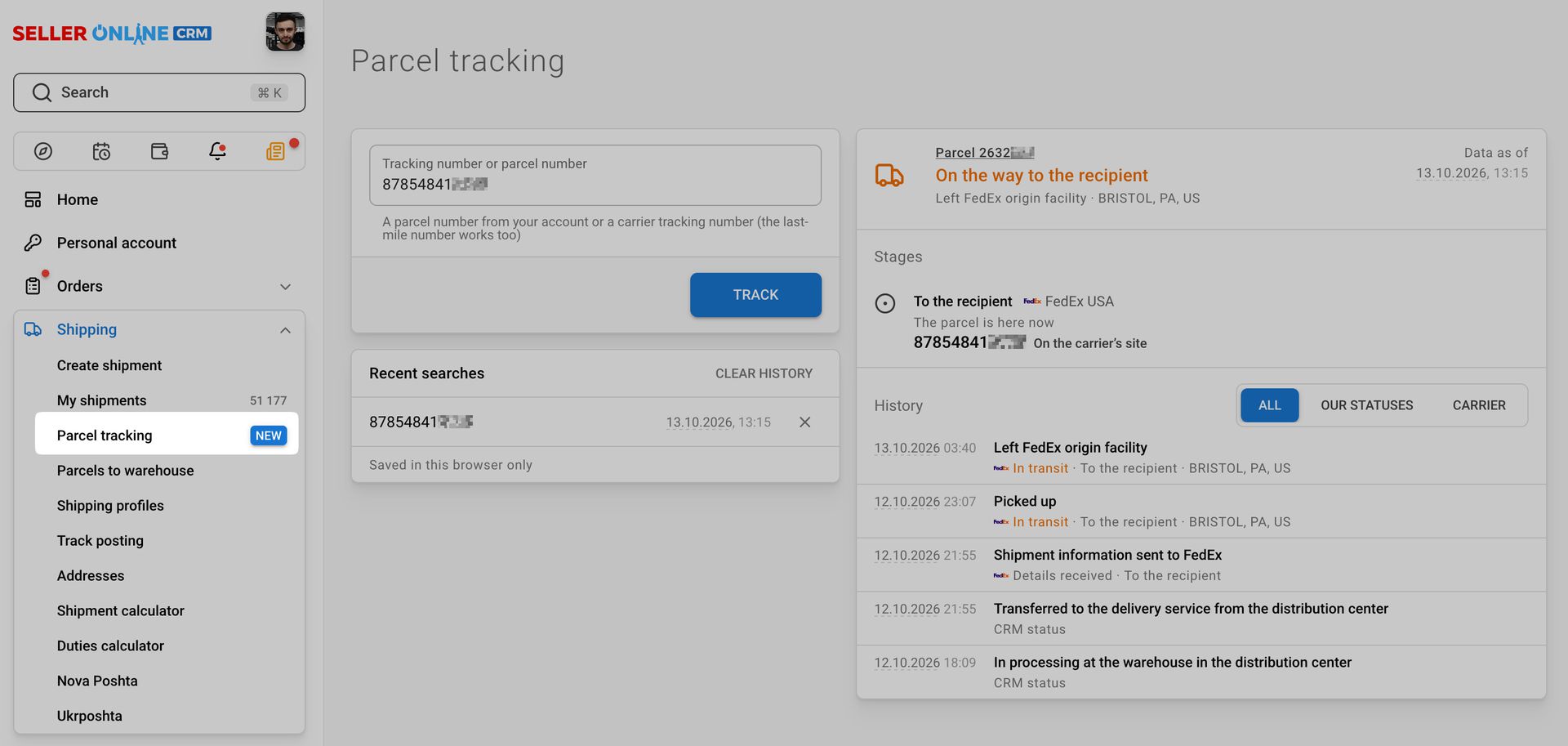
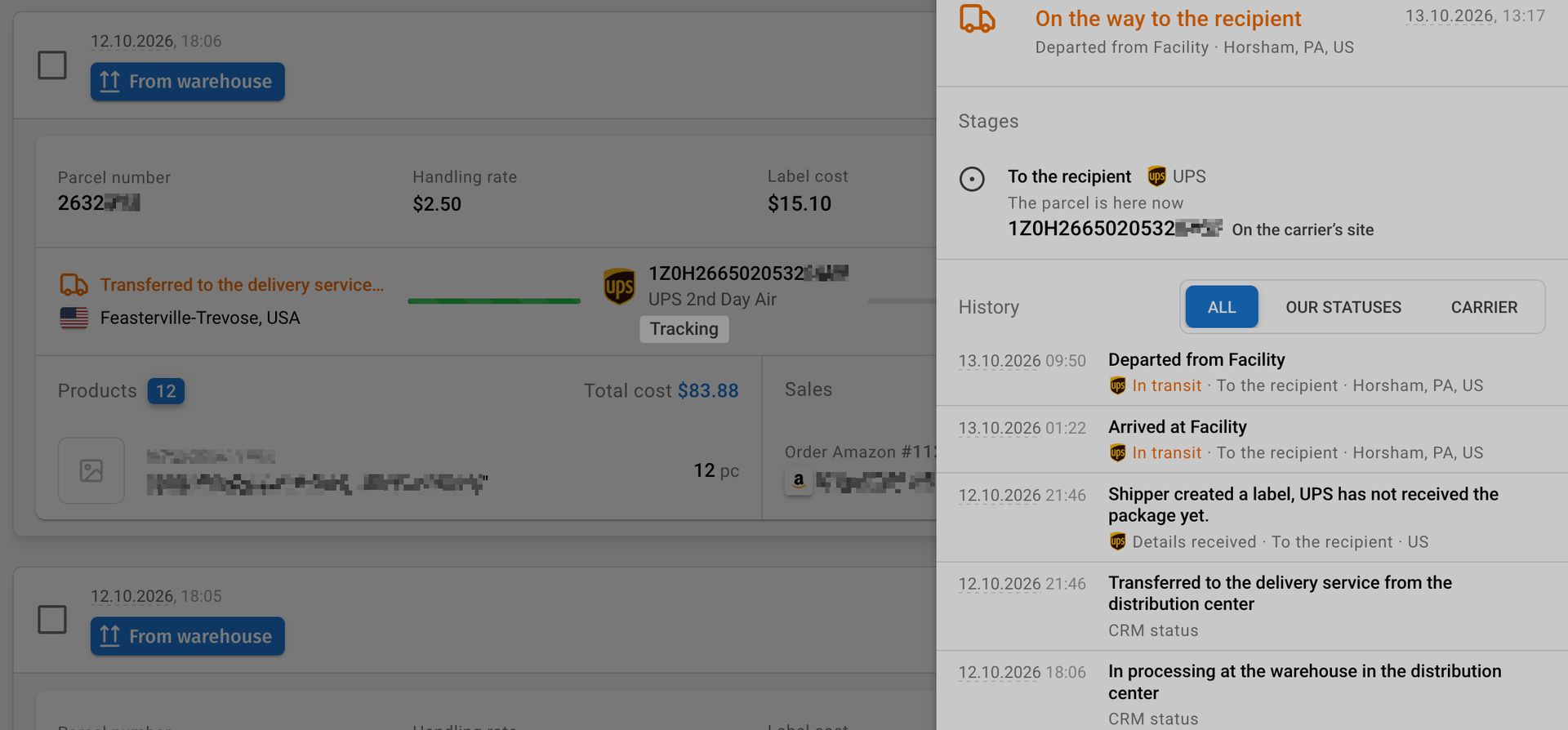
    • We added real-time tracking. Use the primary or additional tracking number, or a parcel number, to see the full available history of any shipment. Review your recent searches, quickly visit carrier websites, and track every stage of transit — for example, separately to our office in Ukraine or a warehouse, and then to the buyer. You can also quickly access tracking information on each shipment’s page or in the shipment list.
    • We added Polish interface localization (currently in Beta). Any missing translations will temporarily fall back to English.

    • We fixed translations and fields in the product form, clarified customs labels, and made the product name in the exporter’s language required. You can now also create a new category directly while creating a product.
    • We fixed the import of product variation photos for Faire orders through the Shopify integration.
  2. Multi-currency, cash flow analysis, and store updates

    • For stores that sell in currencies other than US dollars, order amounts now match the marketplace more accurately. The exchange rate is fixed when an order is first imported, so the US dollar amount no longer changes when the order is updated. Alongside the US dollar amount, we show the amount in the store’s currency in order lists and details, products, payments and returns, as well as when creating a shipment and selecting a rate. Order exports and sales reports remain in US dollars.

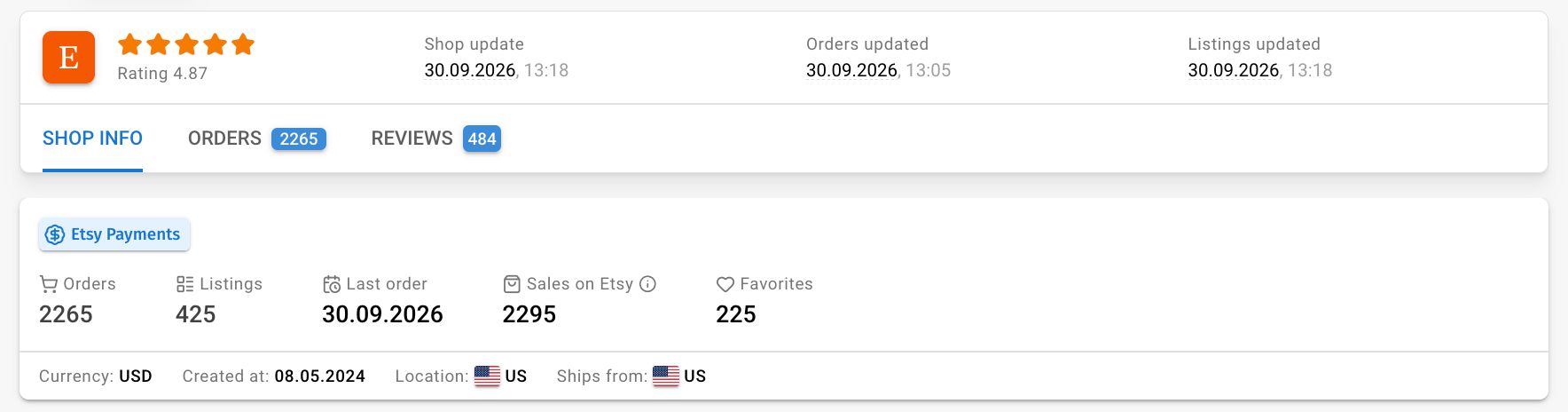
    • We updated the store page: key metrics are now grouped in one section, and the set of metrics depends on the marketplace. You can see the number of orders and listings in CRM, the date of the latest order, and for Etsy, the number of sales according to Etsy and the number of favorites. The “Orders” tab now shows the number of orders in CRM, just like the menu.

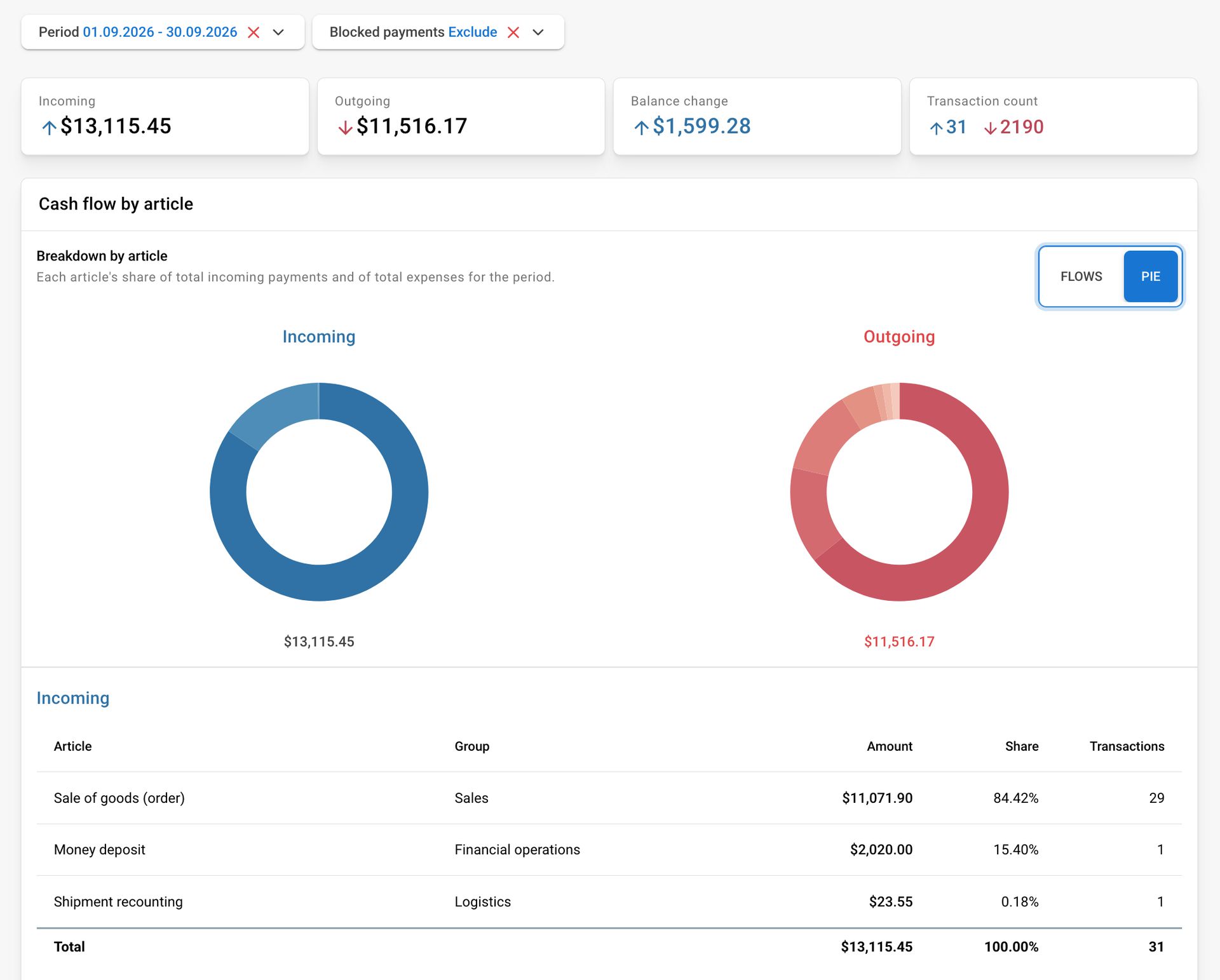
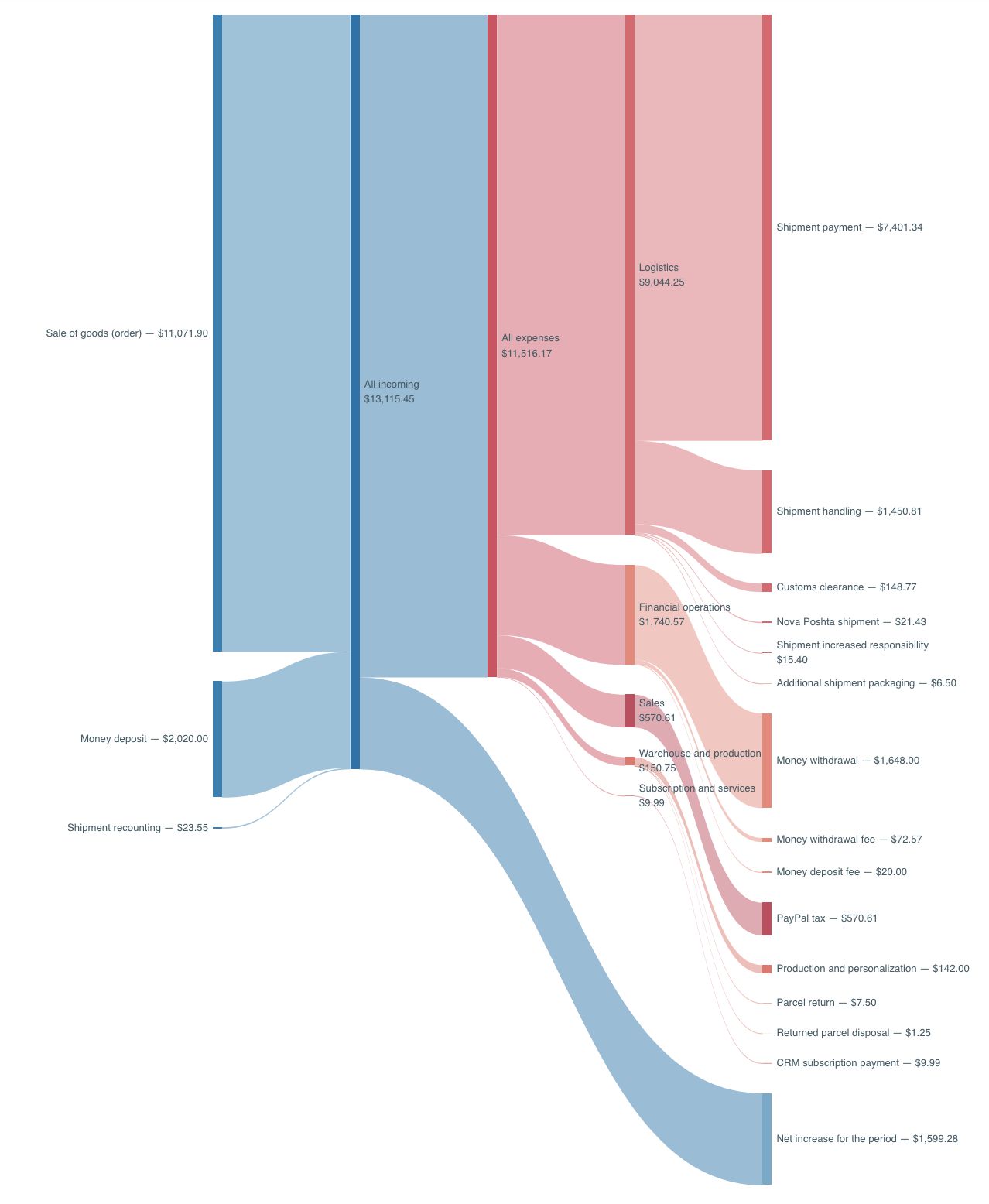
    • A new Cash Flow report is now available in the Reports menu. It shows how much money was added to and deducted from your balance for the selected period, how the balance changed, and more. The “Flows” chart clearly shows which categories funds came from and what they were spent on: logistics, warehouse and production, sales, purchasing, subscriptions, and more. Pie charts show each category’s share. Below the chart are income and expense tables with categories, amounts, shares, and transaction counts. You can include blocked payments when needed and export the tables to .xlsx; the file will appear in the Download Center.

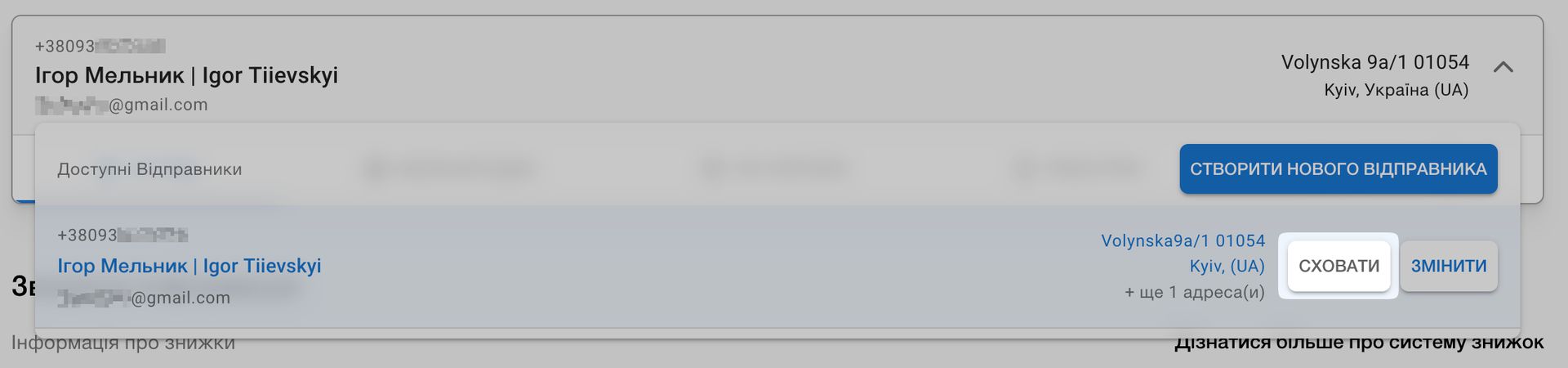
    • In the Ukrposhta account, you can now hide senders and addresses you no longer use. Hidden entries disappear from the lists when creating shipments, but remain in existing shipping labels and manifests. You can view and restore them with the “Show hidden” button at the end of the list. The primary address cannot be hidden. The primary address is now displayed in the sender list, and when creating an international shipment, only addresses that can be used to send it are shown.

  3. Ukrposhta Domestic Shipments

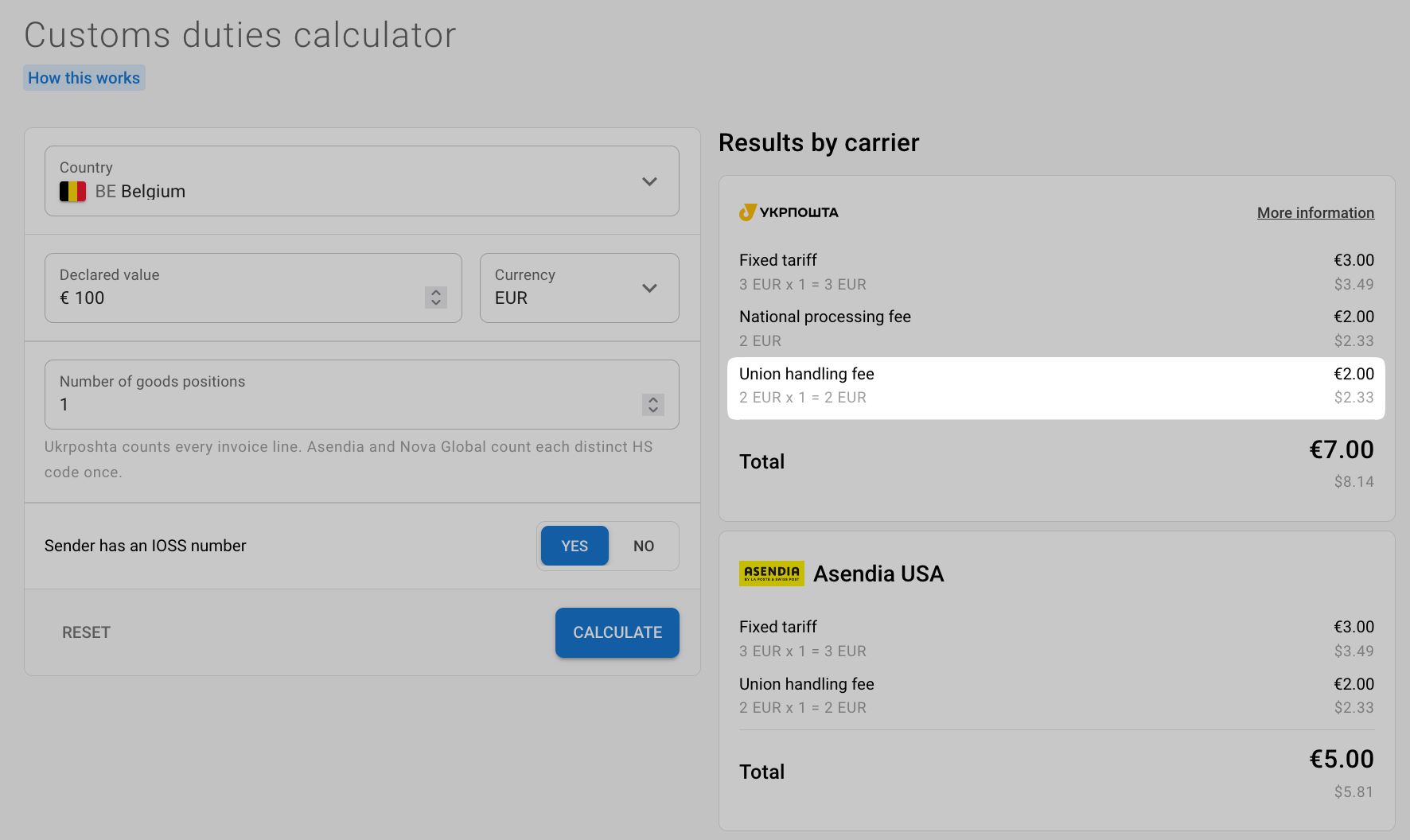
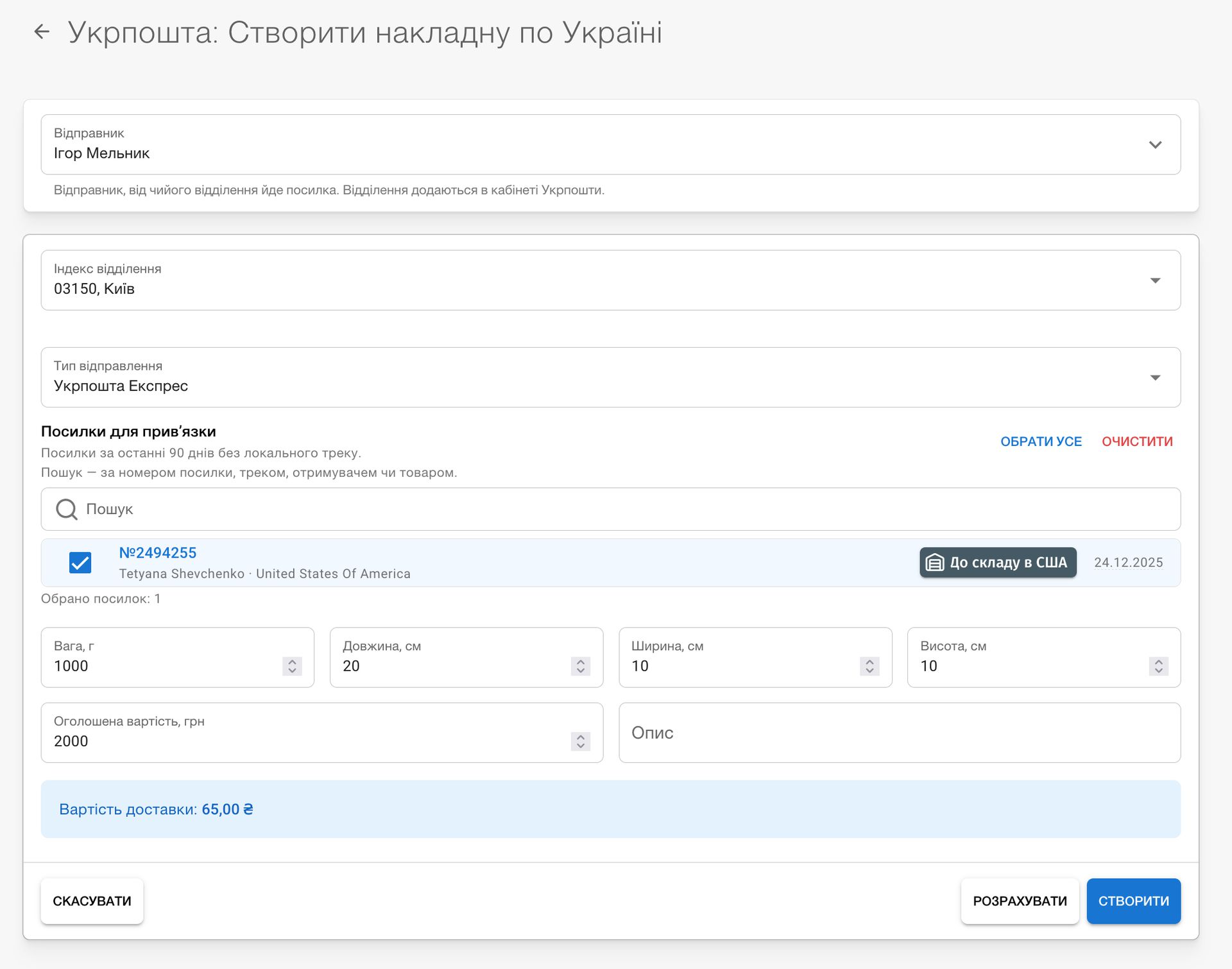
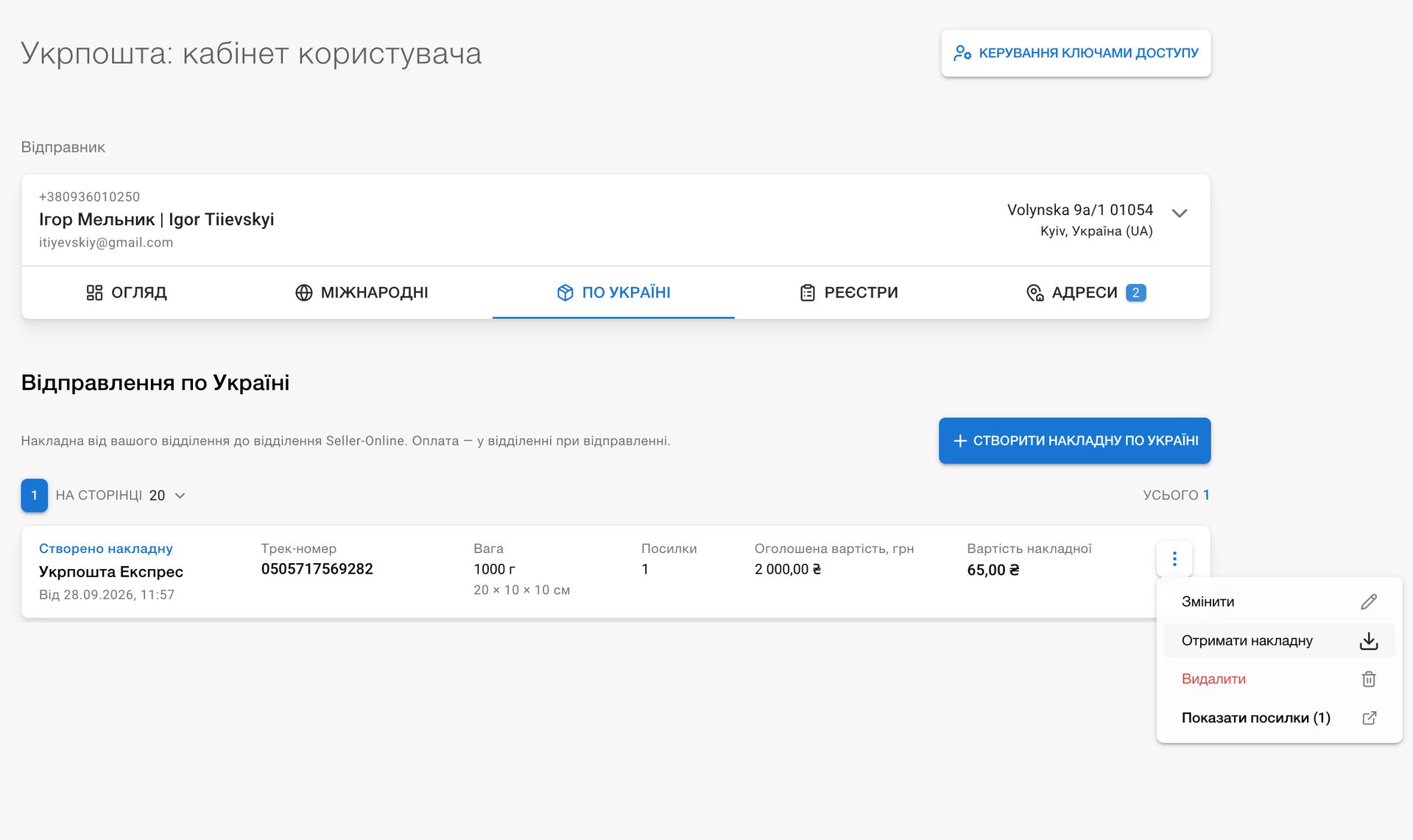
    • Send parcels to our Kyiv office with Ukrposhta. You can now transfer shipments to Seller-Online not only via Nova Poshta: select parcels in the shipment list, click Create waybill → Ukrposhta, and specify your post office and delivery type (Standard or Express). We calculate the price immediately, and once a waybill is created, you can download its label. A single waybill can include several parcels.

    • Until a waybill is accepted at the post office, you can change it: select another office or delivery type, change the weight, dimensions, description, and parcel contents. The price is recalculated. You can delete an unneeded waybill, and its parcels become available for shipment again. You can also change or delete the waybill tracking number in shipment details.

    • Domestic waybill statuses update automatically as soon as Ukrposhta accepts, transports, or delivers a parcel.

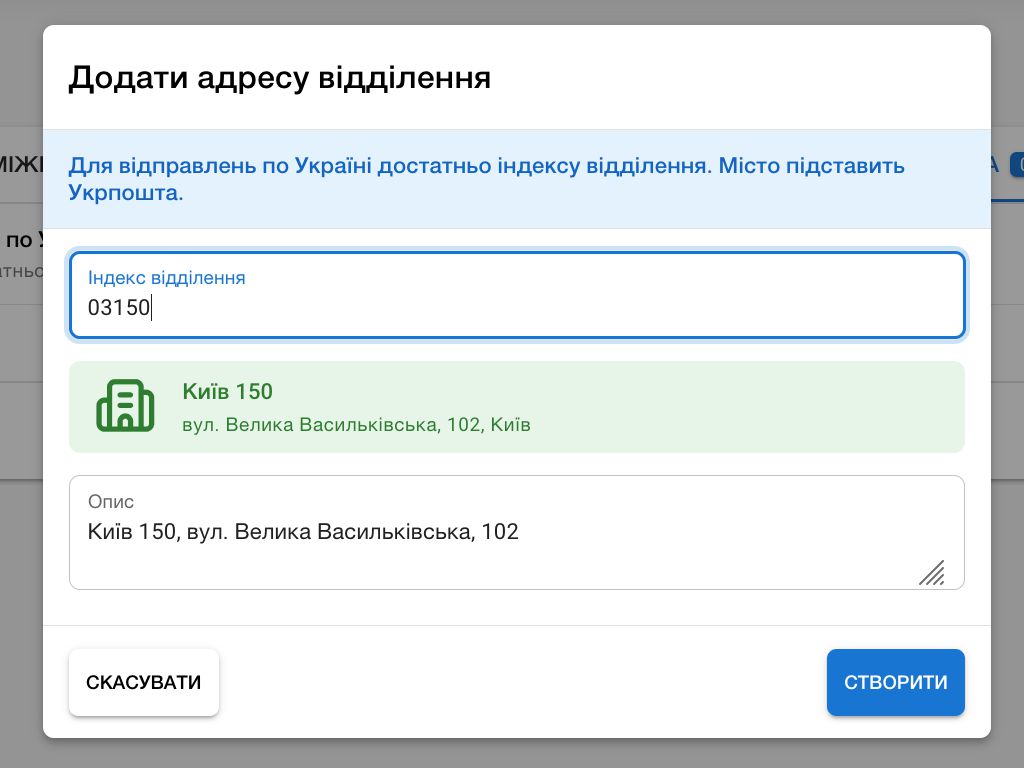
    • The Ukrposhta account now has International and Domestic tabs. For a customer, you can enter their first and last name as in their Ukrainian documents, as well as their full name in Latin characters. This Latin spelling is printed as the sender name for international shipments. You can add a post-office address for domestic shipments.

    • If Ukrposhta changes your parcel's price at the post office, we will update it in CRM and mark the waybill accordingly.

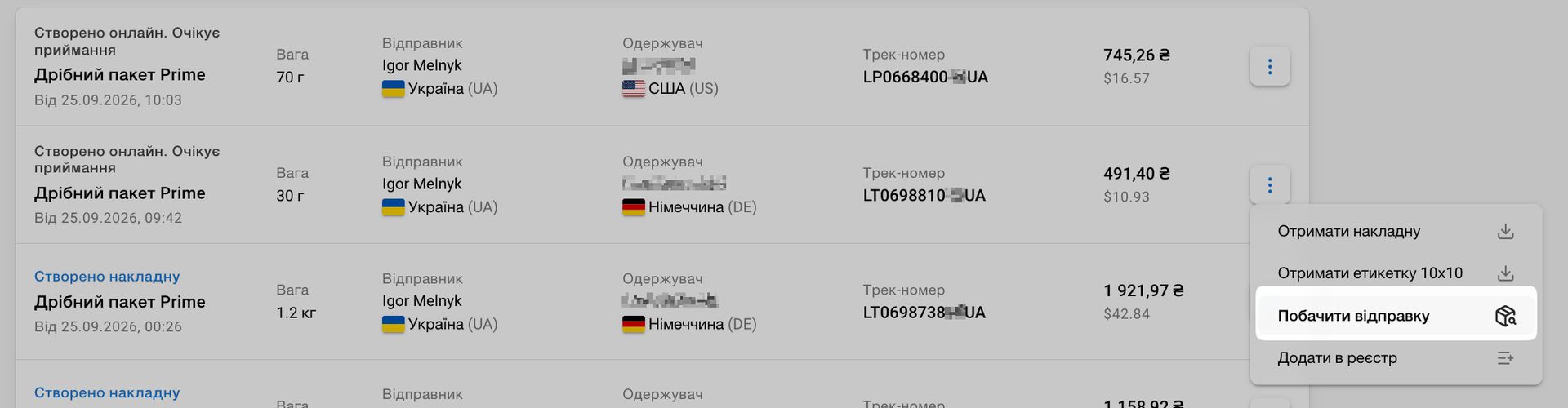
    • In the list of international waybills and when choosing a sender for a self-shipment, we show the Latin spelling of the name exactly as it will be printed on the waybill. The international waybill menu now includes a View shipment option that opens the related self-shipment.

    • Minor improvements: the shipment list now shows the carrier for local tracking, and Clear filter in shipments, orders, and listings now also resets the search query.

  4. Listings, Shipping Labels, and Returns

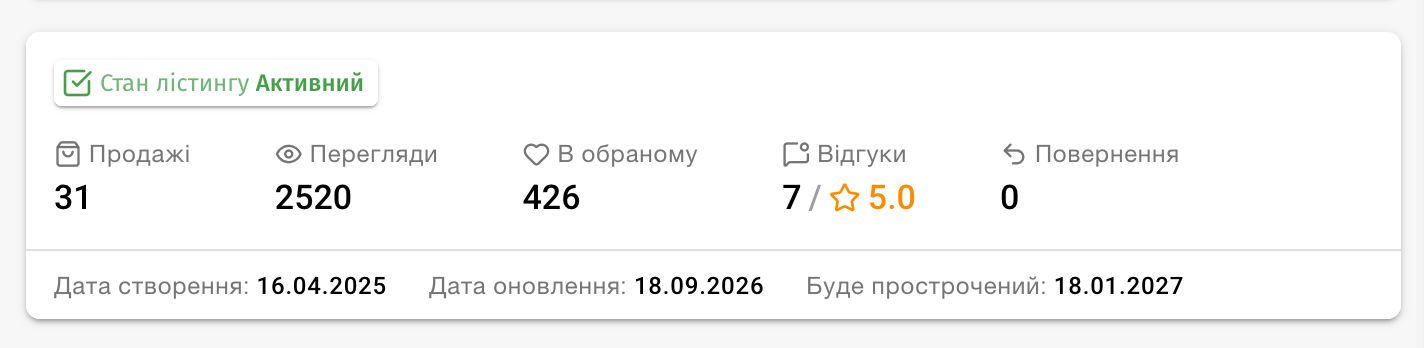
    • We updated the listings list and details page: statuses, sales metrics, and other important information are displayed more compactly, and the set of metrics matches each marketplace's capabilities.

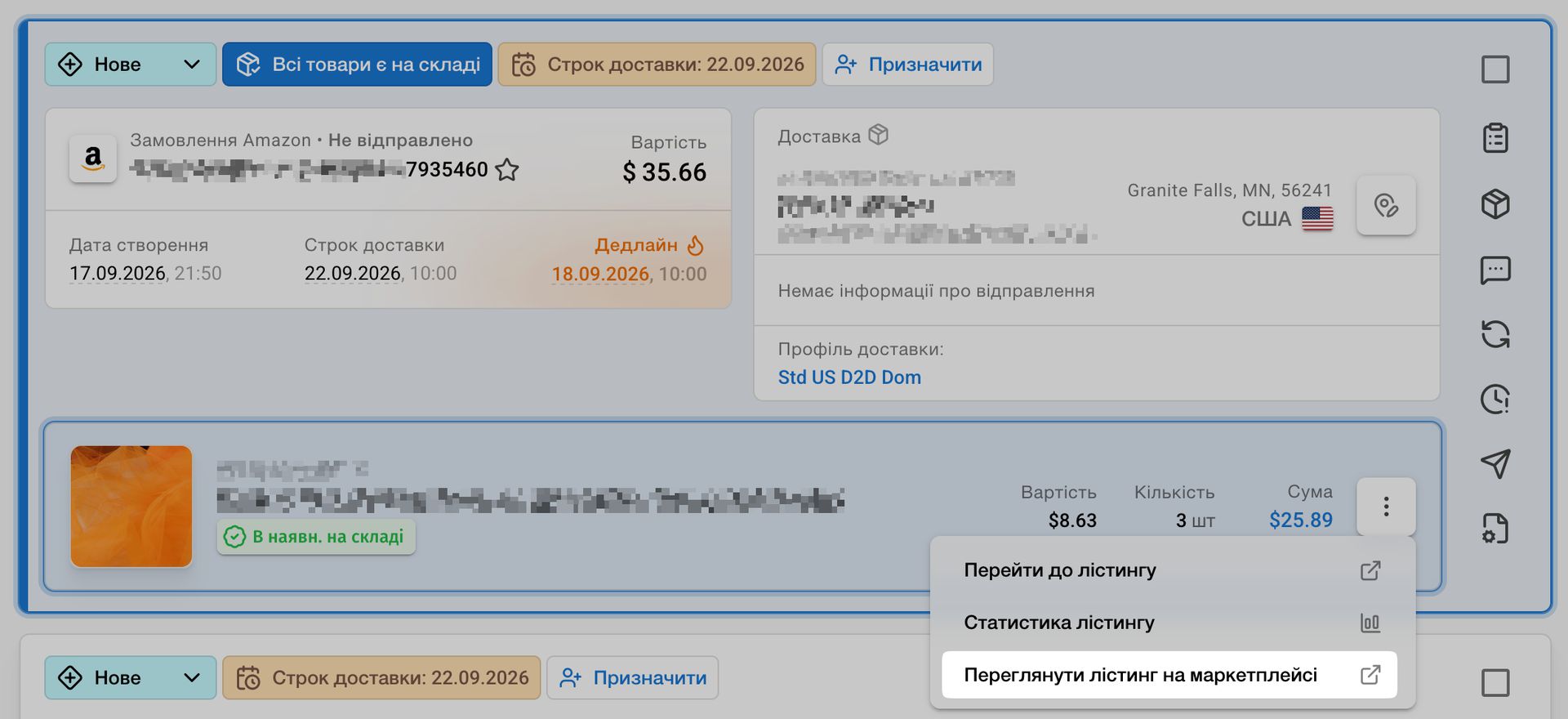
    • We fixed Amazon and Shopify listing links so they lead to the relevant marketplace or shop page. Amazon search terms are now correctly converted into tags, and Shopify tags and links are retained when orders are imported. We also fixed the Shopify shop link on listing pages.

    • We fixed how the field for adding a local tracking number is displayed. The field is now unavailable for self-shipped parcels, warehouse parcels, and return shipments.

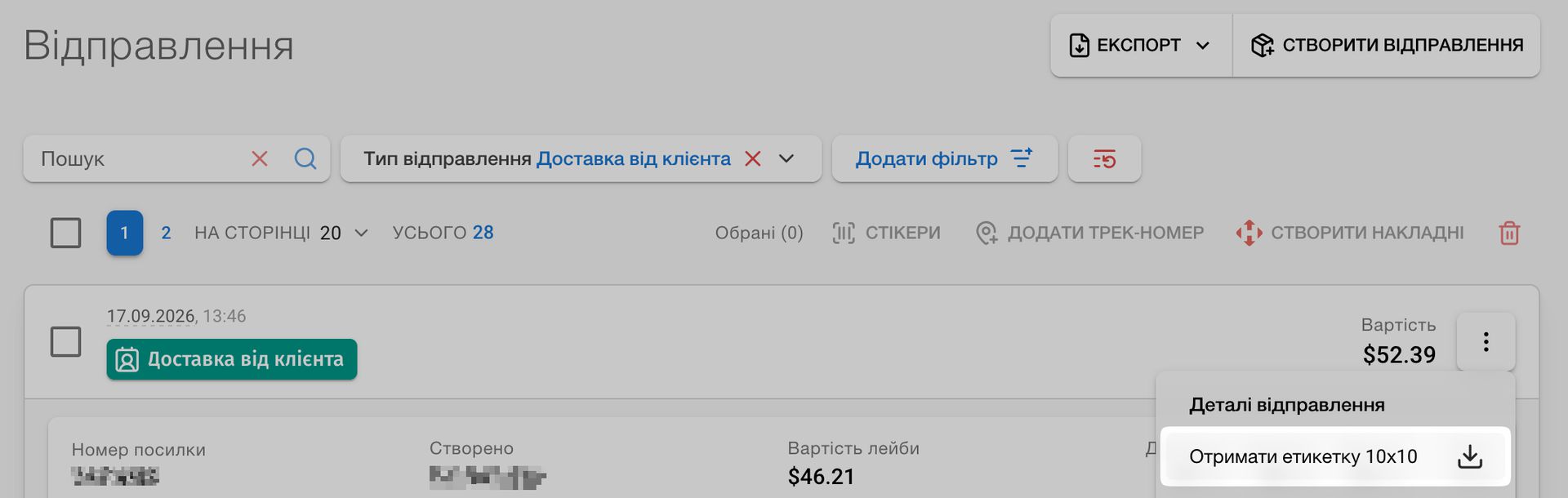
    • You can now download a 10 × 10 cm label for self-shipped Nova Poshta parcels. If a shipment type does not use parcel labels, for example express shipments, the button to create them is no longer shown.

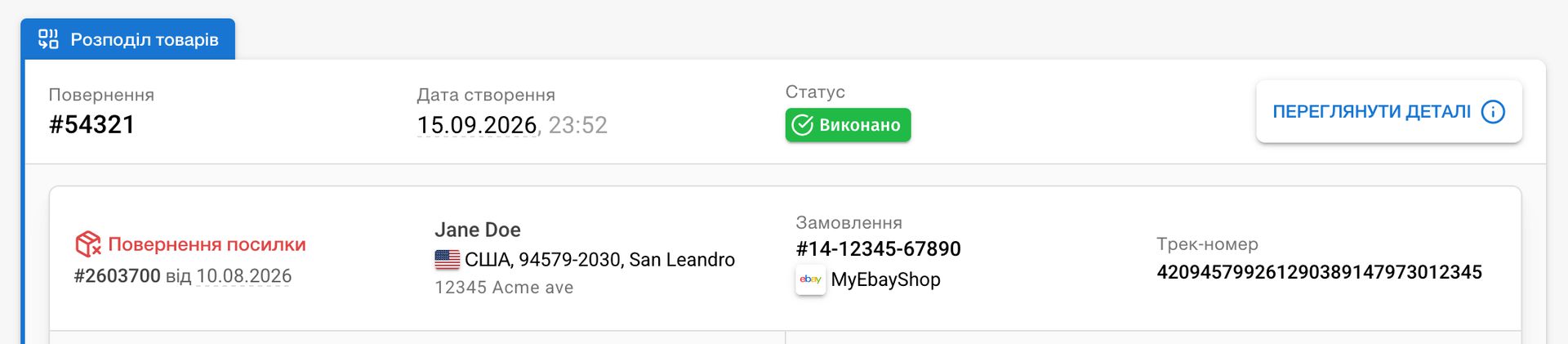
    • In returns, we now show the shop and marketplace next to the linked order number, where you have access to shops. You can copy the number or open the order directly from the menu.

    • We fixed minor issues that could occur when creating international Ukrposhta shipments. Shipping with Ukrposhta to Brazil is available again.

  5. Amazon FBA and Shipment Export

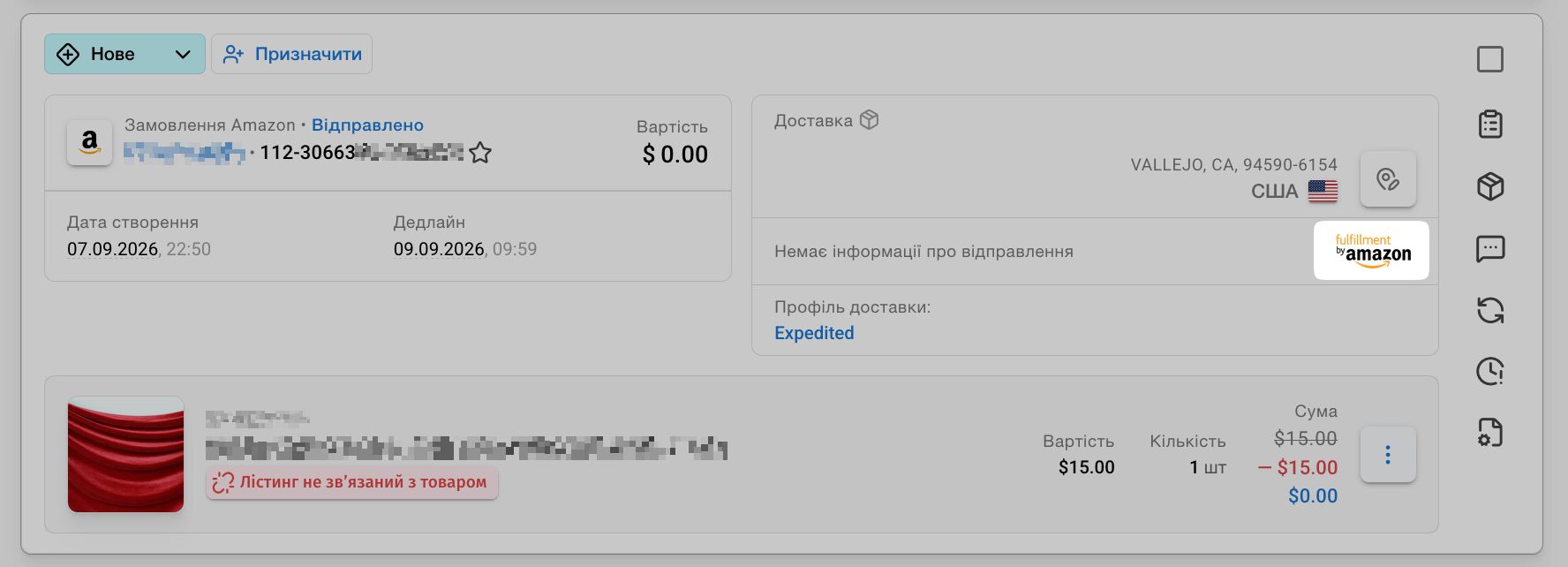
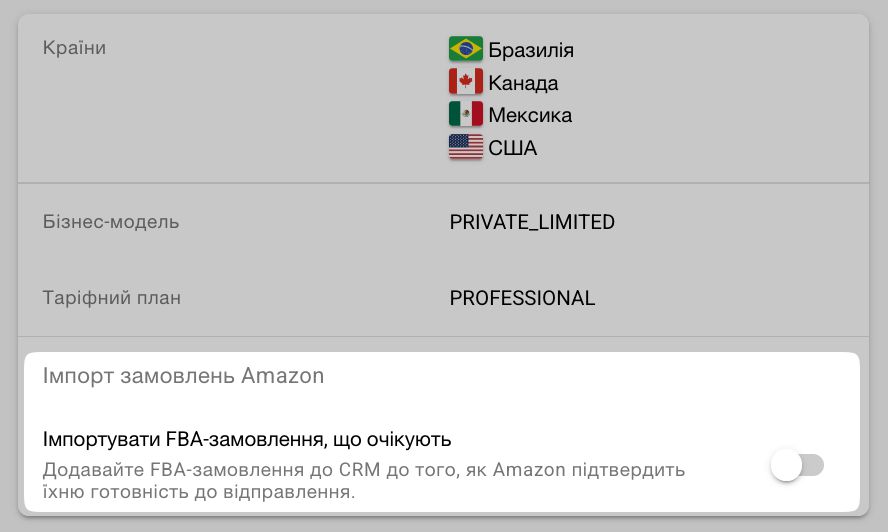
    • Receive your FBA orders directly in CRM. We retrieve data for orders fulfilled by Amazon and show them alongside your other orders. You always see the current status and an FBA badge, and creating a shipment for these orders from the order card is disabled. To avoid importing orders that were not authorized on Amazon’s side, only paid FBA orders are imported by default. You can change this setting on your shop page in CRM.

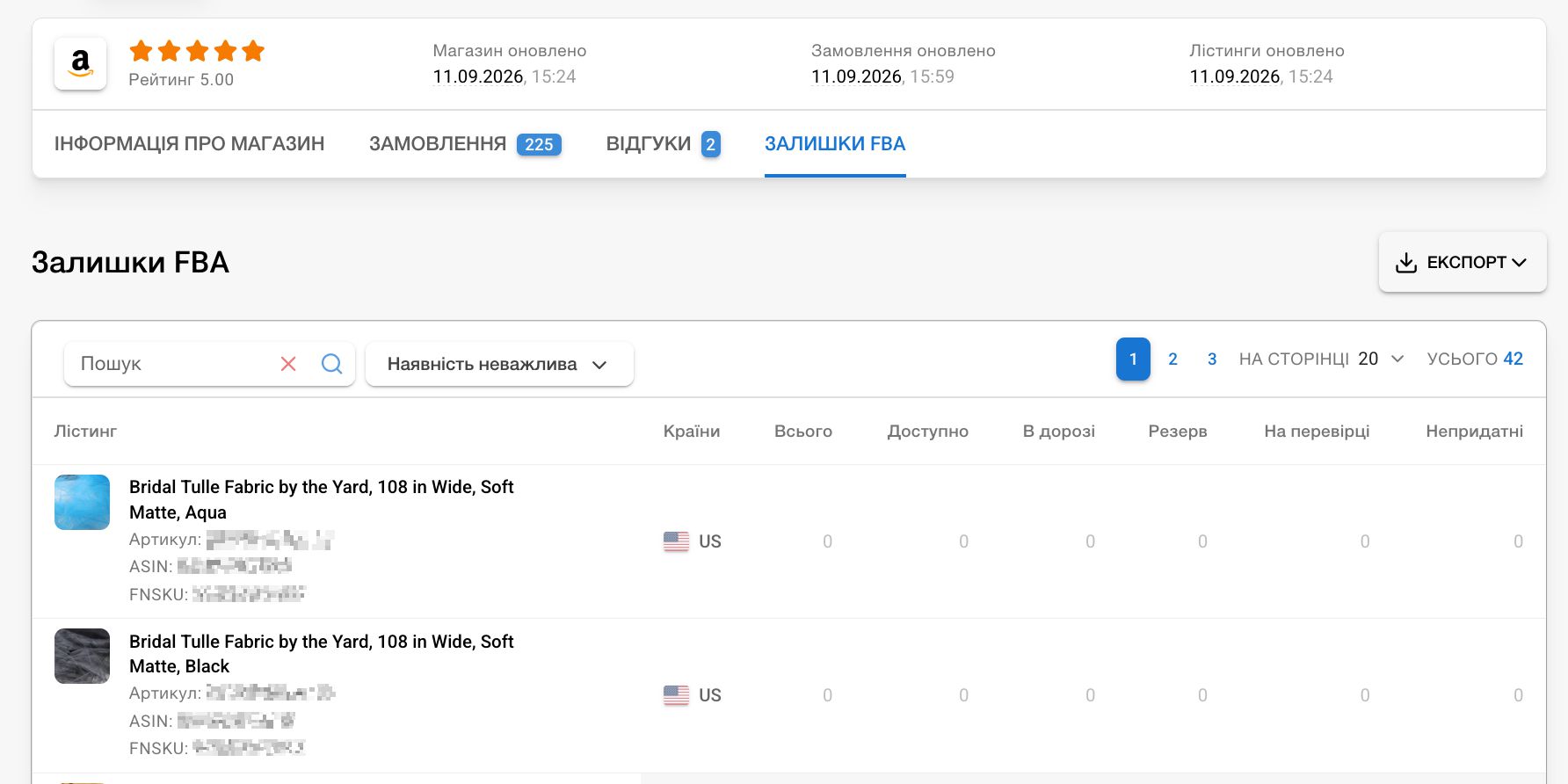
    • View all your FBA inventory on your Amazon shop page, grouped by marketplace (country). Export the list to XLSX and quickly find individual listings by title or availability. These listing pages now show an FBA badge and let you view the related inventory.

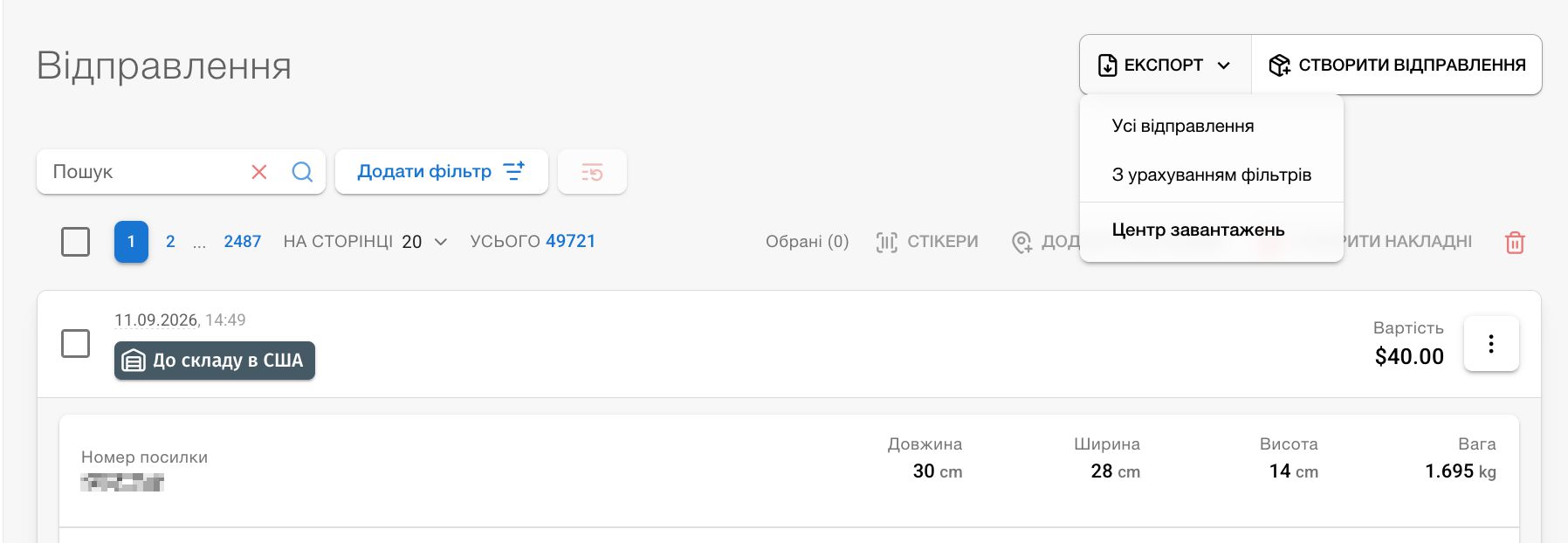
    • We fixed several issues with the shipment-list export and moved report generation to the Download Center. Exports are now more reliable and convenient, and the generated file will be available there later.

  6. Report Data Export, Shipment Updates, and More

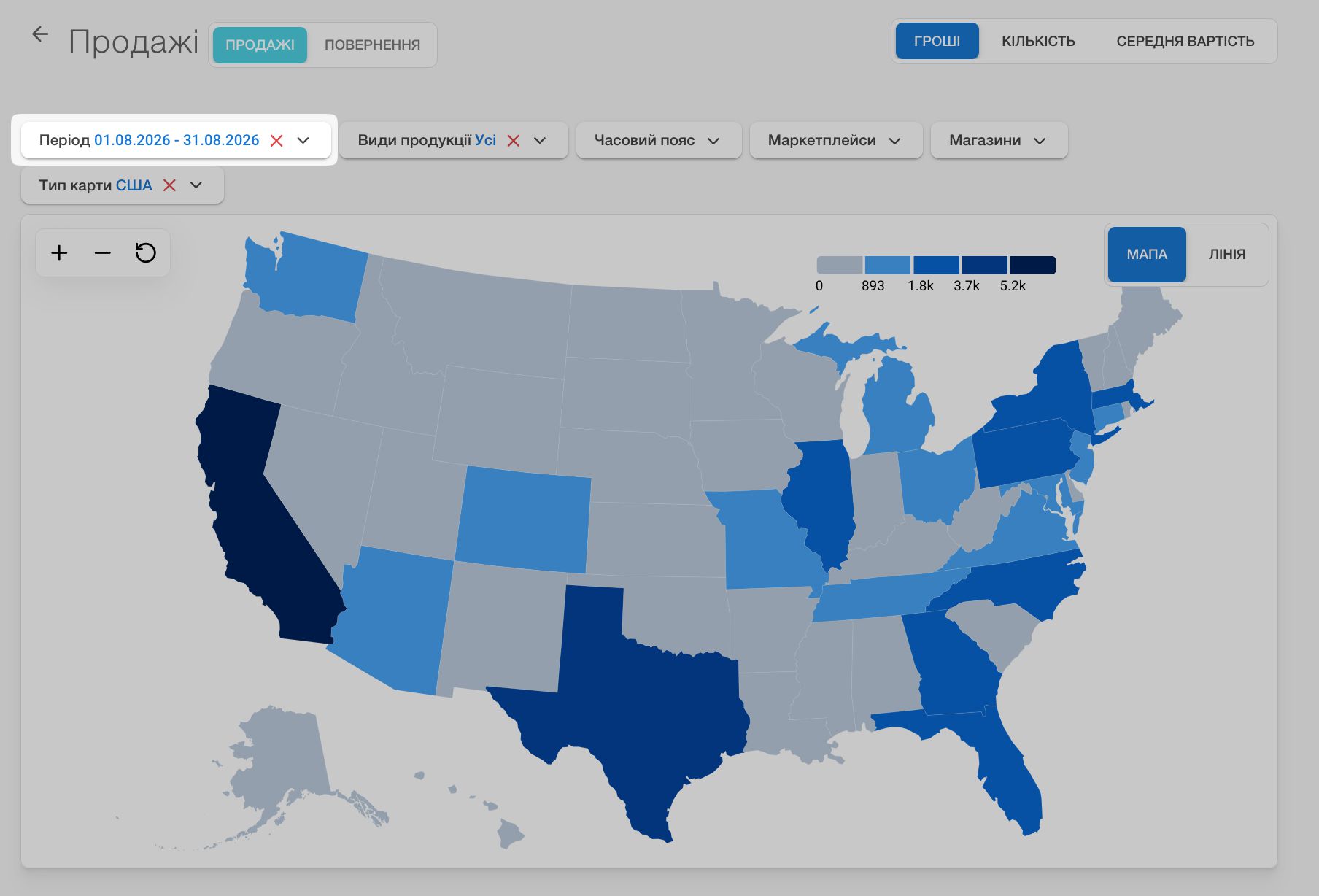
    • We made several important improvements to sales reports. You can now select the report period when viewing the map, and we fixed sorting in the tables beneath charts and the map. In map view, table data is immediately sorted by the metric selected for the map: number of orders, total value, or average order value.

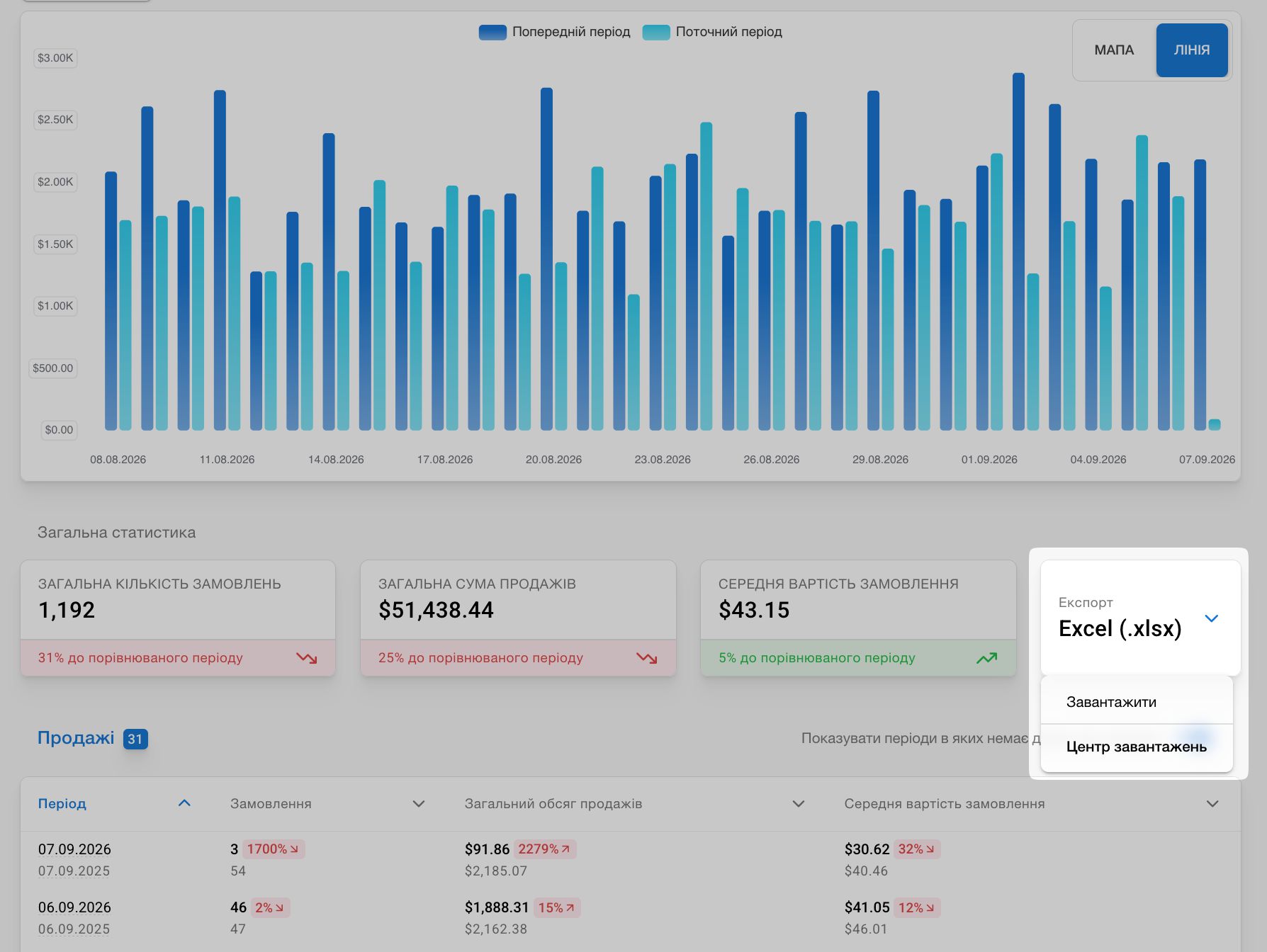
    • Sales reports now support exporting data from the table. Apply any filters, then generate an .xlsx file in one click; it will always be available in the Download Center.

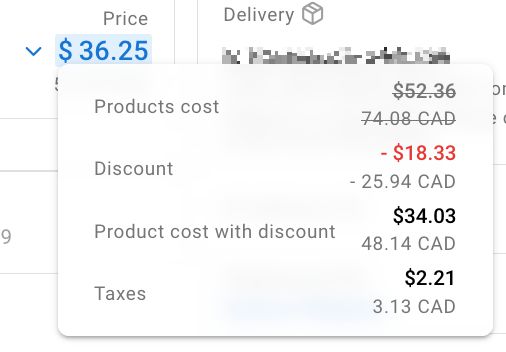
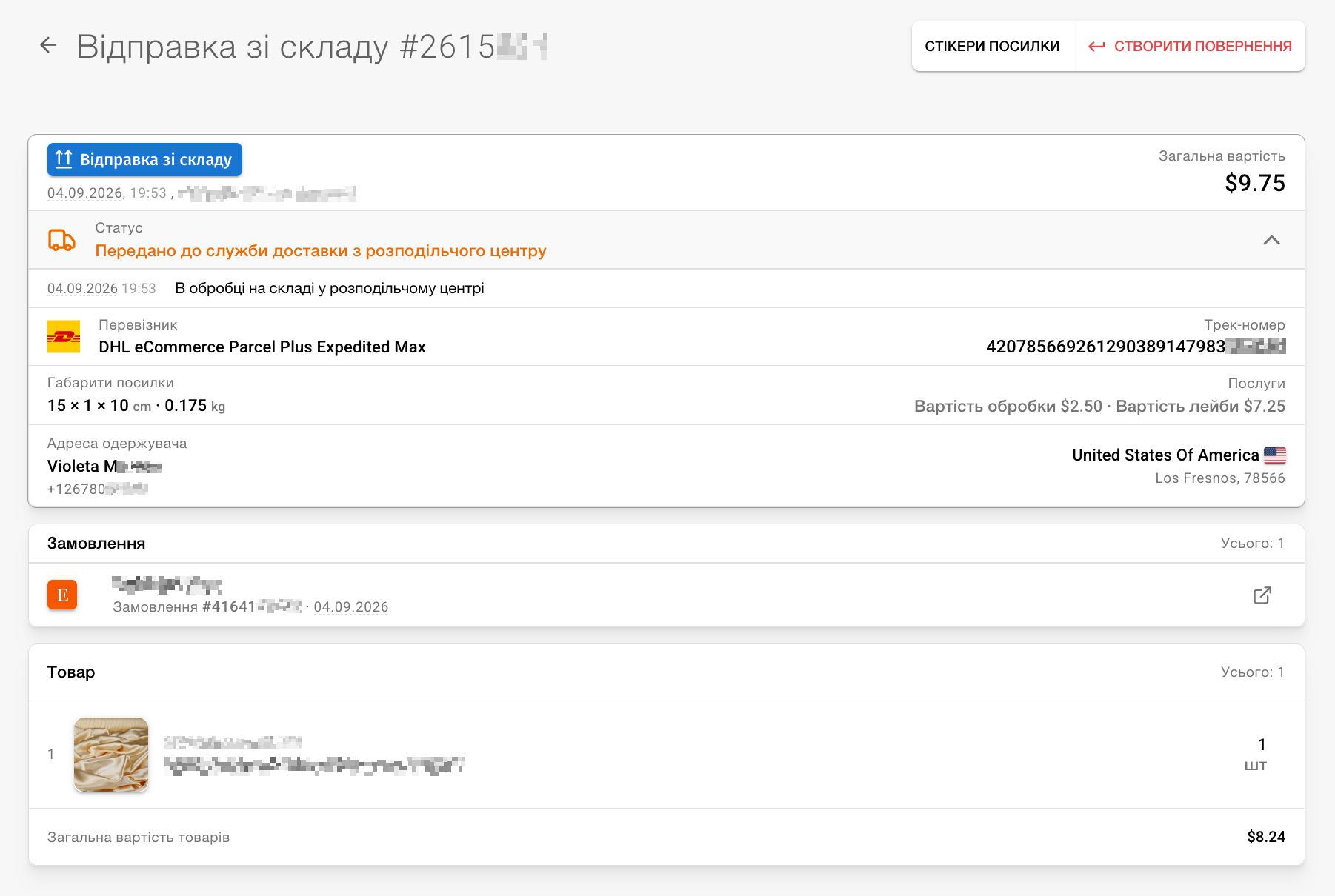
    • We redesigned the shipment details page. Information is presented more compactly, and you can quickly get documents for self-shipped parcels and view the cost breakdown.

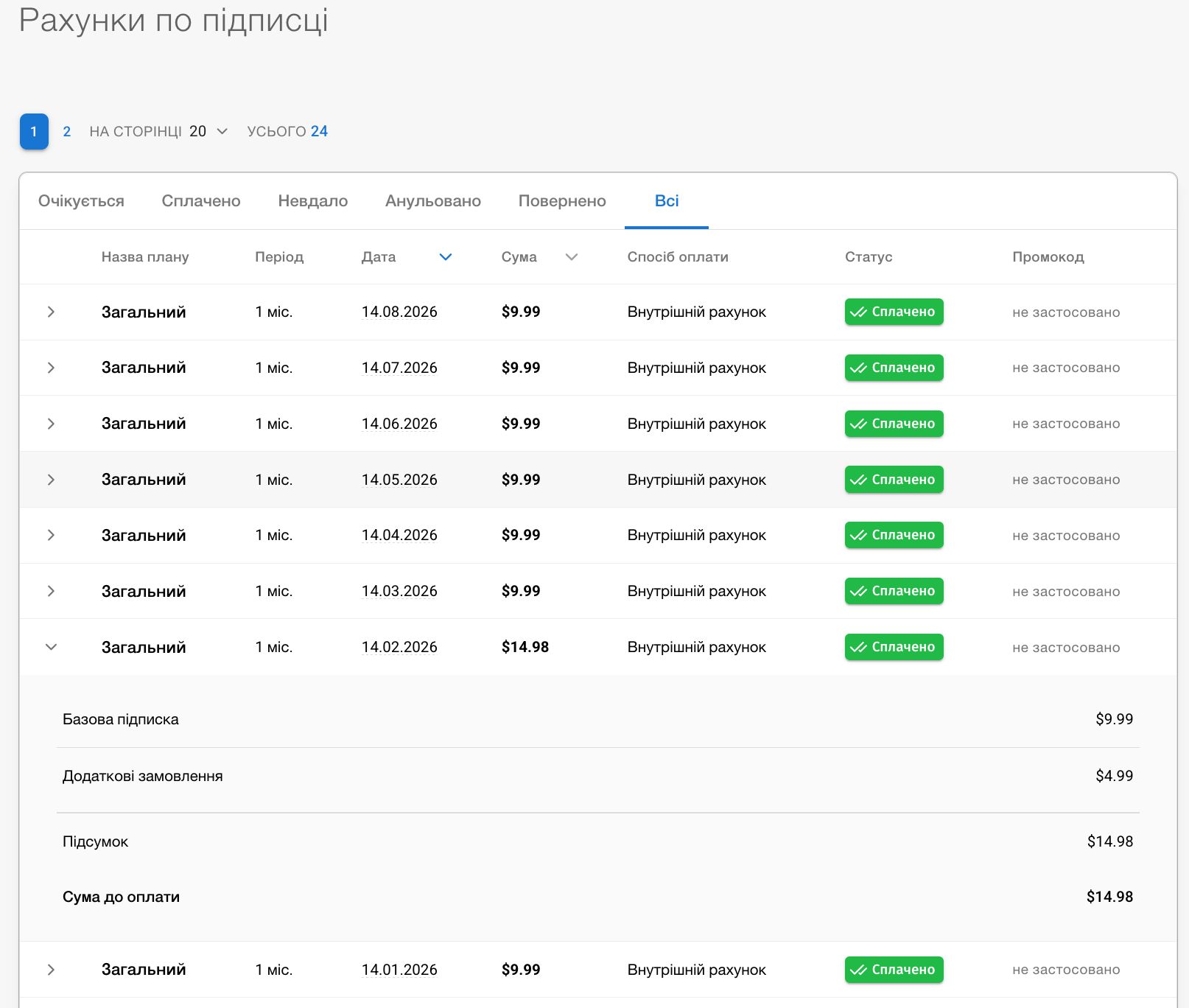
    • On the subscription history page, you can now see not just the amount for previous months, but also its breakdown when upgrades were used, such as additional shops or orders. As before, you can see current-month limit usage under Finance → Plan limits.

    • Ukrposhta registries you create yourself now close automatically after synchronization. Once parcels in the registry are accepted at the post office, the registry can no longer be edited.

  7. Etsy Listings Export and Download Center

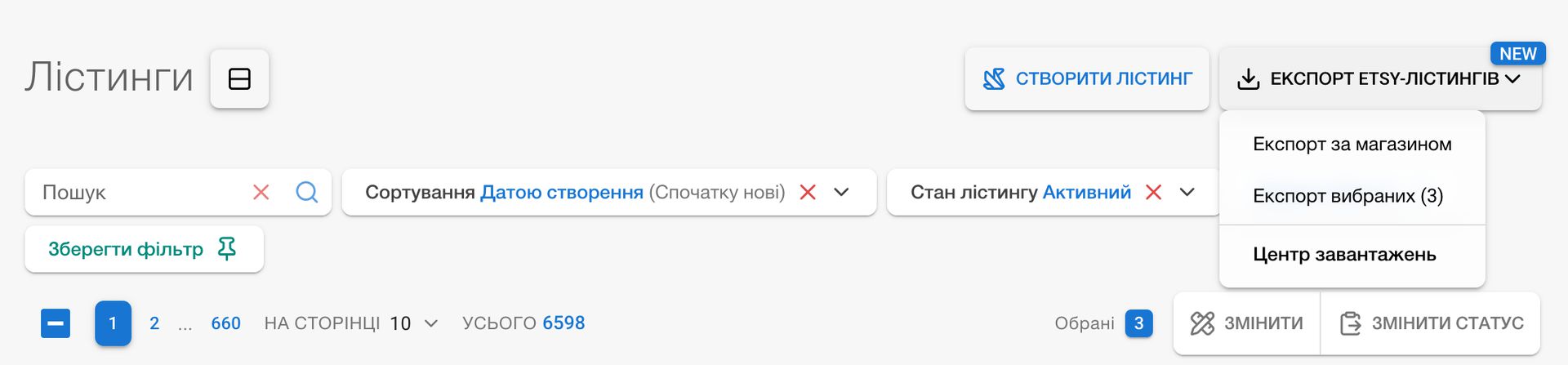
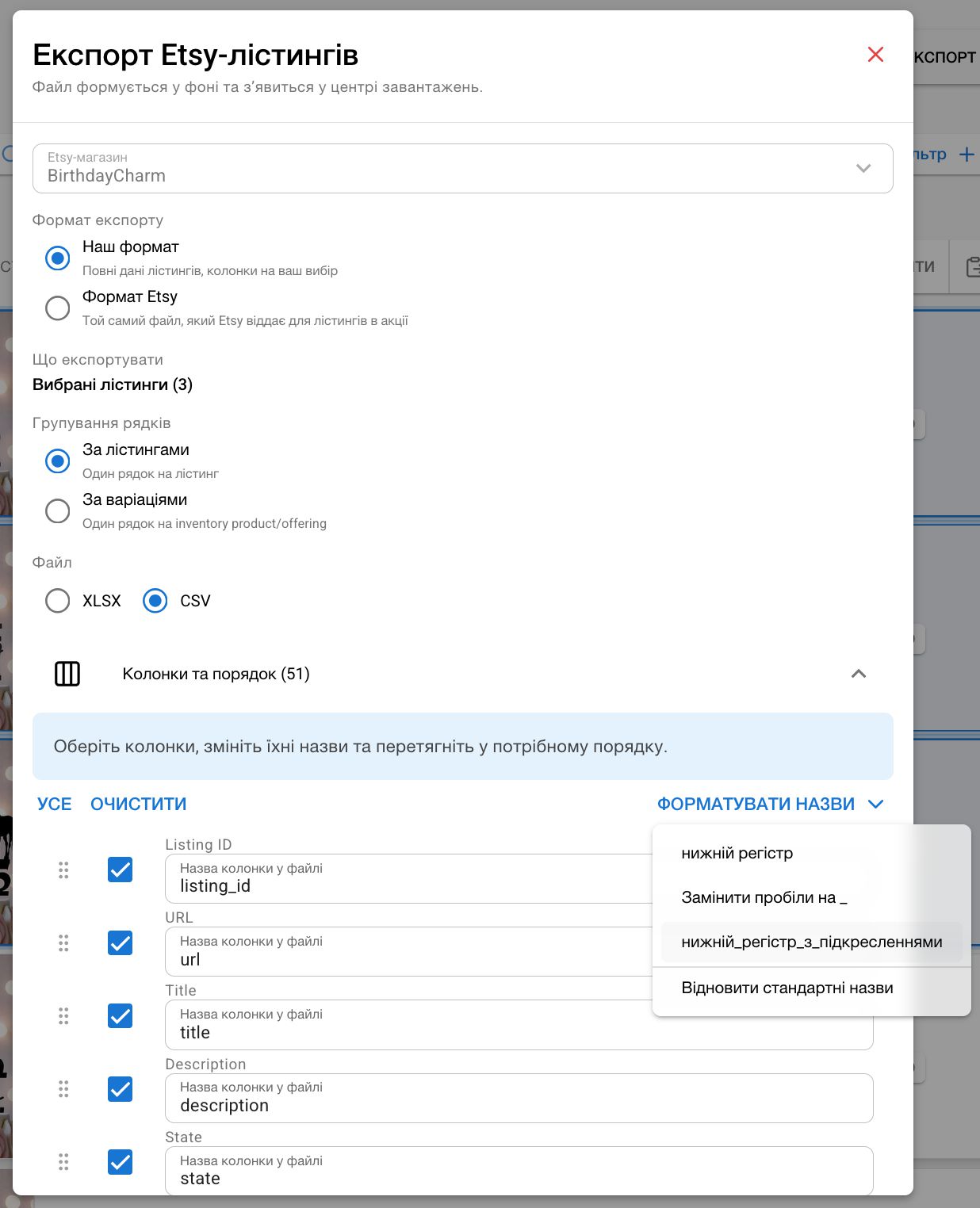
    • Etsy Listings Export: you can now export your Etsy listings to an XLSX or CSV file. Group by listings or variations, choose and order columns, and add calculated columns — discounted price, number of tags, number of images, and days active. A separate template matches Etsy’s native export format, or you can create your own by naming the file columns as you need.

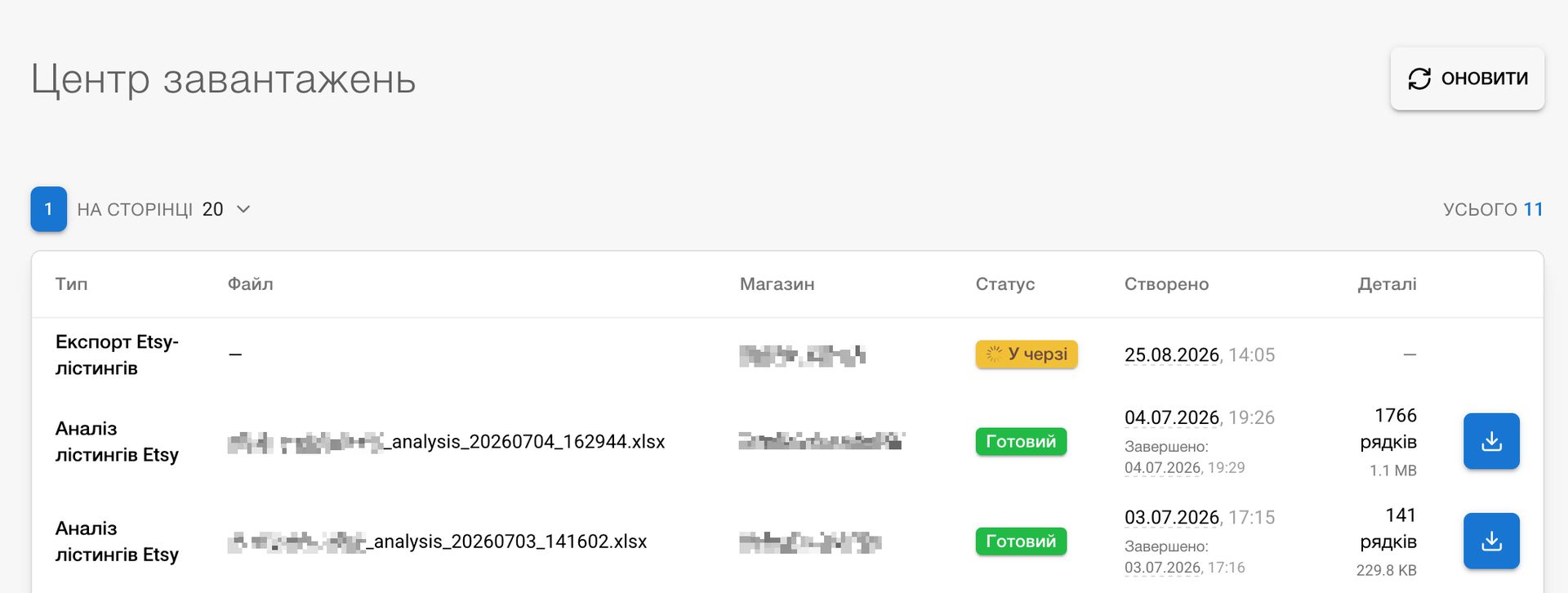
    • Download Center: a new page with the history of all background exports and reports. It now includes not only Etsy listing exports but also Etsy shop analytics reports in one chronological list, with the shop name, a clear status, and an option to retry a failed export with one click where supported.

  8. Customer Geography

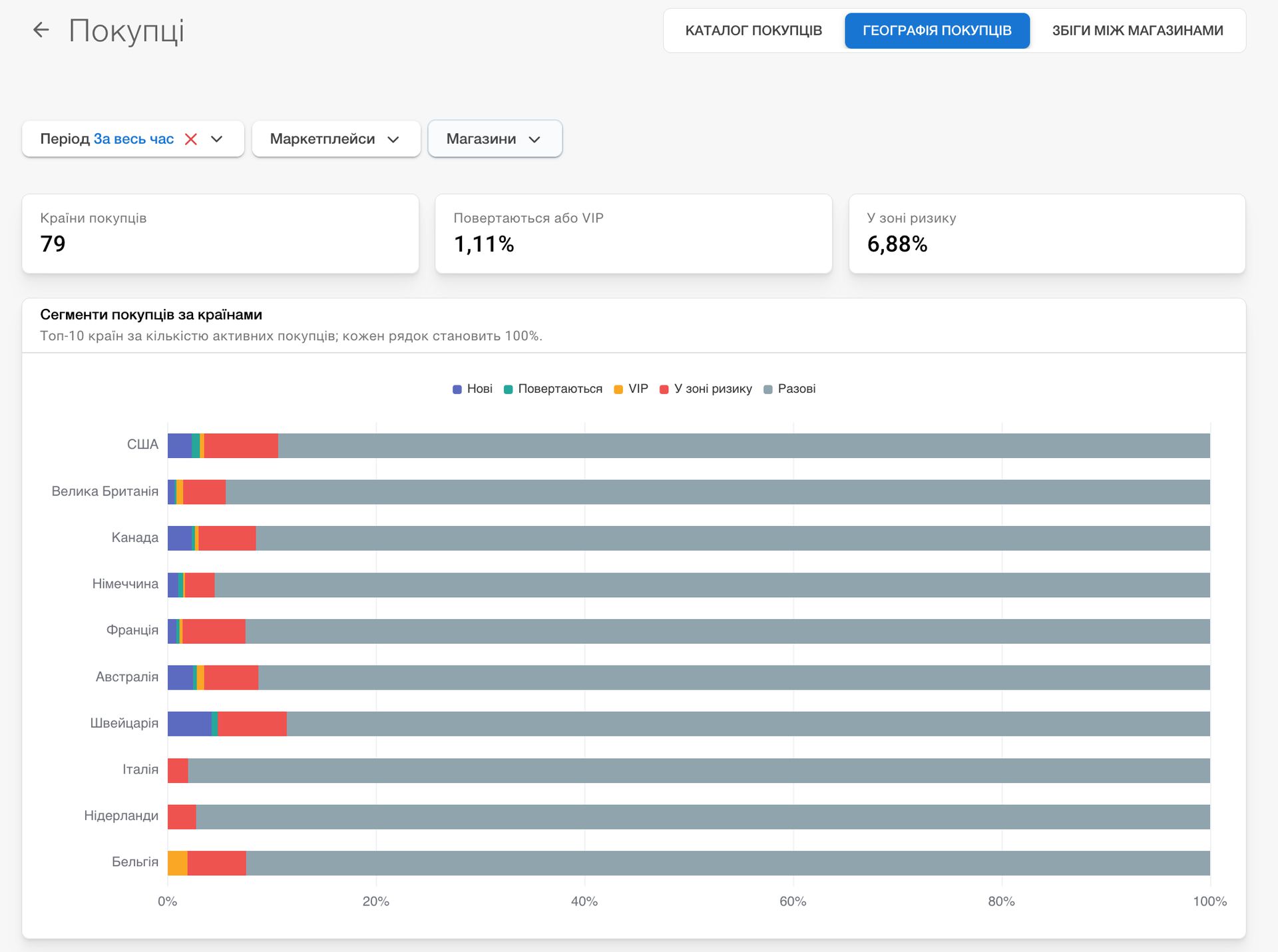
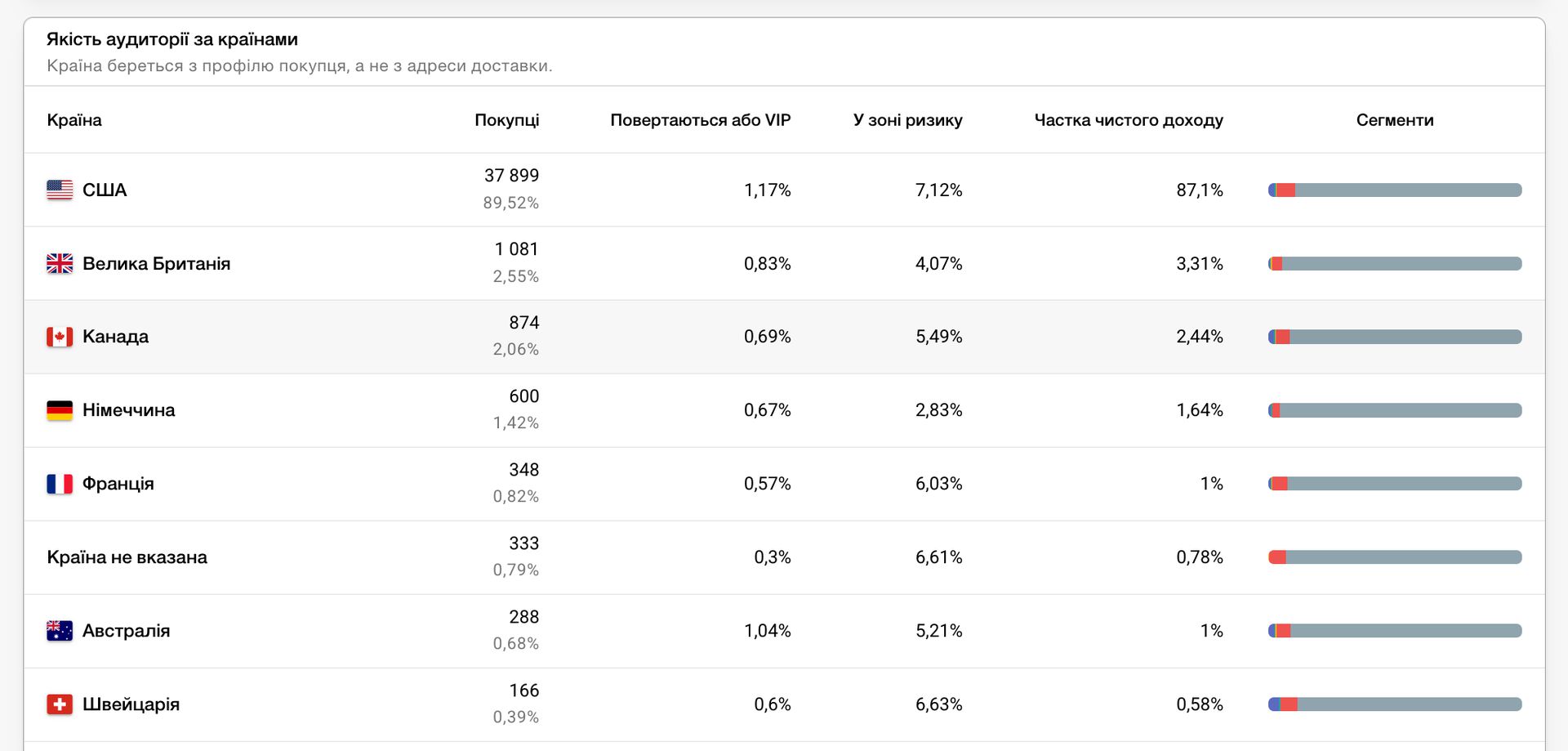
    • The Customers report now includes a Customer Geography tab. It shows the segment mix by country, customer share, repeat-buyer and VIP share, and customers at risk, so you can assess audience quality by profile country.

  9. Customer Report

    • A new Customer Report is now available under Reports. It gives you a complete view of every customer interaction.

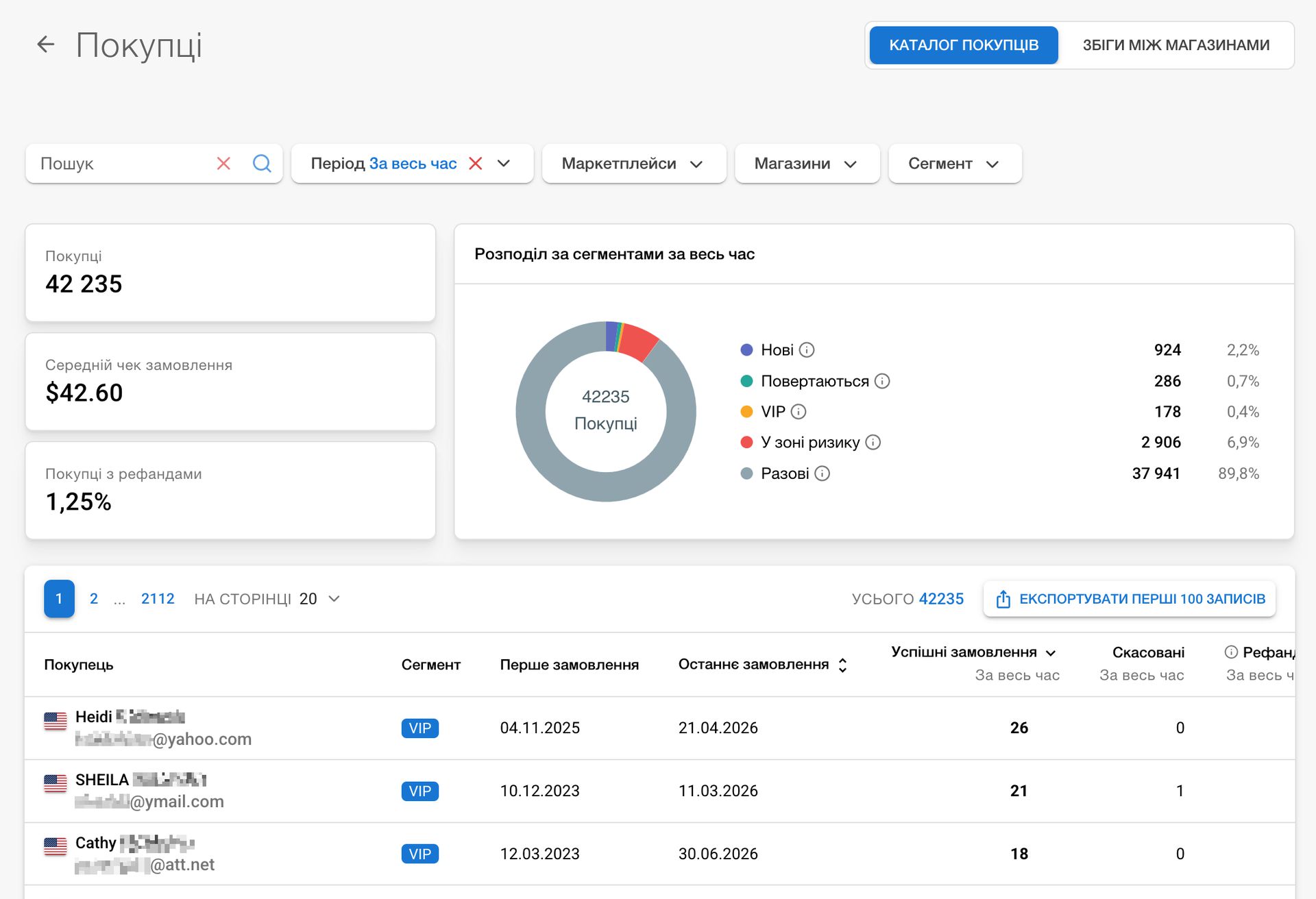
      • The customer directory shows successful and canceled order counts, full and partial refunds, revenue and revenue after refunds, average order value, first and last order dates, and the number of shops where the customer has made purchases.
      • Search by a customer's name or email, a listing title or SKU, and filter by marketplace, shop, period, and customer segment.
      • The report automatically segments customers as new, returning, VIP, at risk, or one-time and displays their counts and shares in a chart.
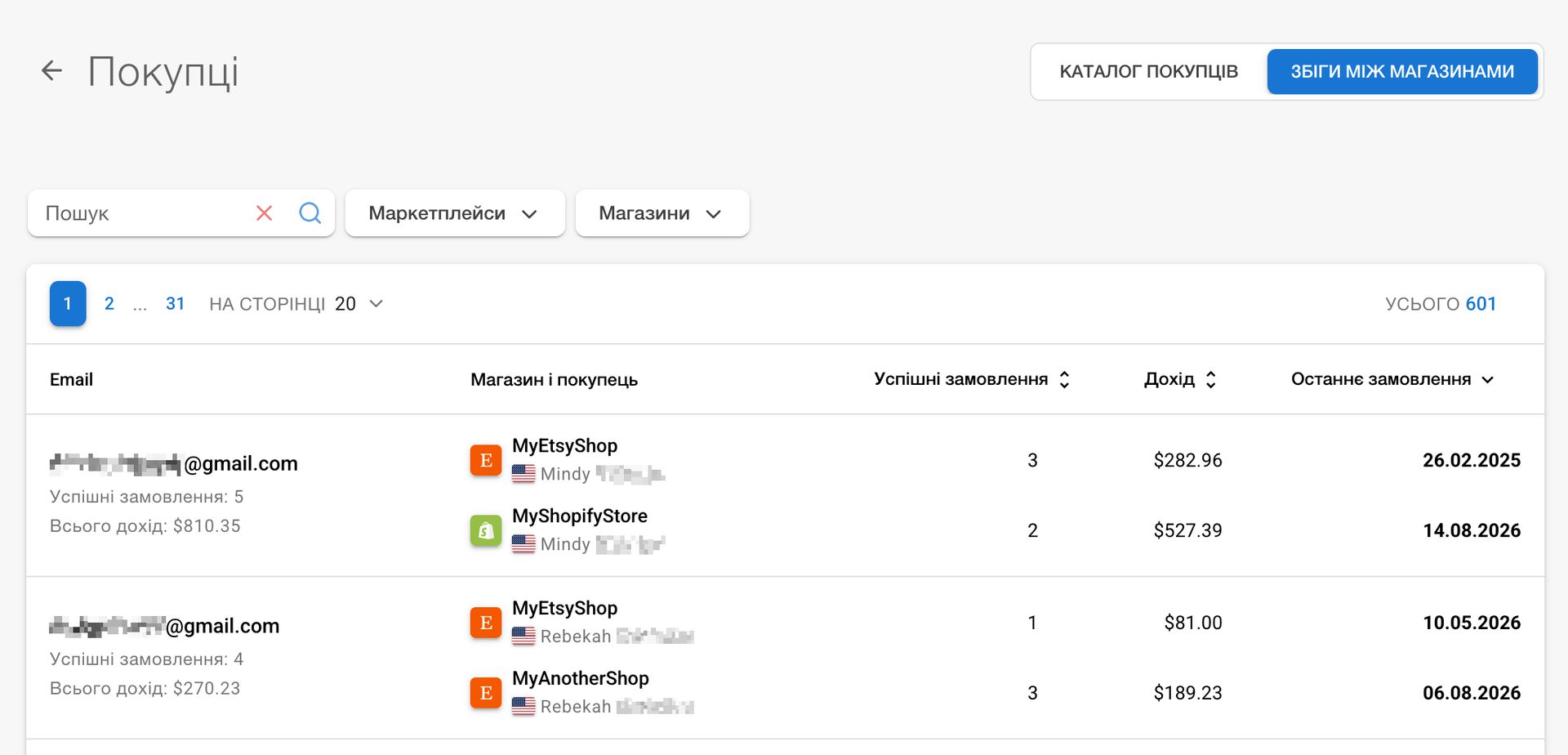
      • On the Cross-shop matches tab, find likely matching customers by email who placed orders in different shops.
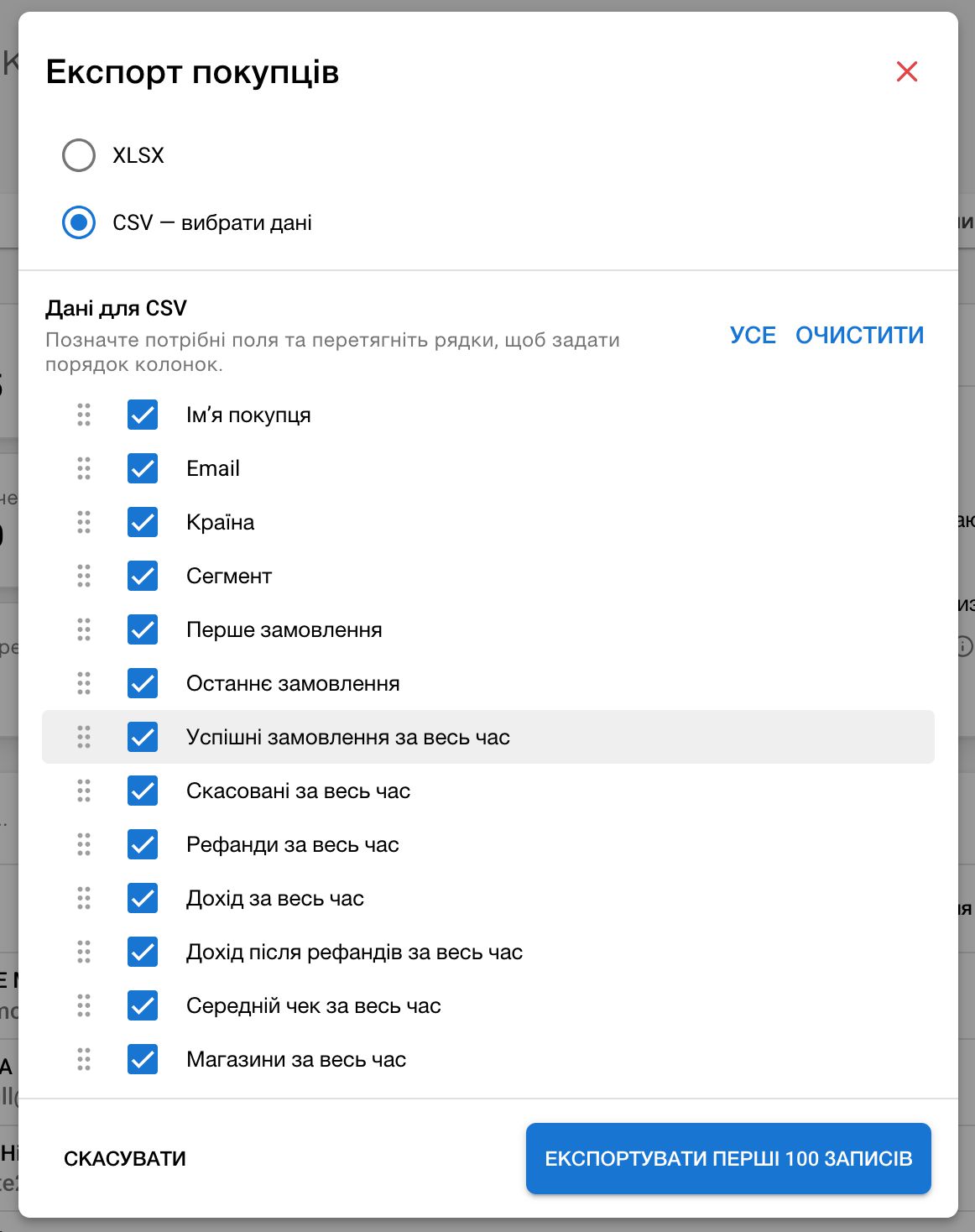
      • Click the successful-orders count to open its list. You can also export the first 100 records to XLSX or a custom CSV by selecting the needed columns and their order.
  10. Creating Ukrposhta Shipment Groups!

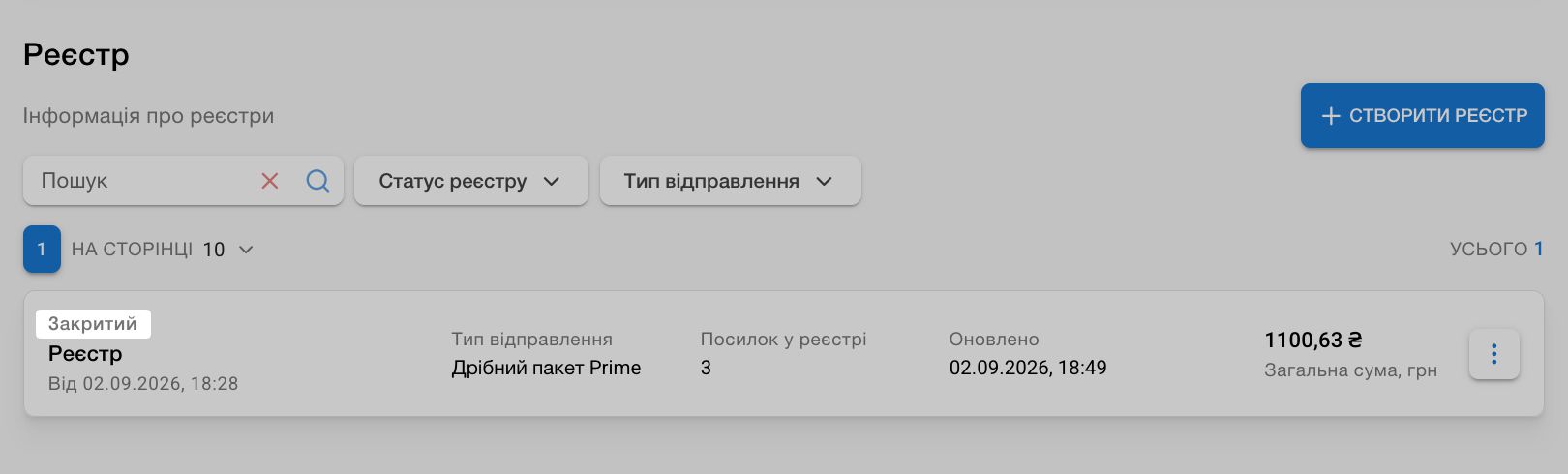
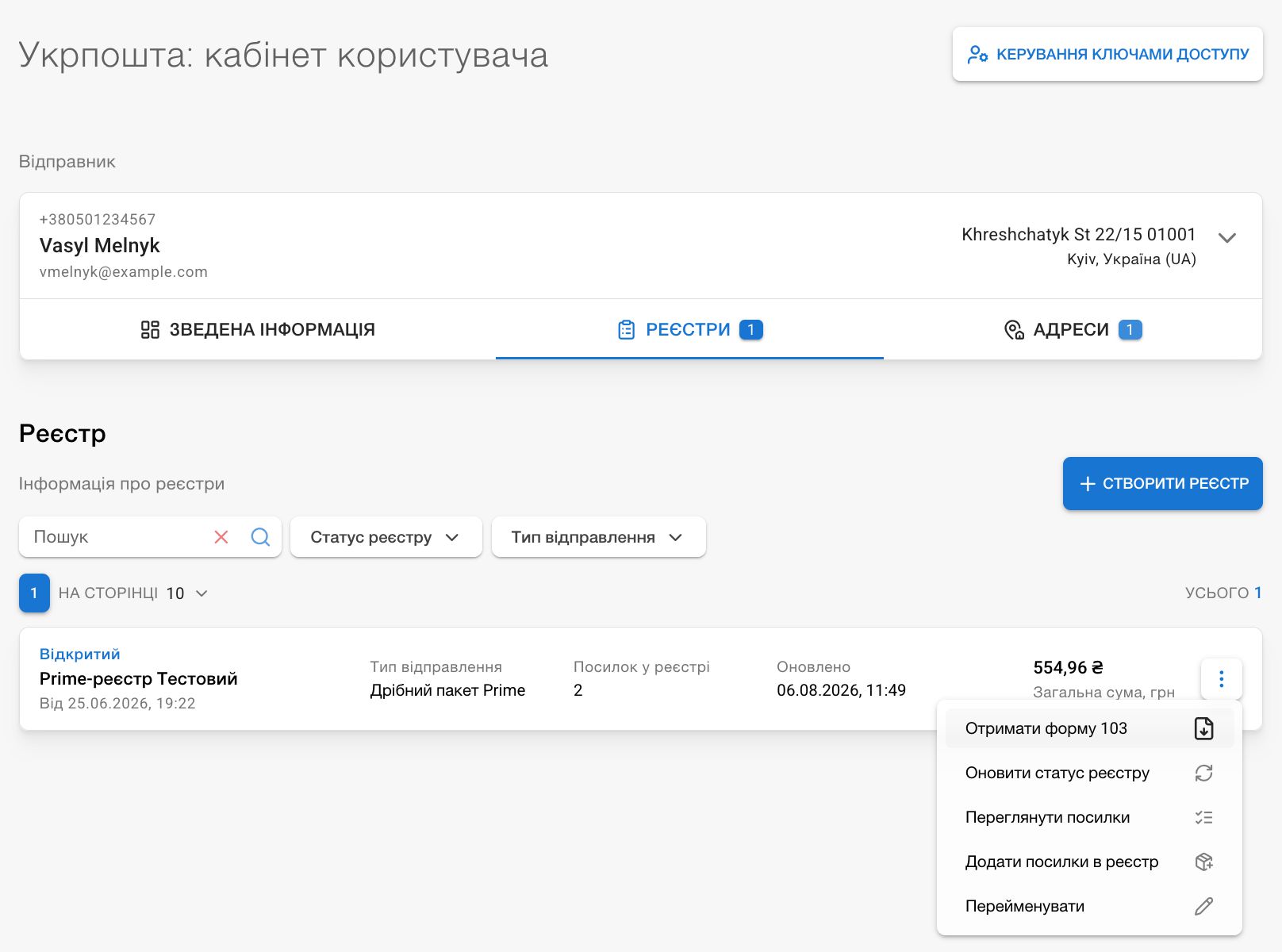
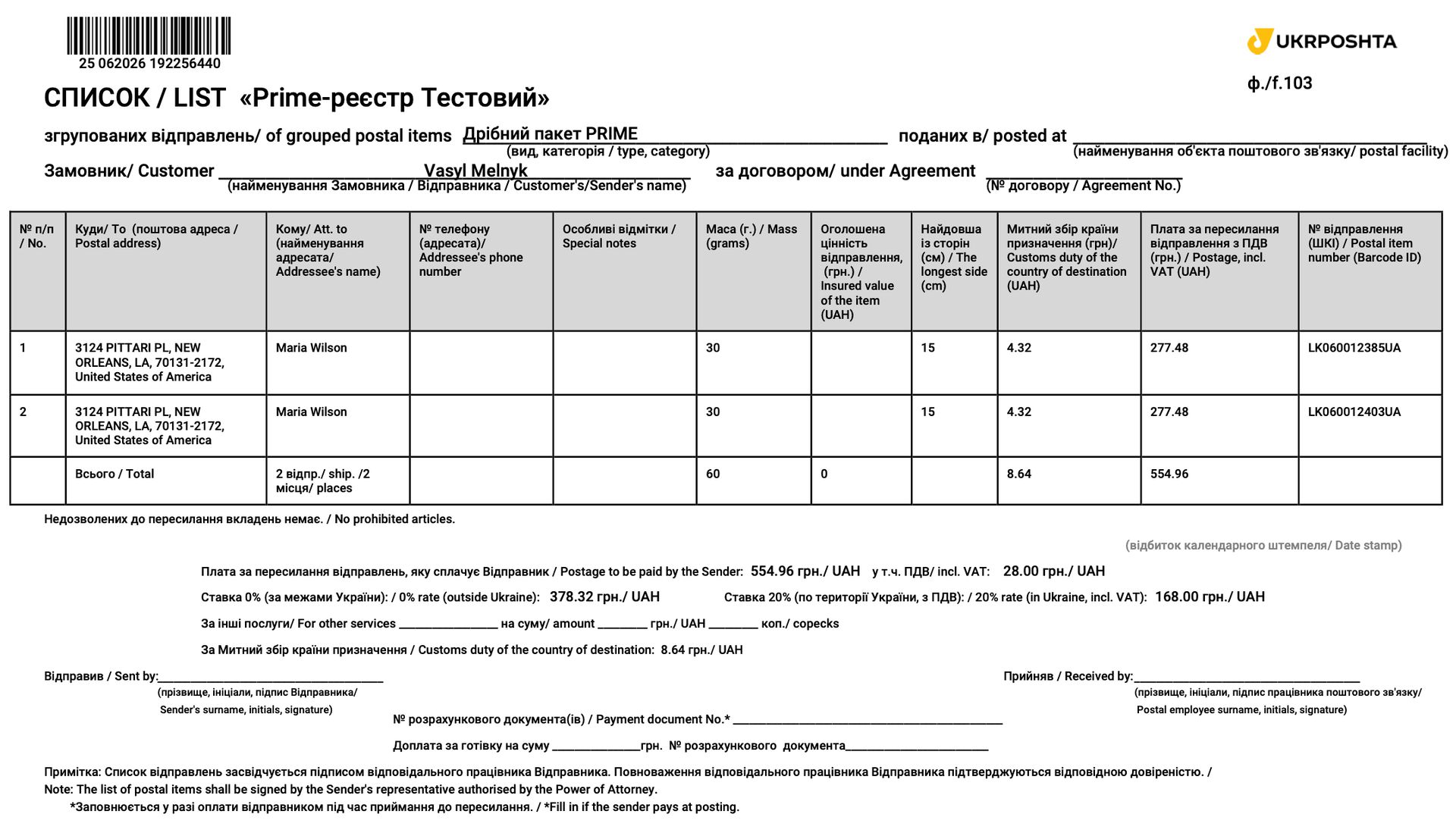
    • A new Registers tab is now available in the Ukrposhta account. You can now group your Ukrposhta shipments into manifests for handing them over at a post office: create a manifest, add or remove parcels directly from the shipment card, view the number of open manifests and parcels in each, and download Form 103.

    • For warehouse shipments to Canada, we restored the option to choose USPS services so you can ship to P.O. box addresses.

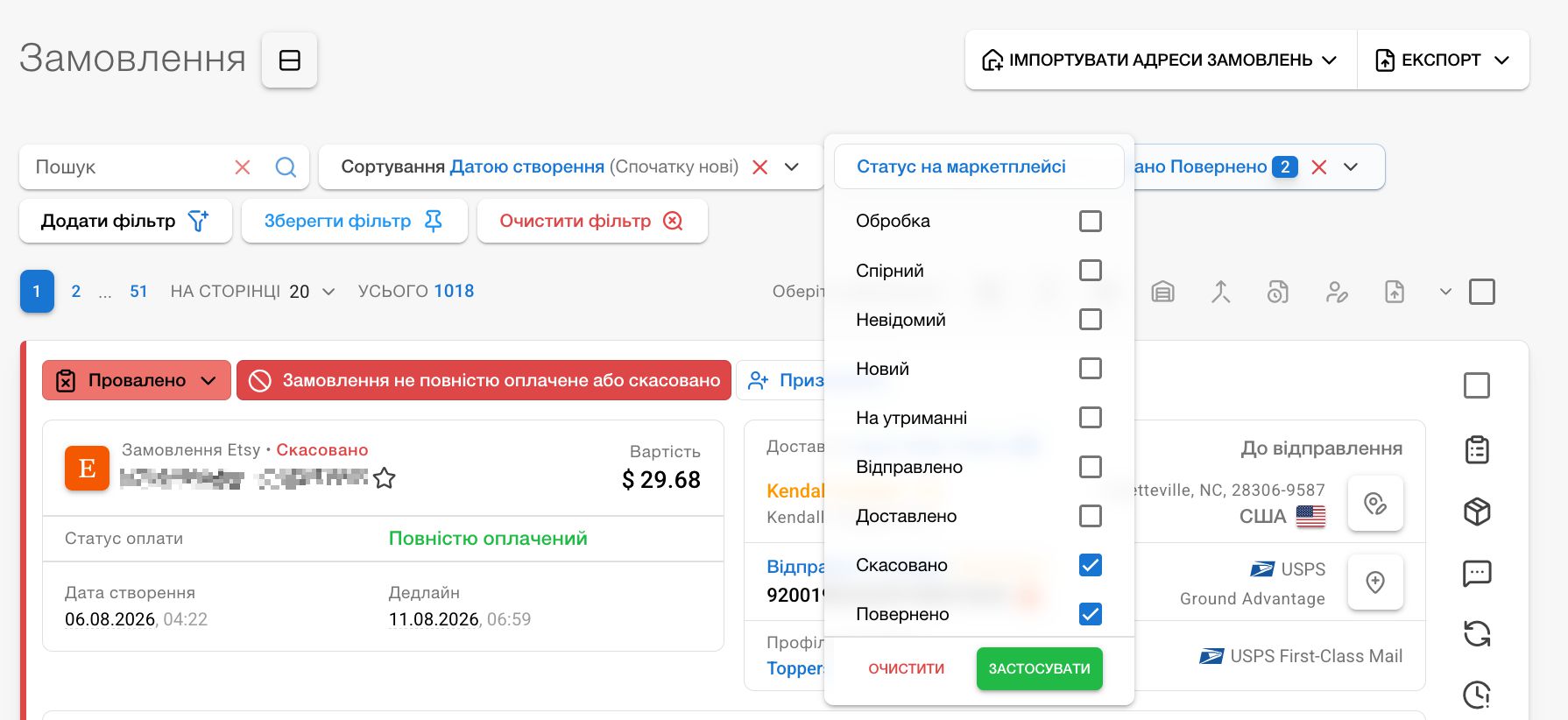
    • We added the ability to select multiple values in order-list status filters:

      • in the standard-status (marketplace) filter;
      • in the custom-status filter (statuses you create yourself);
      • in the payment-status and fulfillment-status filters (both based on marketplace information).

      We also fixed translations for several statuses.

    • Fixed an issue loading news on pages other than the dashboard.

  11. SKU Sales Analysis, News, and New Features

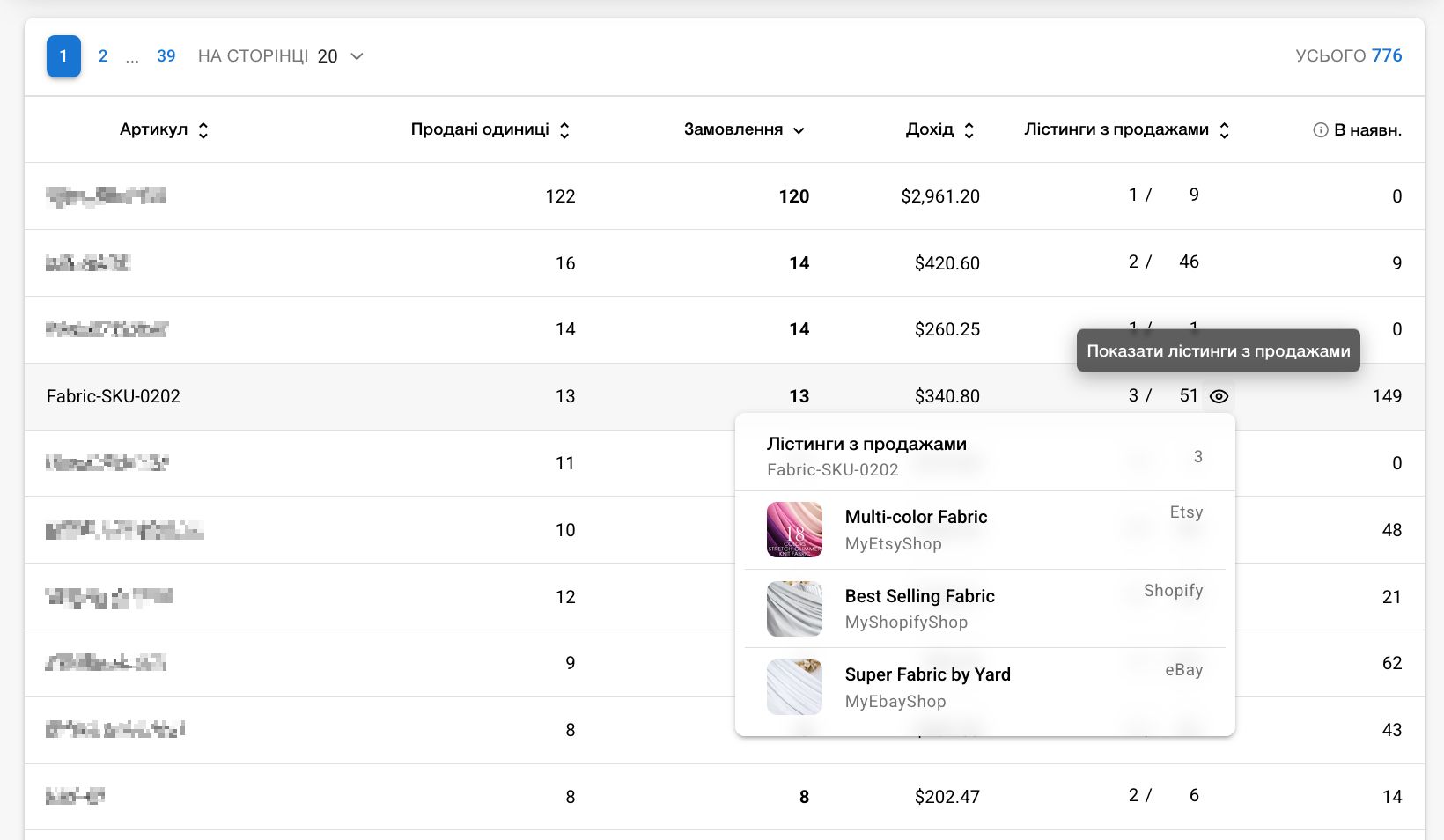
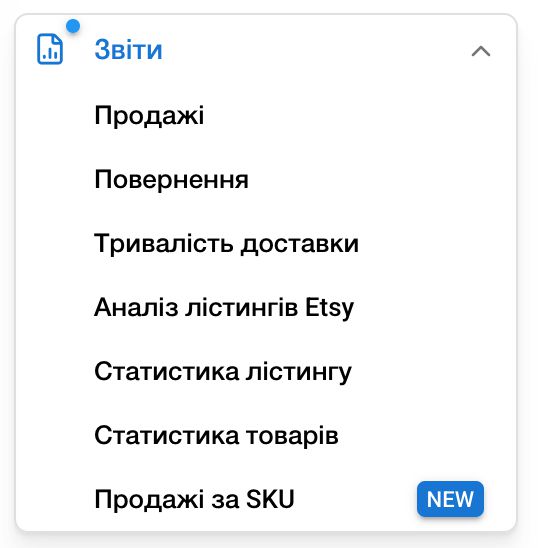
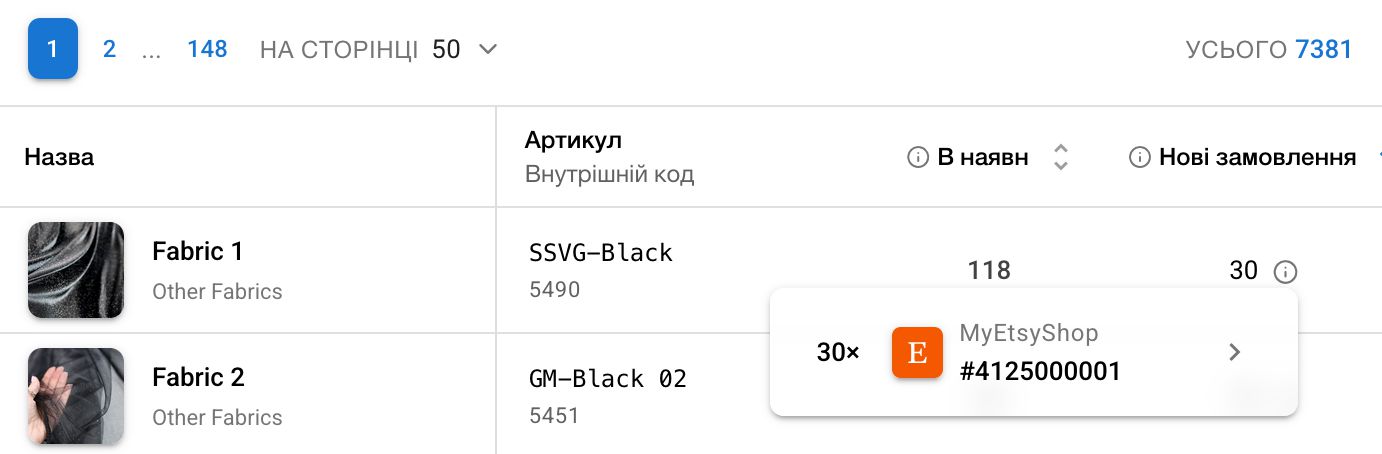
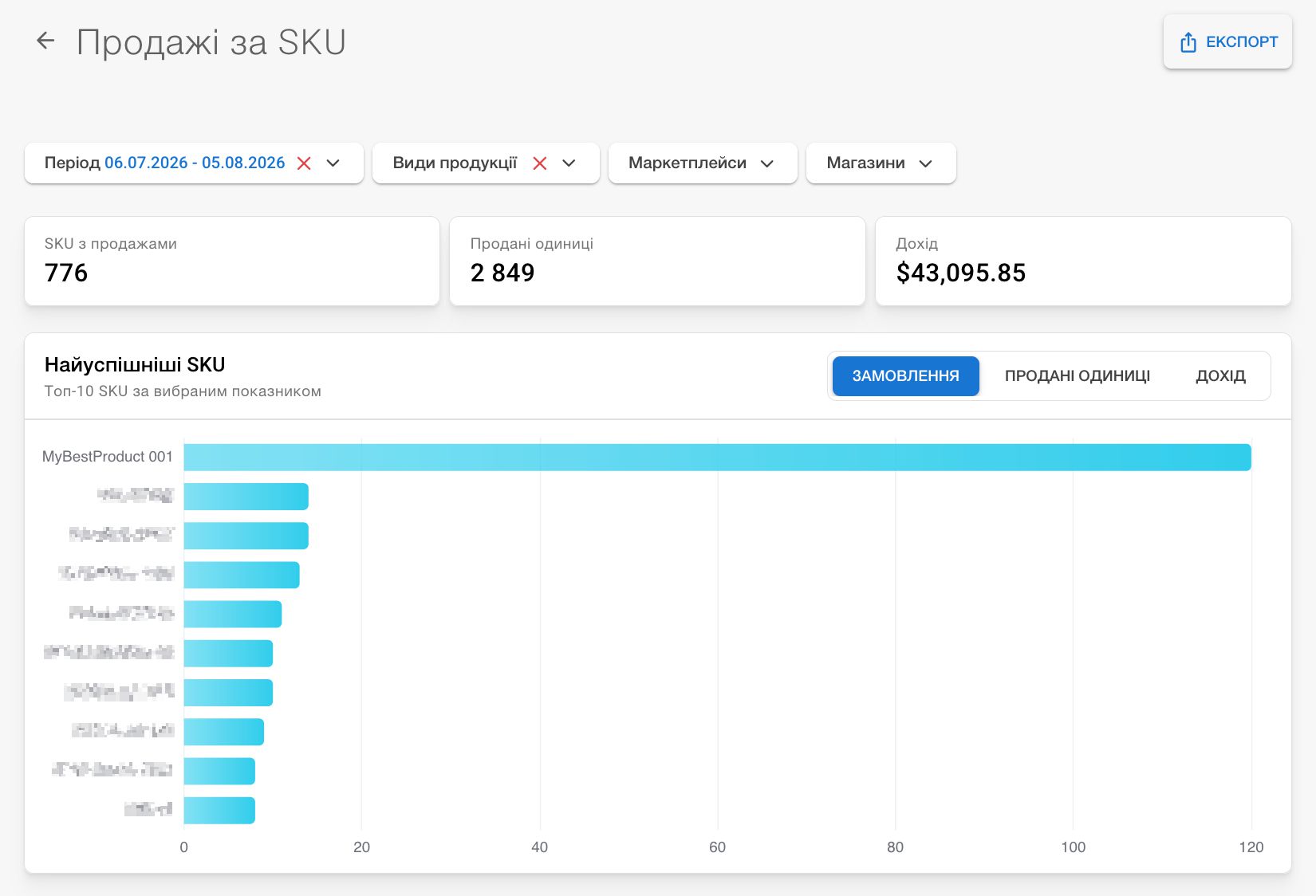
    • A new Sales by SKU report is now available under Reports. Analyze sales in both monetary and quantity terms for every SKU, regardless of how many listings or marketplaces it is currently sold on. Discover your most successful SKUs, the specific listings where they were sold, and the inventory for the corresponding product when it is stored in our warehouse.

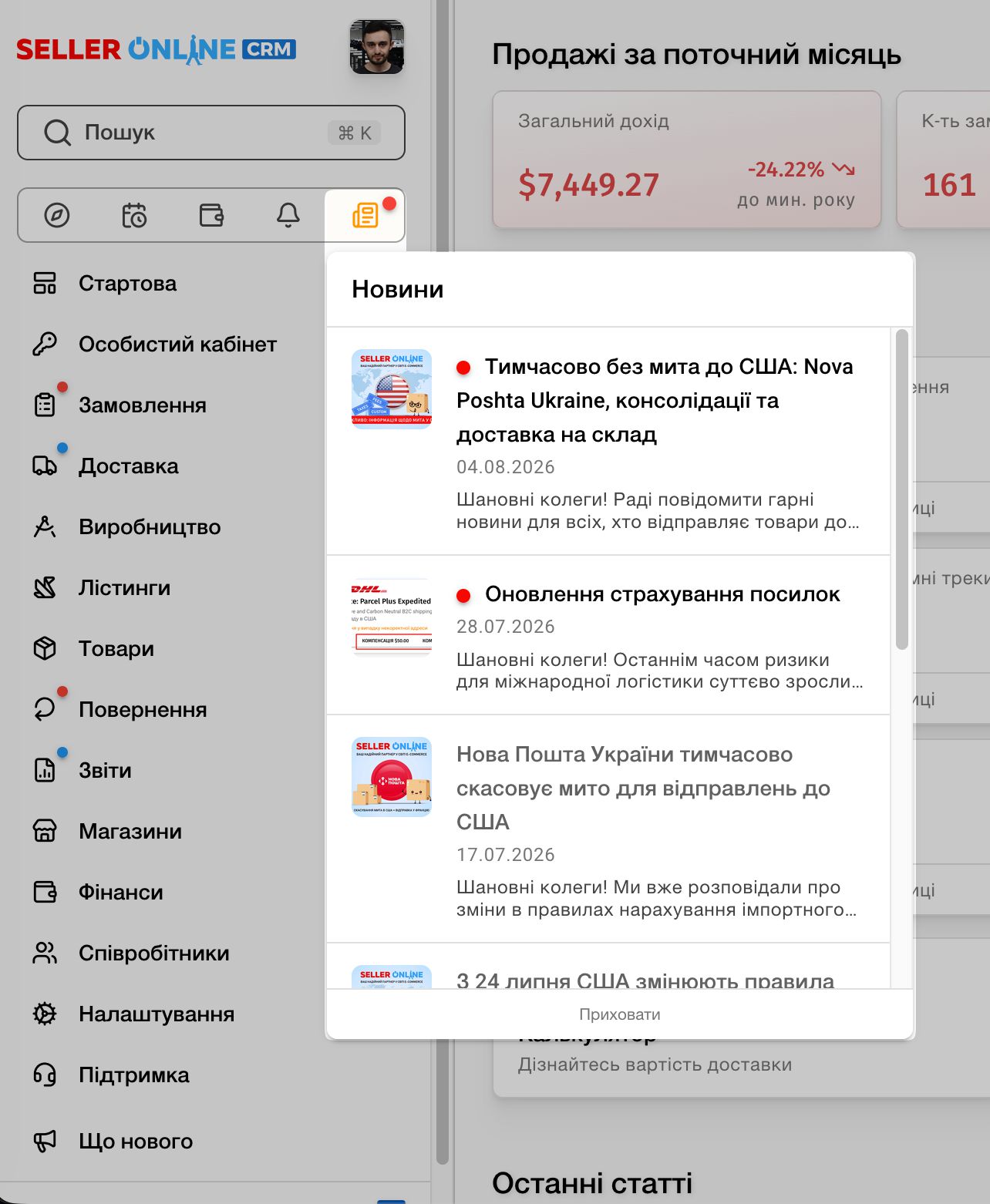
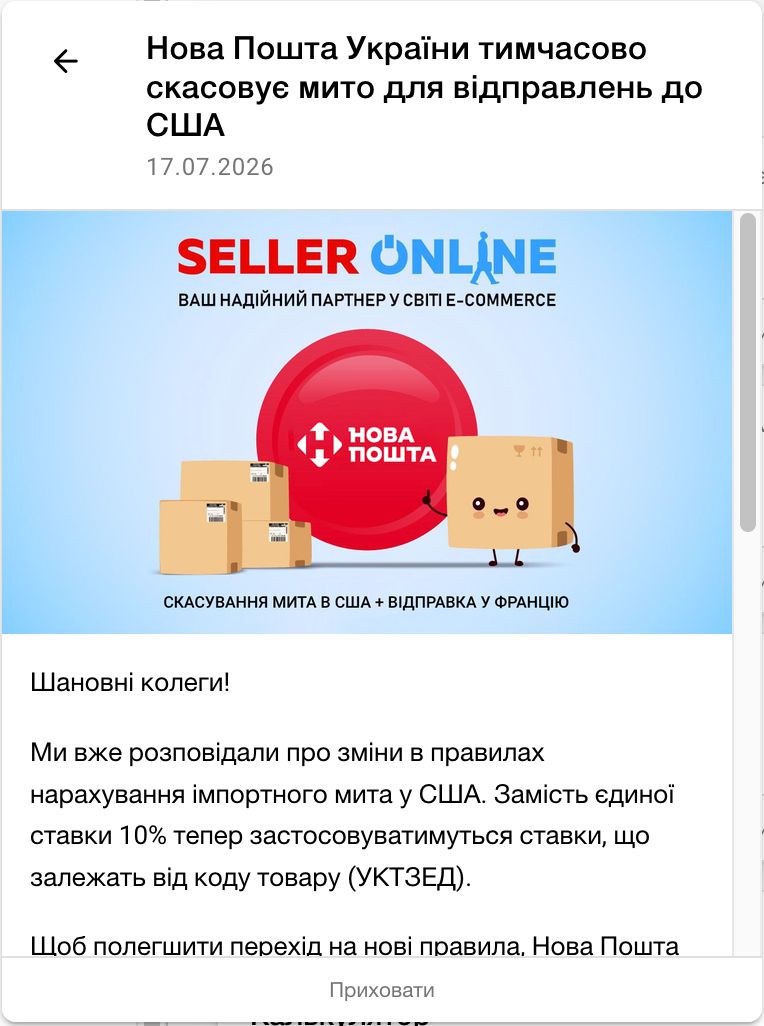
    • We added a news tracker. Now you will always know when we publish important information on our blog, and you can read an article without opening a separate tab (though you can do that too).

    • The main menu now includes indicators for new pages. Do not miss important updates and use the convenient tools we create for you. The blue indicator disappears in the current browser after the first time you open a page marked NEW.

  12. Global Search in CRM

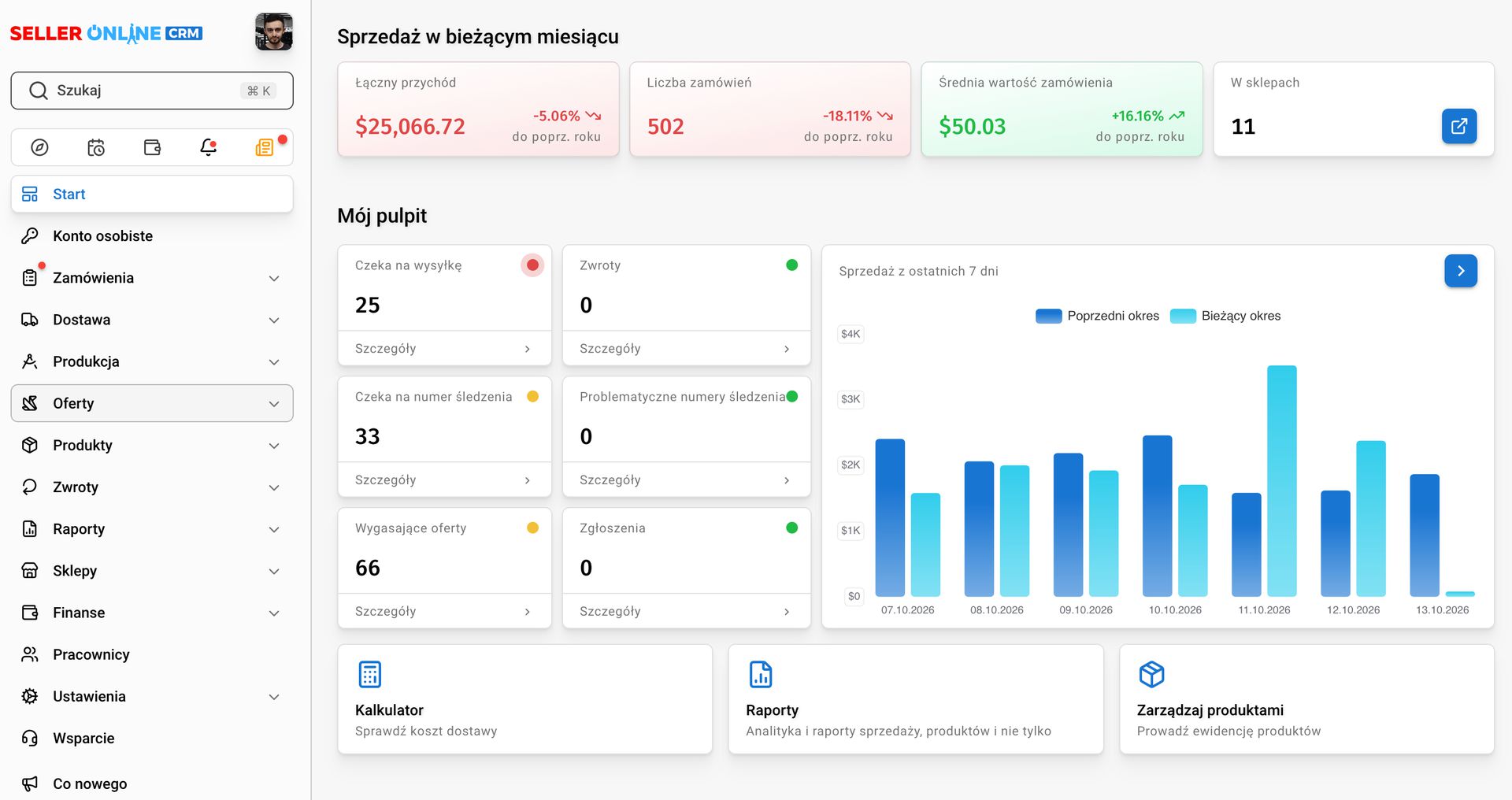
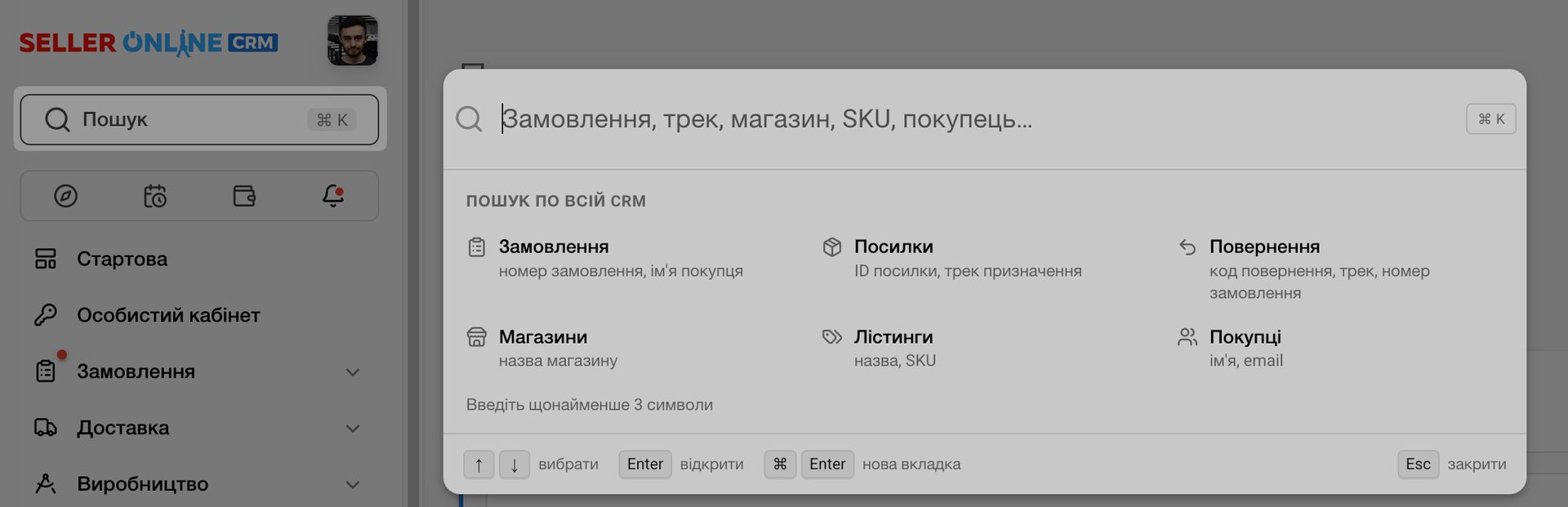
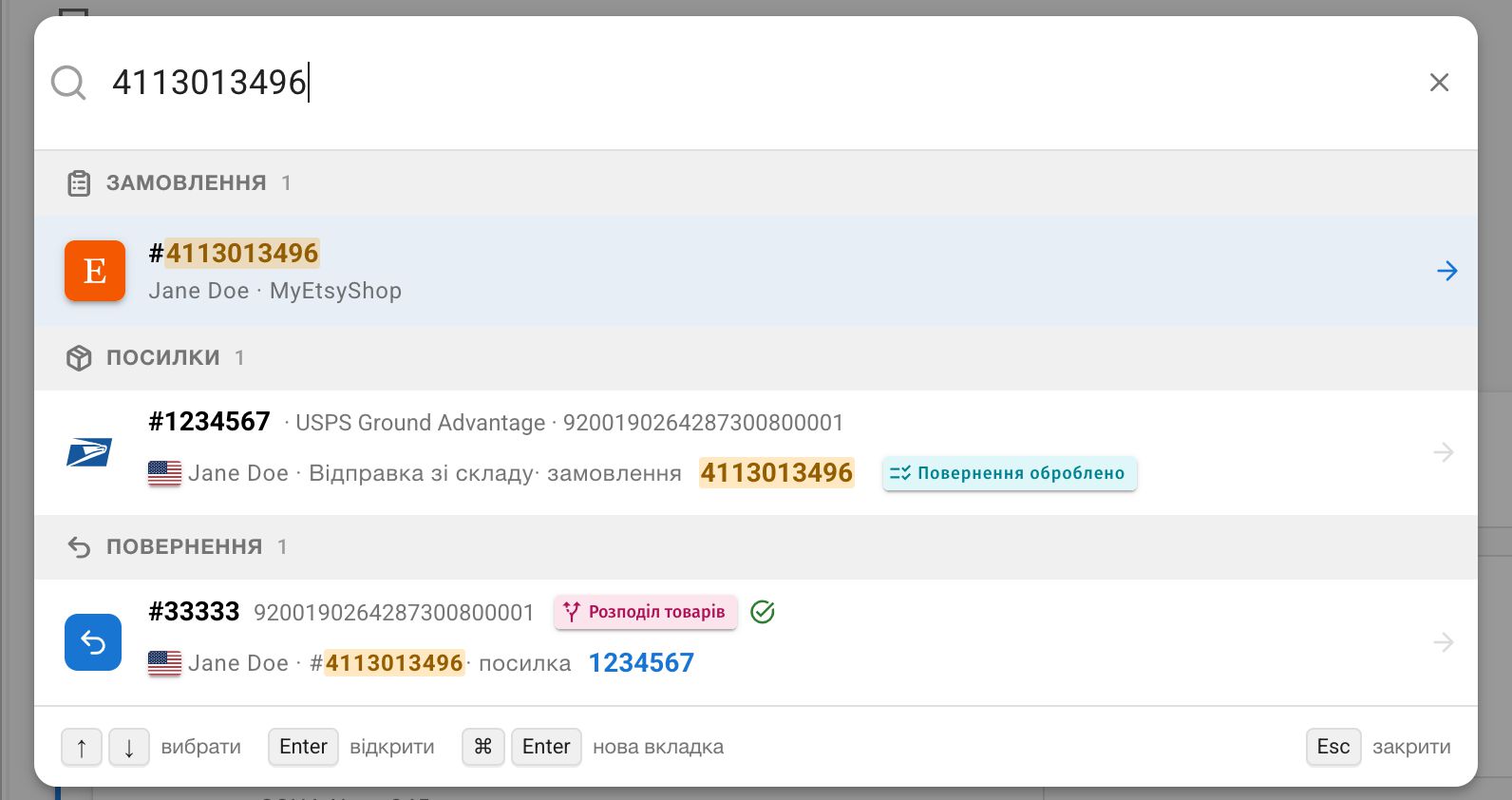
    • Introducing global search in CRM. Search shipments, orders, returns, customers, and listings by a wide range of parameters — from any page. Use the search field in the sidebar above the menu or press Command+K (Mac) / Ctrl+K (Windows, Linux).

    • Added quick access to exporting selected orders in the bulk-actions panel.

  13. 28 lipca 2026

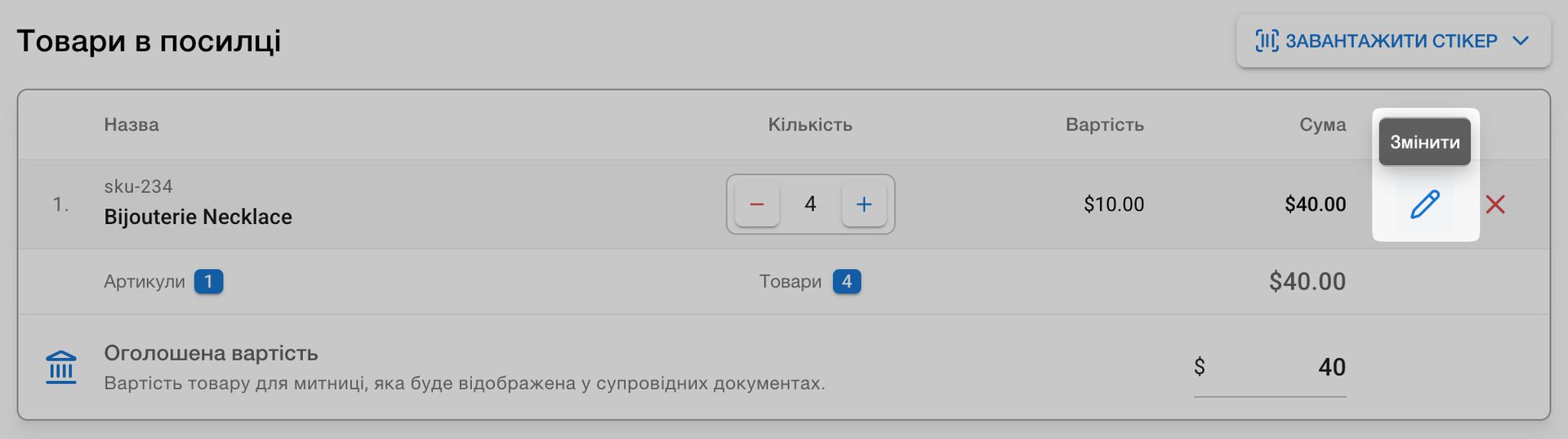
    • Added the ability to quickly edit a product added to a shipment request.

    • Shipments:

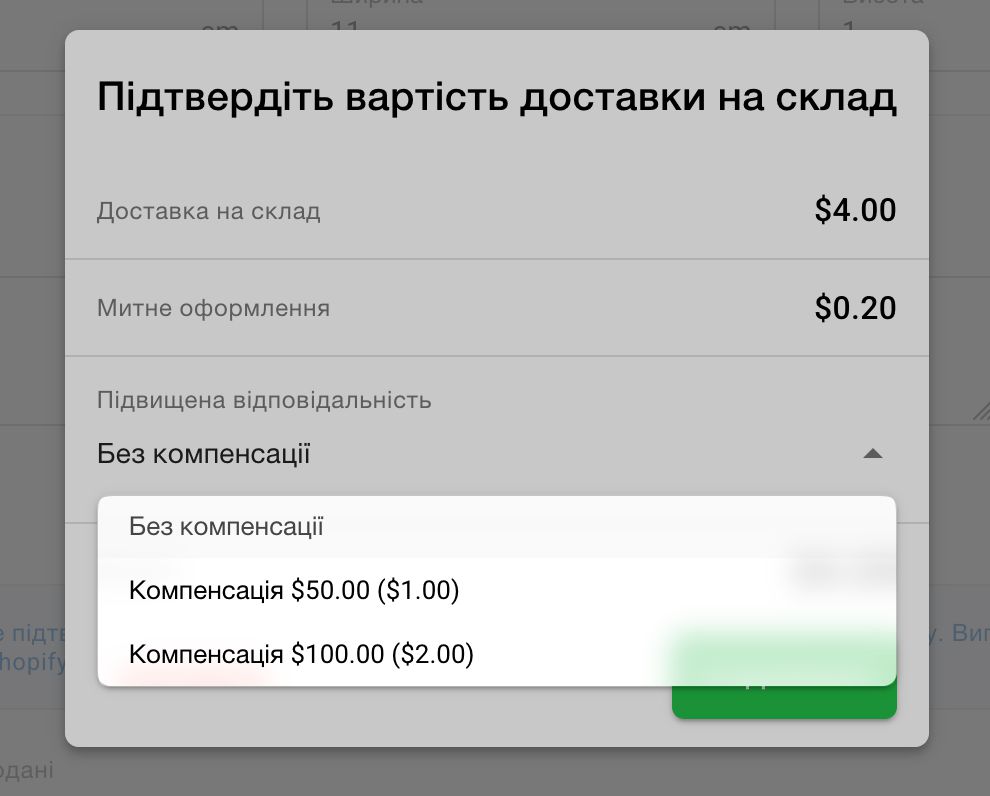
      • Added the option to purchase enhanced liability coverage for shipments to the warehouse.
      • Added the cost of enhanced liability coverage when selecting rates.
      • Fixed the order of rates when selecting a self-shipment cost.
    • Orders:

      • Added seller comments to orders for all marketplaces except Etsy.
      • Fixed the display of payments, comments, and personalization details on the order-details page.
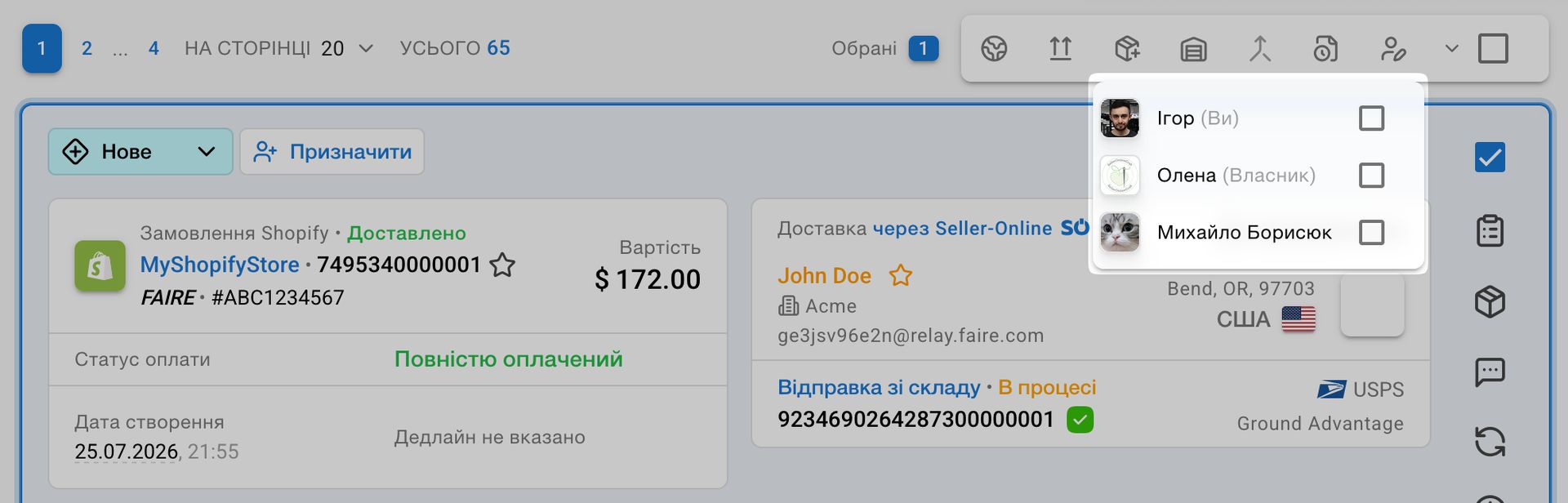
    • Improved assignee selection when bulk-assigning from the orders list; added labels for the account owner and current user.

    • Improved the loading speed of several pages, localization, and PDF order exports.

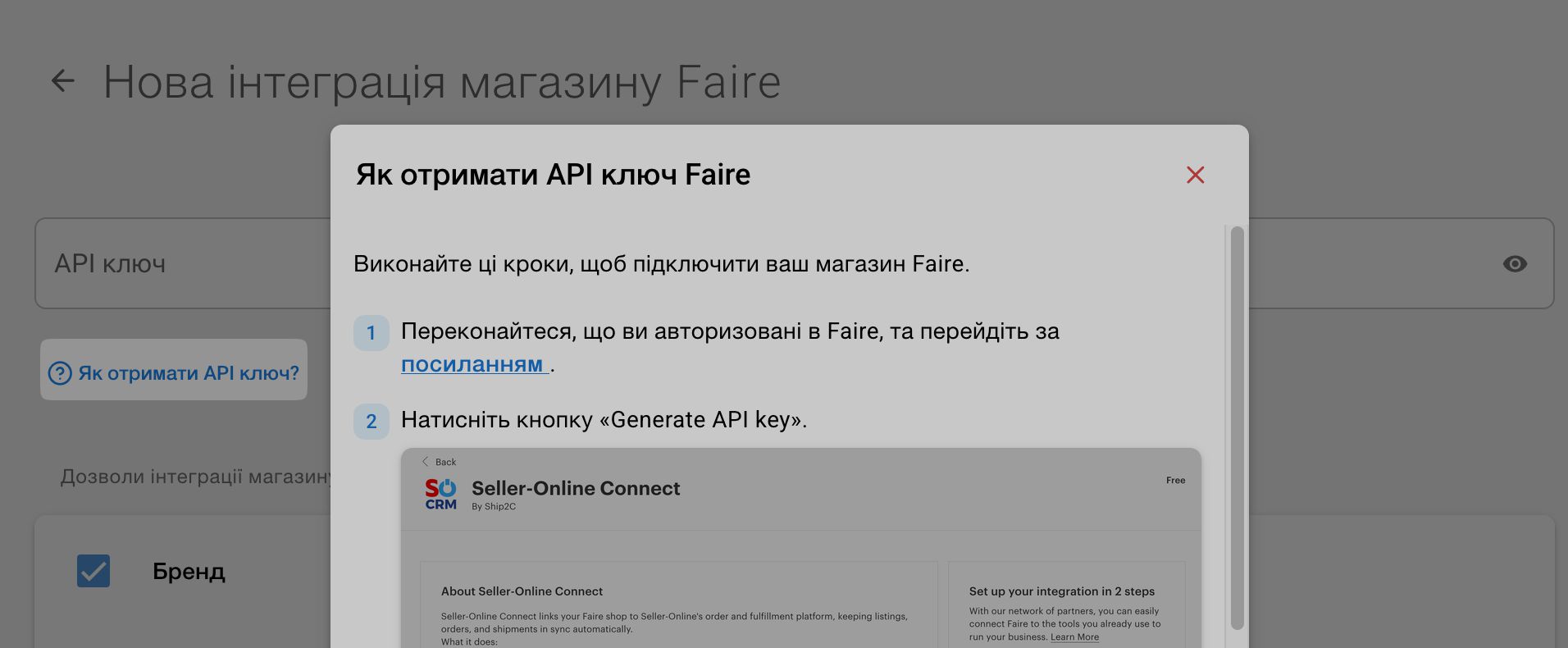
    • Added instructions for obtaining an API key for the Faire integration.

  14. 23 lipca 2026

    • Added product-description length validation for Ukrposhta shipments.

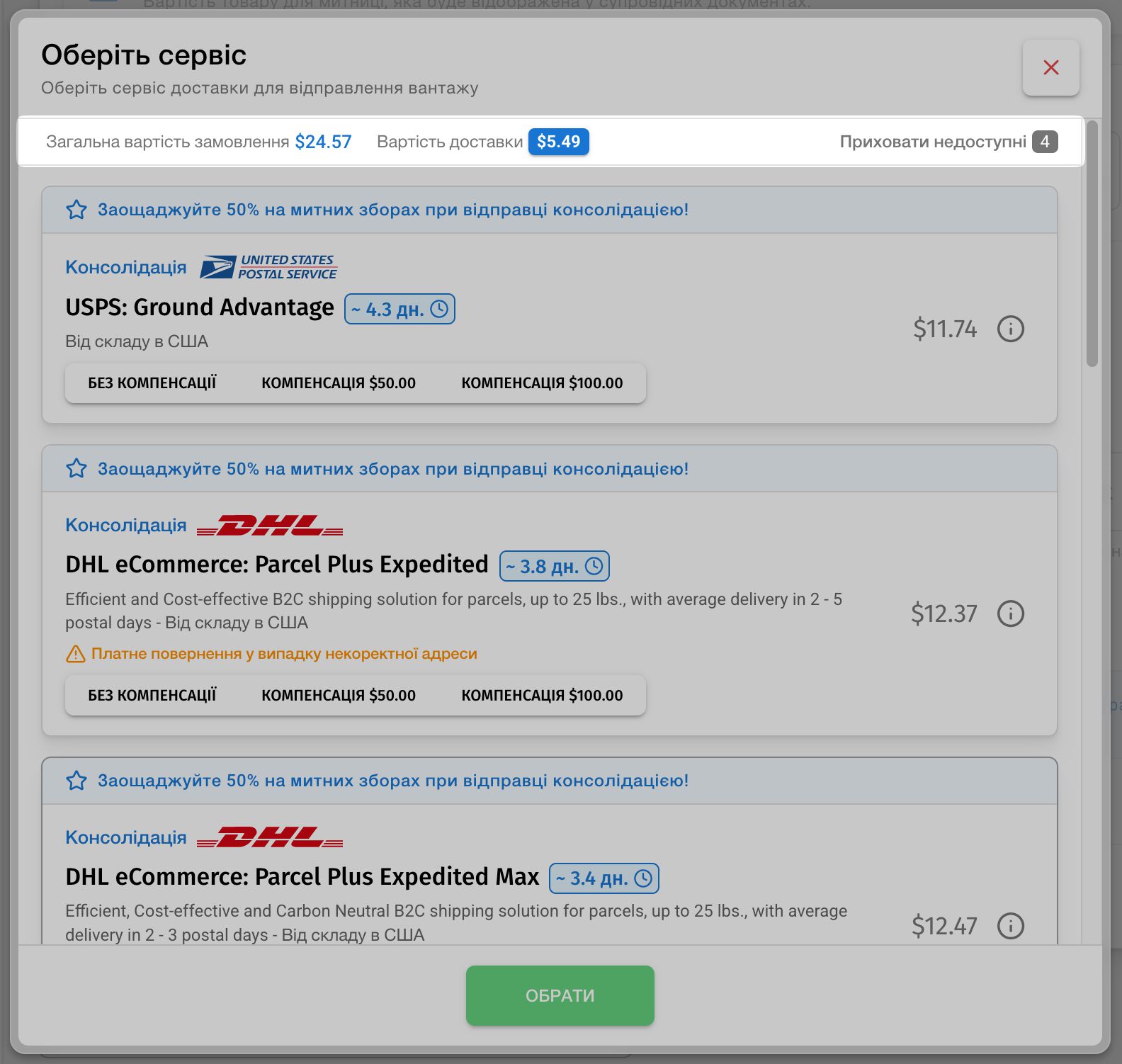
    • Improved the display of order and shipping costs when selecting rates, and added the option to hide unavailable rates.

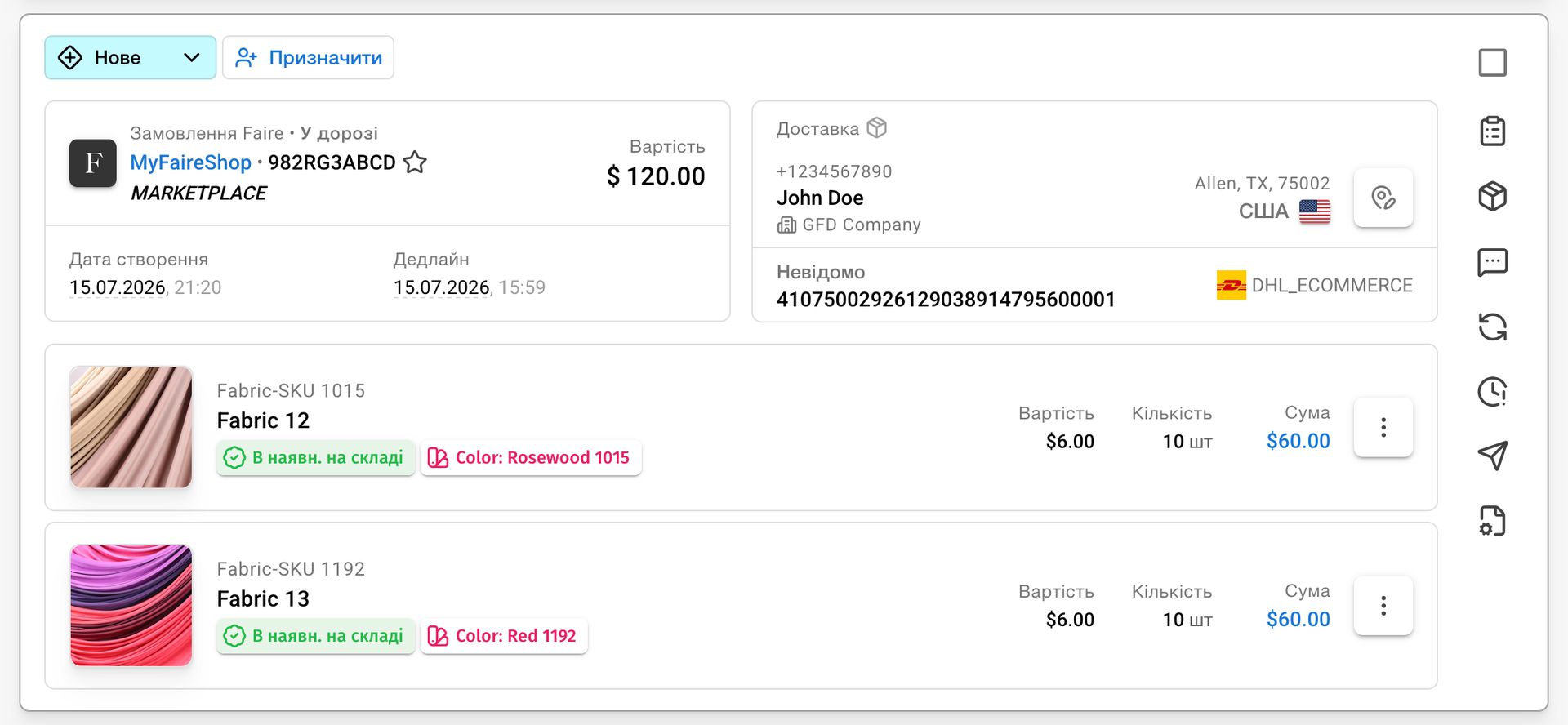
    • Faire orders now display the marketplace-formatted order number.

    • Fixed price filters in the orders list.

  15. 20 lipca 2026

    • Added integration with the Faire marketplace.

    • Fixed handling of saved time zones, including correct daylight-saving time adjustments.

    • Added sales-count recalculation from CRM data for shops that do not provide this information through their API integration.

    • Fixed the initial import of shop data after a new integration is added.

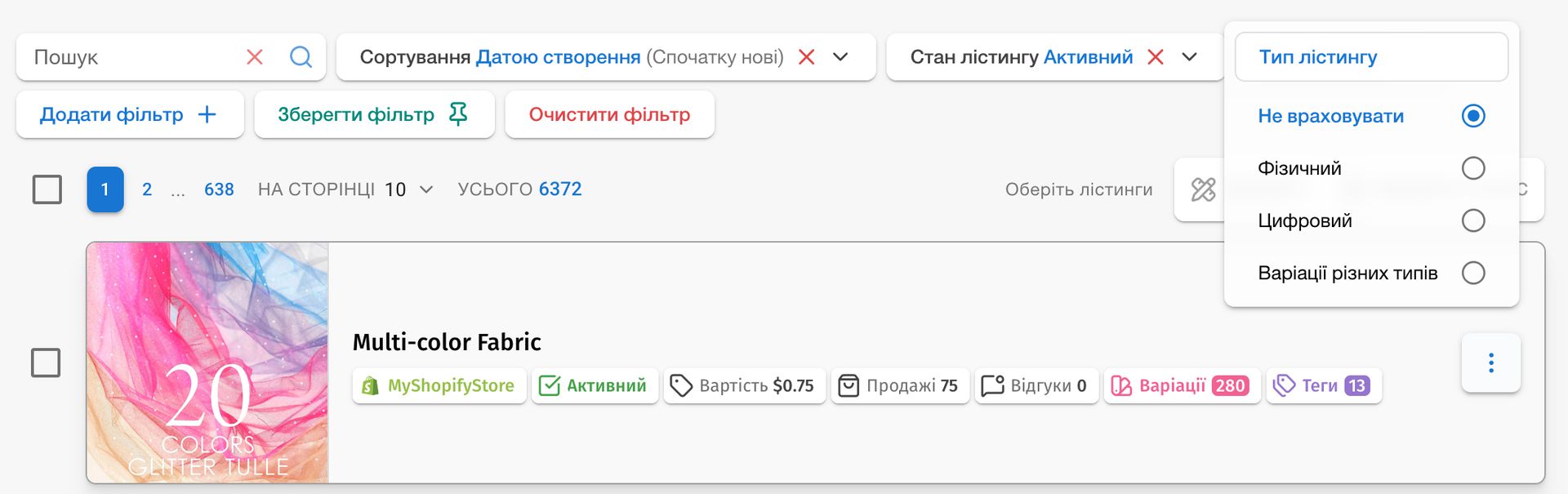
    • Added a listing-type filter to the listings list: choose physical, digital, or listings with active variations of both types, for example on Shopify.

    • Added a label for digital variations to the listing-variations list.

  16. 16 lipca 2026

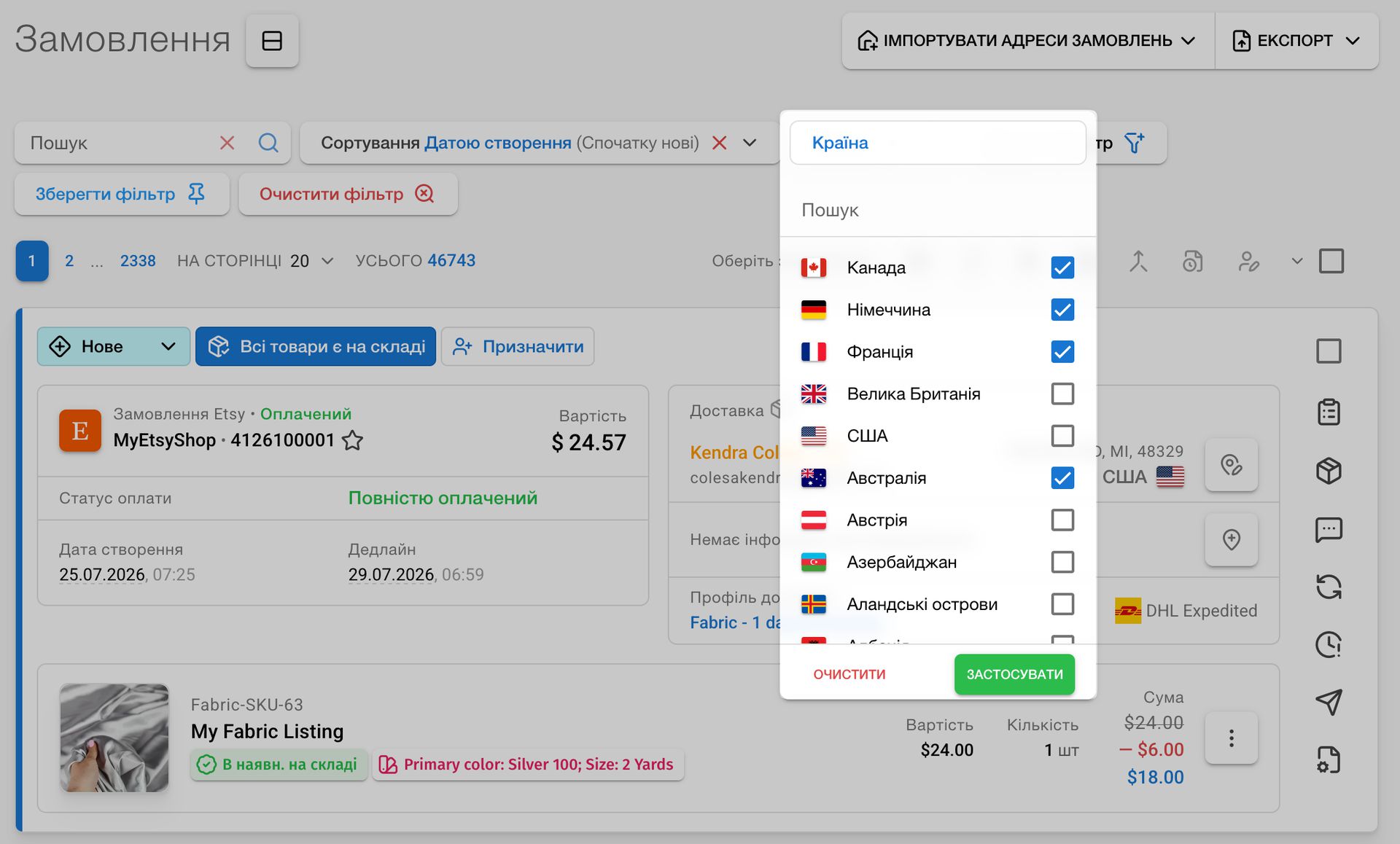
    • Made multi-option order filters more convenient: selections can now be edited before they are confirmed.

    • Improved the creation of Ukrposhta EMS parcels to European countries for self-shipment.

  17. 15 lipca 2026

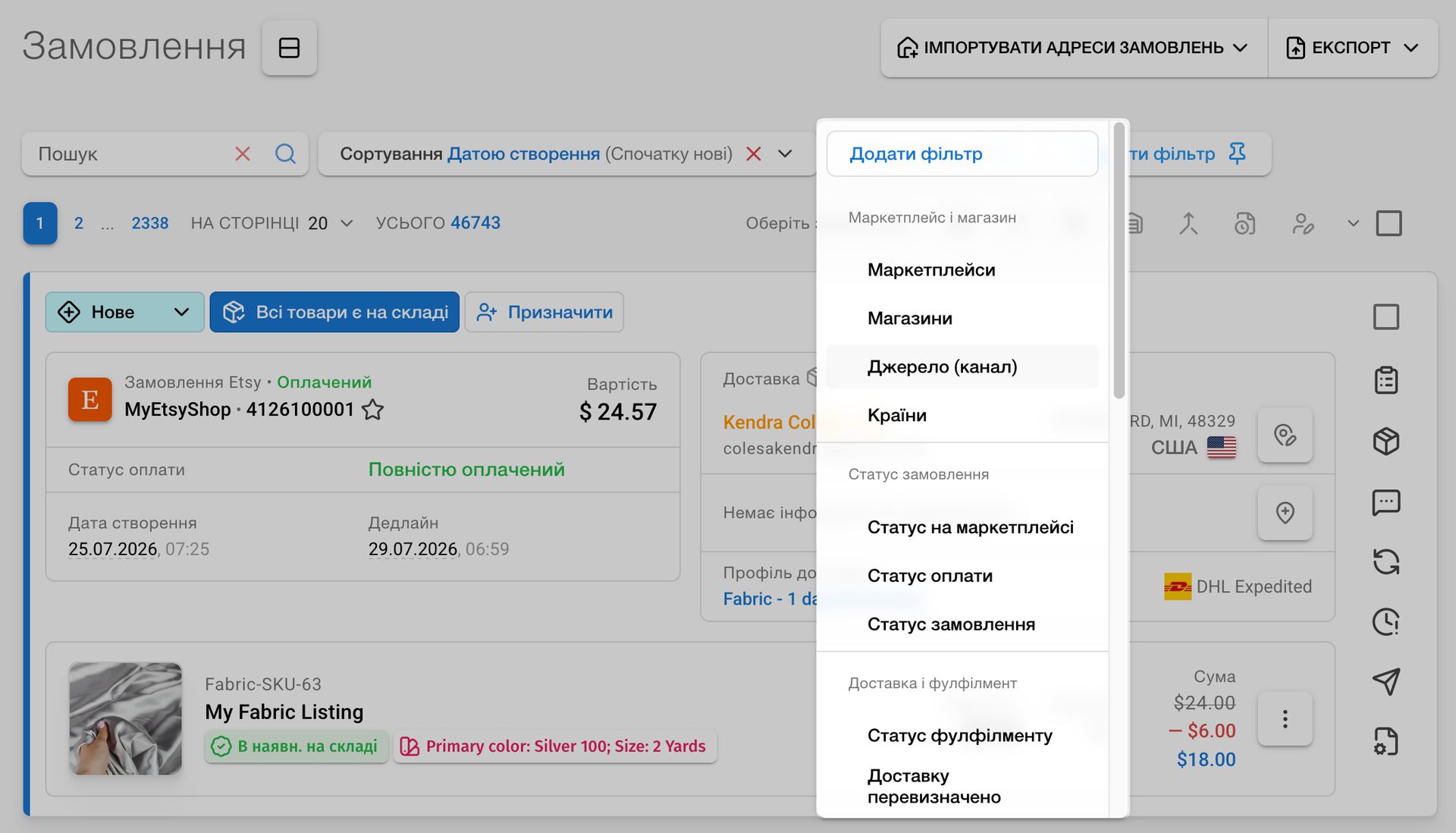
    • Added filter grouping to the orders list. Also, new order filters added:

      • Shipping overridden: find orders whose shipping requirement was changed manually.
      • Source (channel): choose the channel an order came from. Options are set individually for each customer; relevant for Shopify.
    • Orders containing kits are now marked ready for warehouse shipment when stock is available.

    • Fixed the digital-products filter in orders.

    • Orders manually marked as not requiring shipment are no longer included in the “New orders” product report.

    • Fixed the button for creating a shipment in order details.

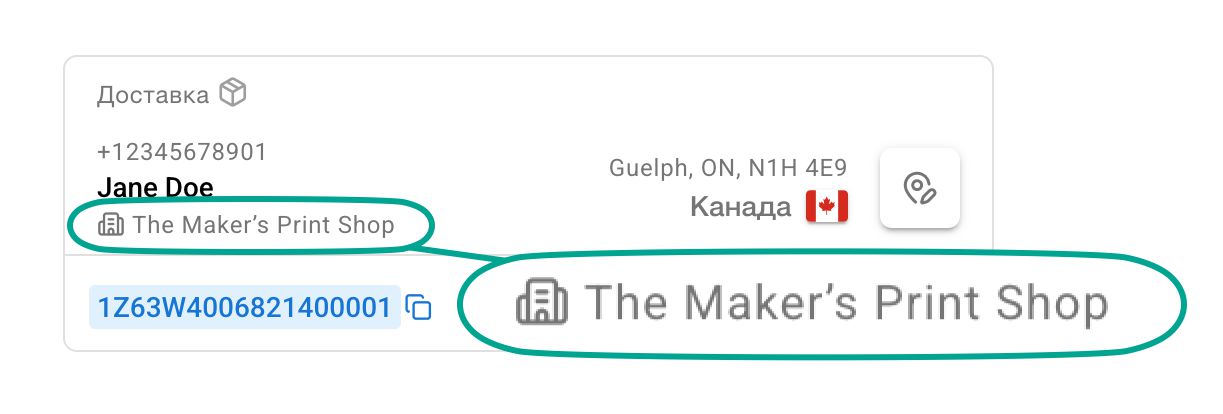
    • The company name is now shown in the order list and order details when it was provided during checkout.

    • Product list:

      • Added a setting to show a three-month sales column.
      • Three-month sales are now included in the product-list export by default.
    • Expanded product statistics:

      • Added the ability to view parcels in which a product is being sent to the warehouse.
      • Added the ability to view orders for which the product needs to be shipped.