
Nowe
Manual stores, listings, and orders
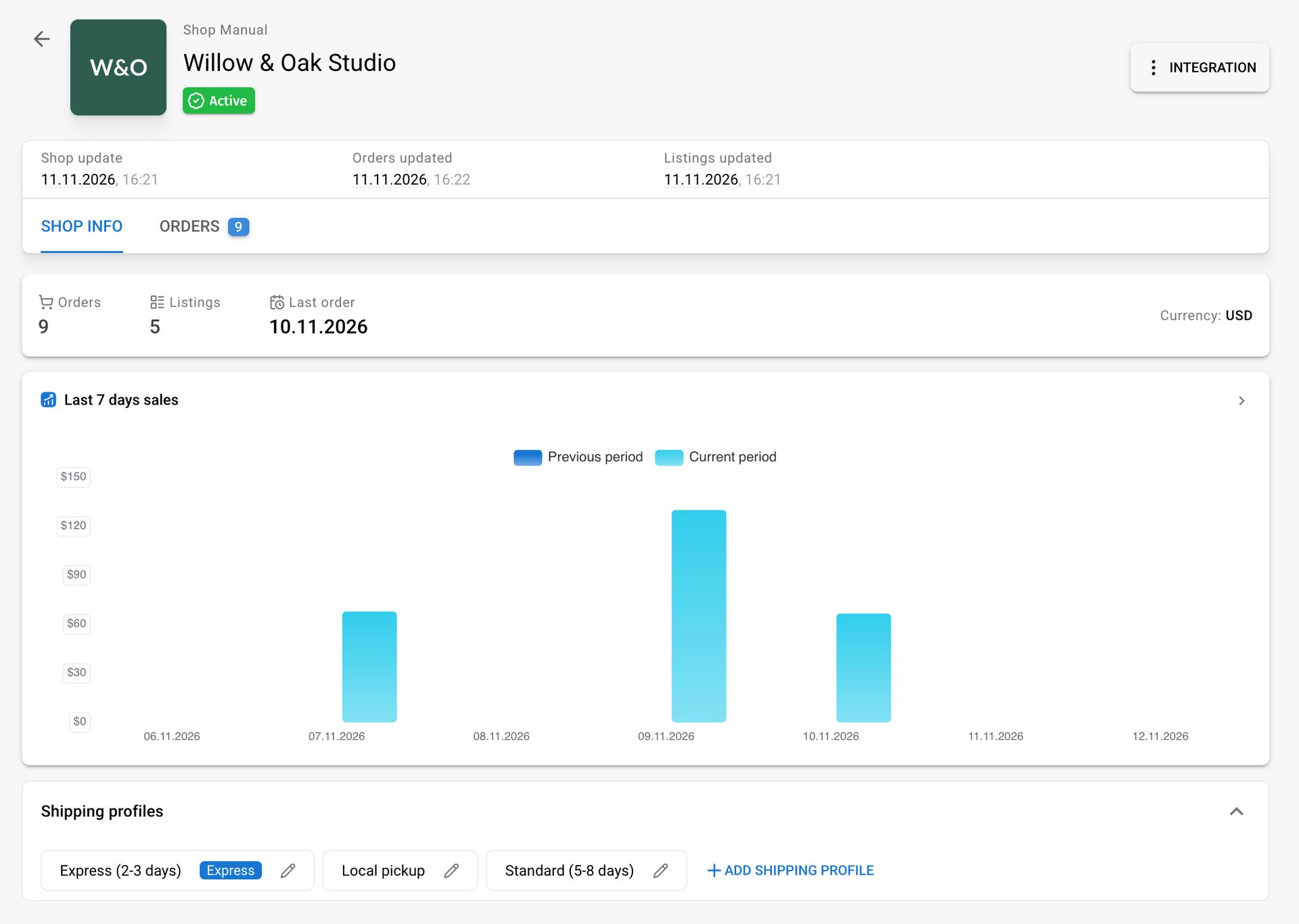
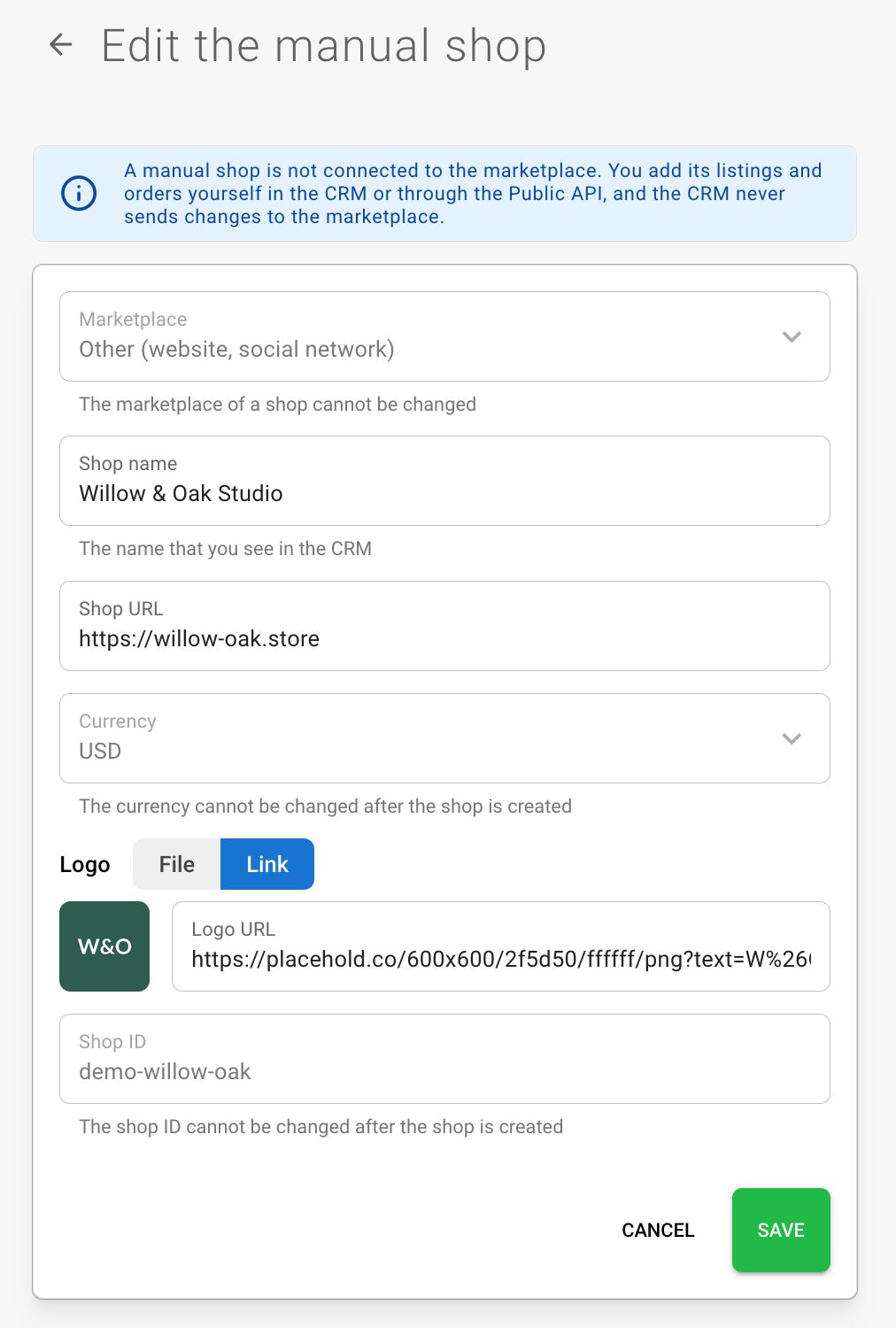
You can now manage sales in CRM that do not come through marketplace integrations: your own website, social media, offline sales, or wholesale deals. Create a manual store on the Integrations page with a name, ID, logo, and currency. It will appear alongside other stores in the store list with a “Manual” label. A manual store can be deactivated and activated again, just like a regular store.
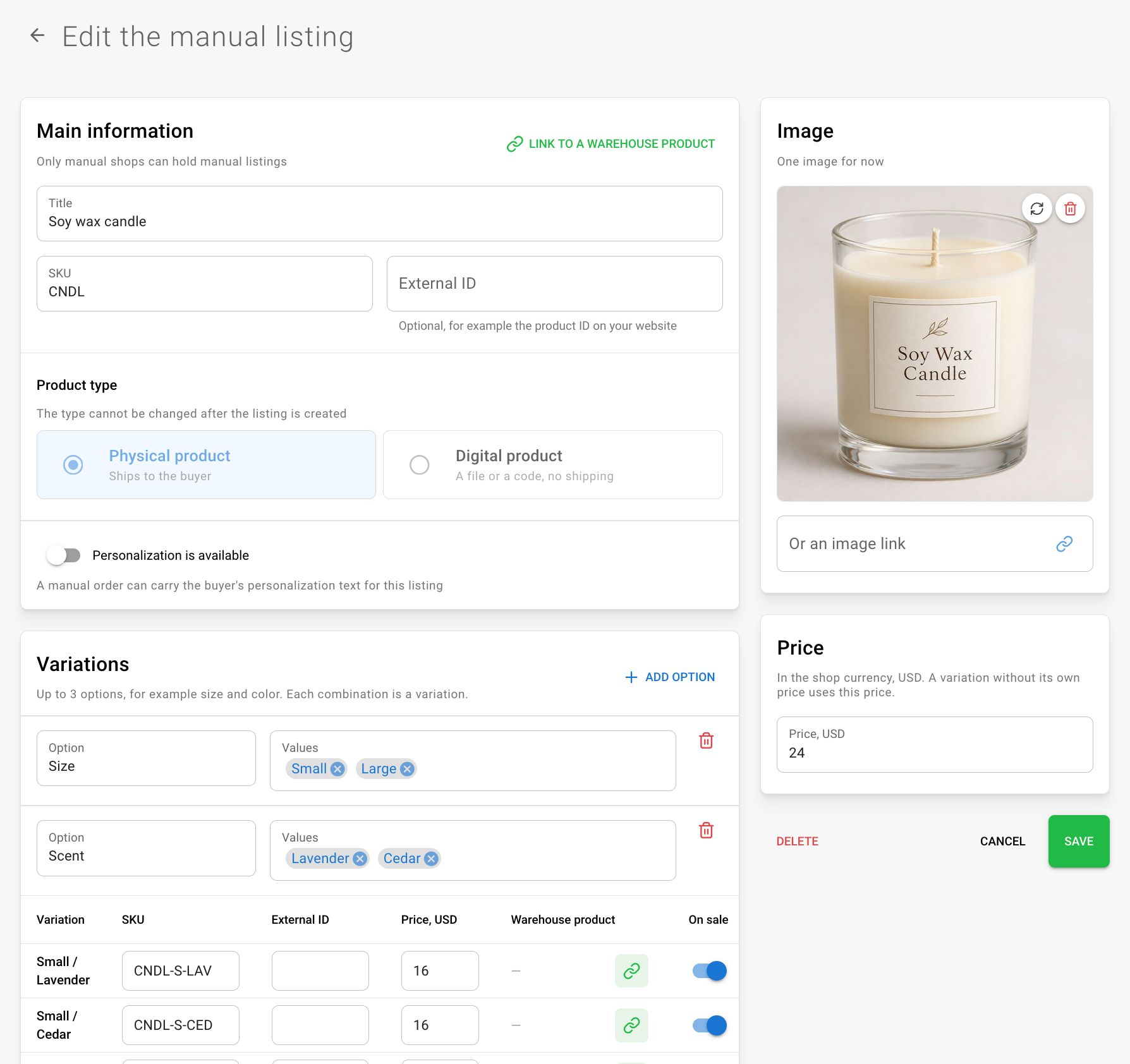
Manual listings: create listings directly in CRM. Up to 3 variation options and 250 variations are supported; each variation can have an SKU, a price in the store currency, and availability. You can upload photos, mark a listing as digital or personalized, and link it to a warehouse product.
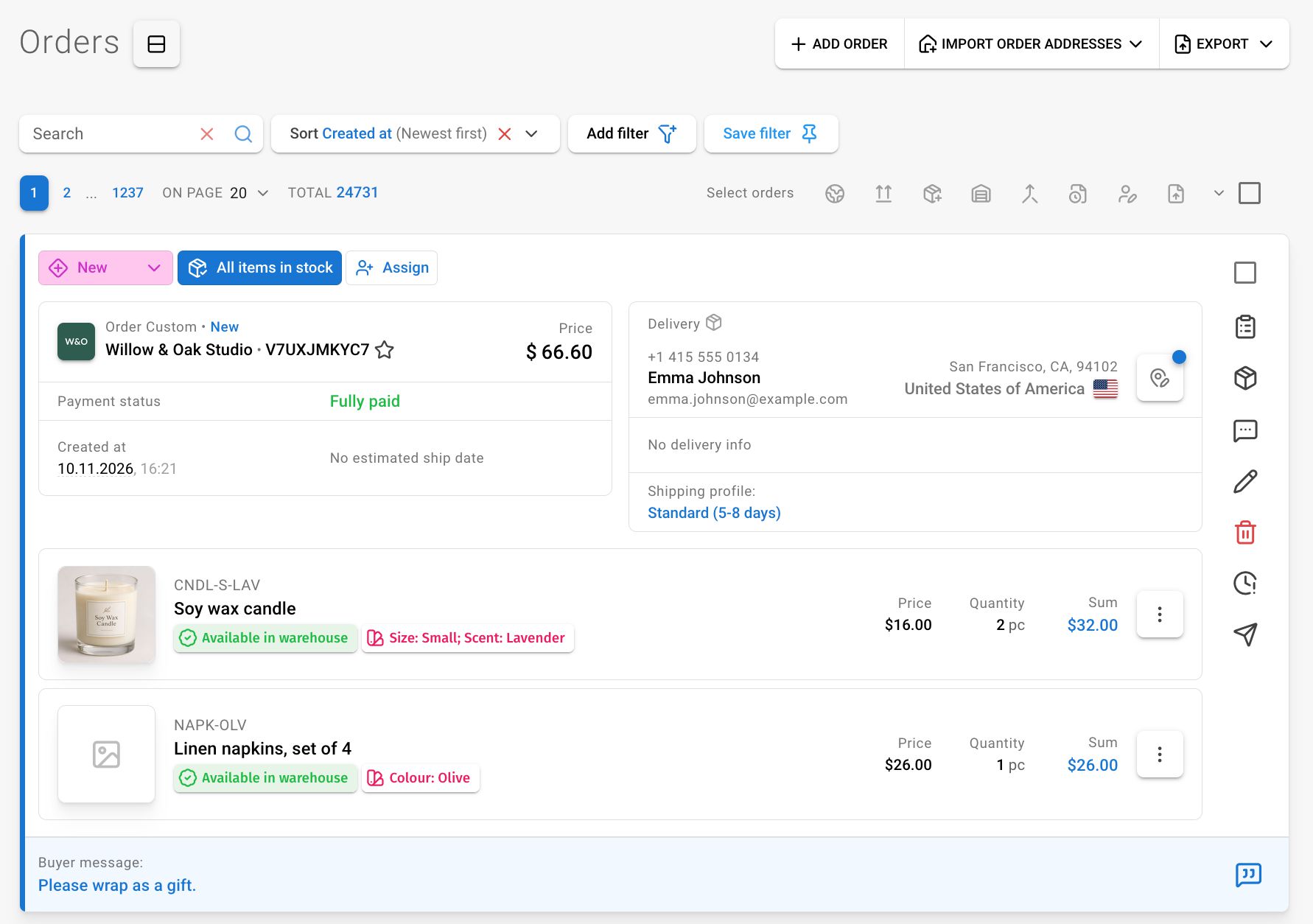
Manual orders: create a new order from the Create order menu in the order list.
- Items: choose from your listings (with variation selection) or add your own, with a photo, SKU, variation parameters, personalization, or a “Digital product” flag. Digital items are not added to a parcel, and an entirely digital order does not need a shipping profile.
- Status: general and internal status, deadline, and recipient address with US states — just like in shipments.
- Buyers: choose an existing buyer or create a new one; you can edit the buyer. CRM maintains the buyer’s order count.
- Discounts: a per-unit discount in a line and a discount on the entire order. The order discount is distributed among the lines, and the form shows the result before saving.
- You can fully edit and delete an order on its page, from the list card, and in the editor. After deletion, the order disappears from lists and reports, while listing sales and the buyer’s order count decrease accordingly.
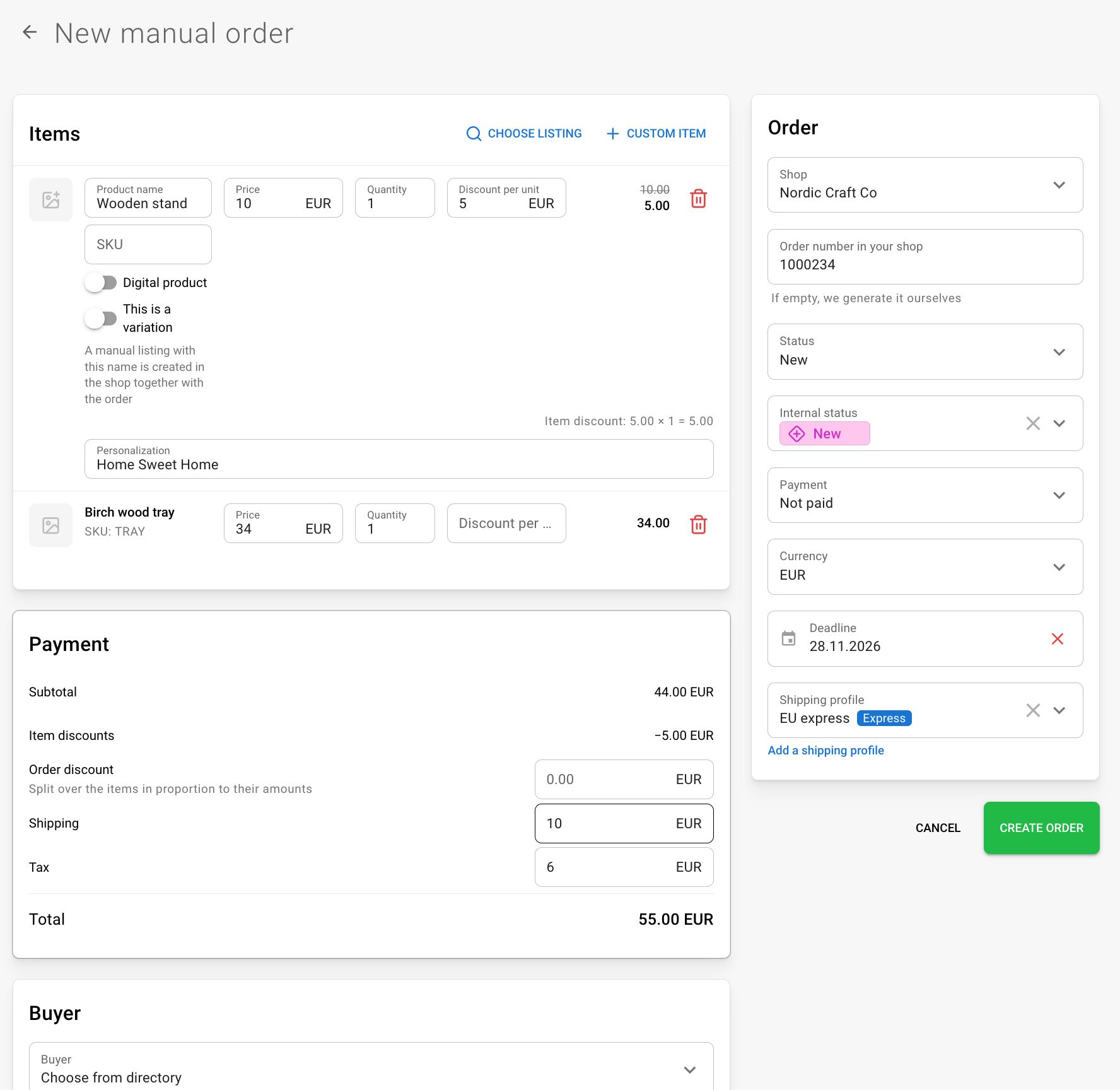
Shipping profiles for manual stores: the store page now has a “Shipping profiles” section. Add, edit, and delete profiles, and mark expedited shipping as Express.
Order export: the “Internal status” column shows the name of your custom status, as in CRM, and “Updated at” for manual orders shows the date of their latest change.