
New
Two-factor authentication and product import from a file
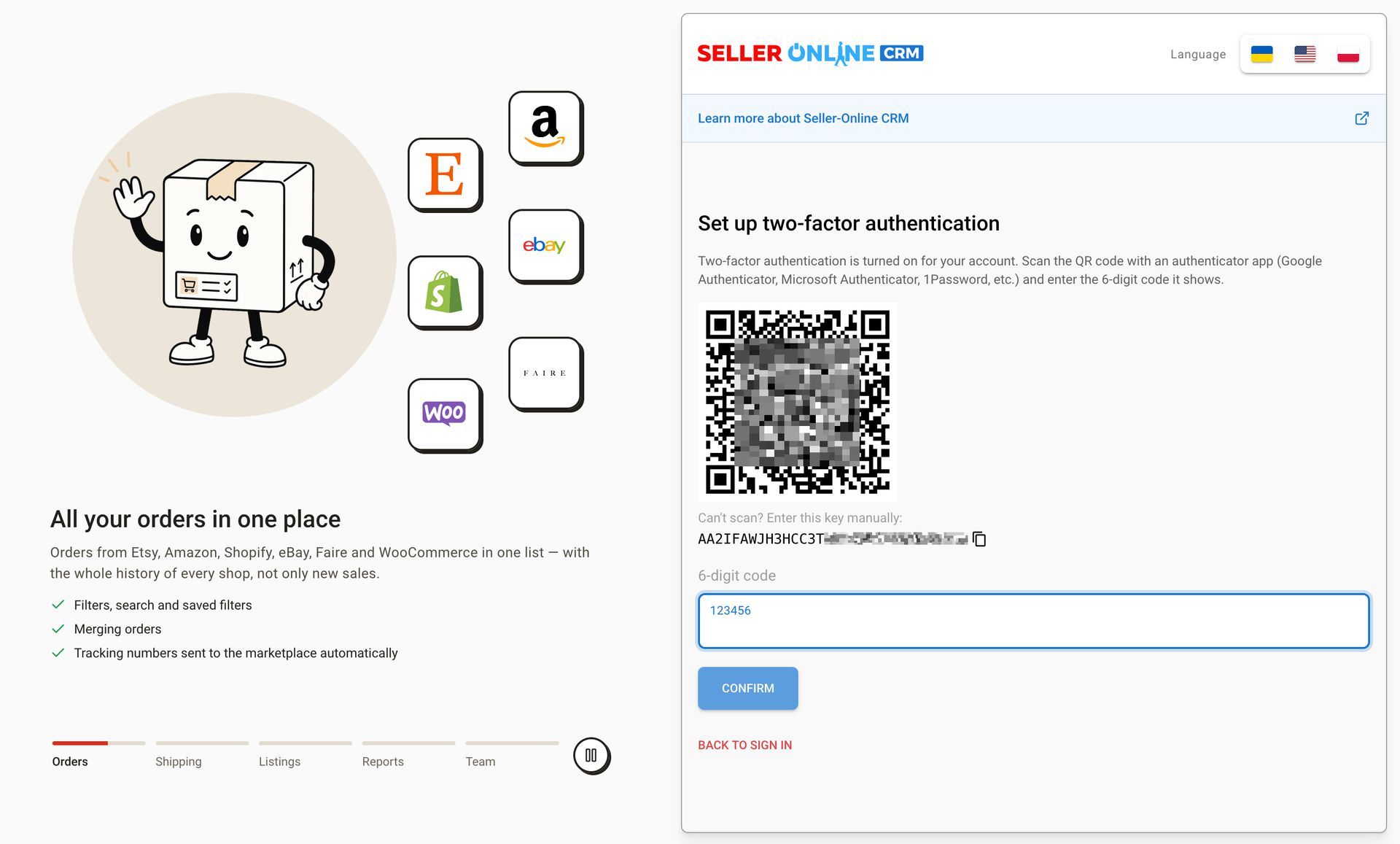
Two-factor authentication (2FA): you can now protect CRM sign-in with a code from an authenticator app (Google Authenticator, Microsoft Authenticator, 1Password, and others).
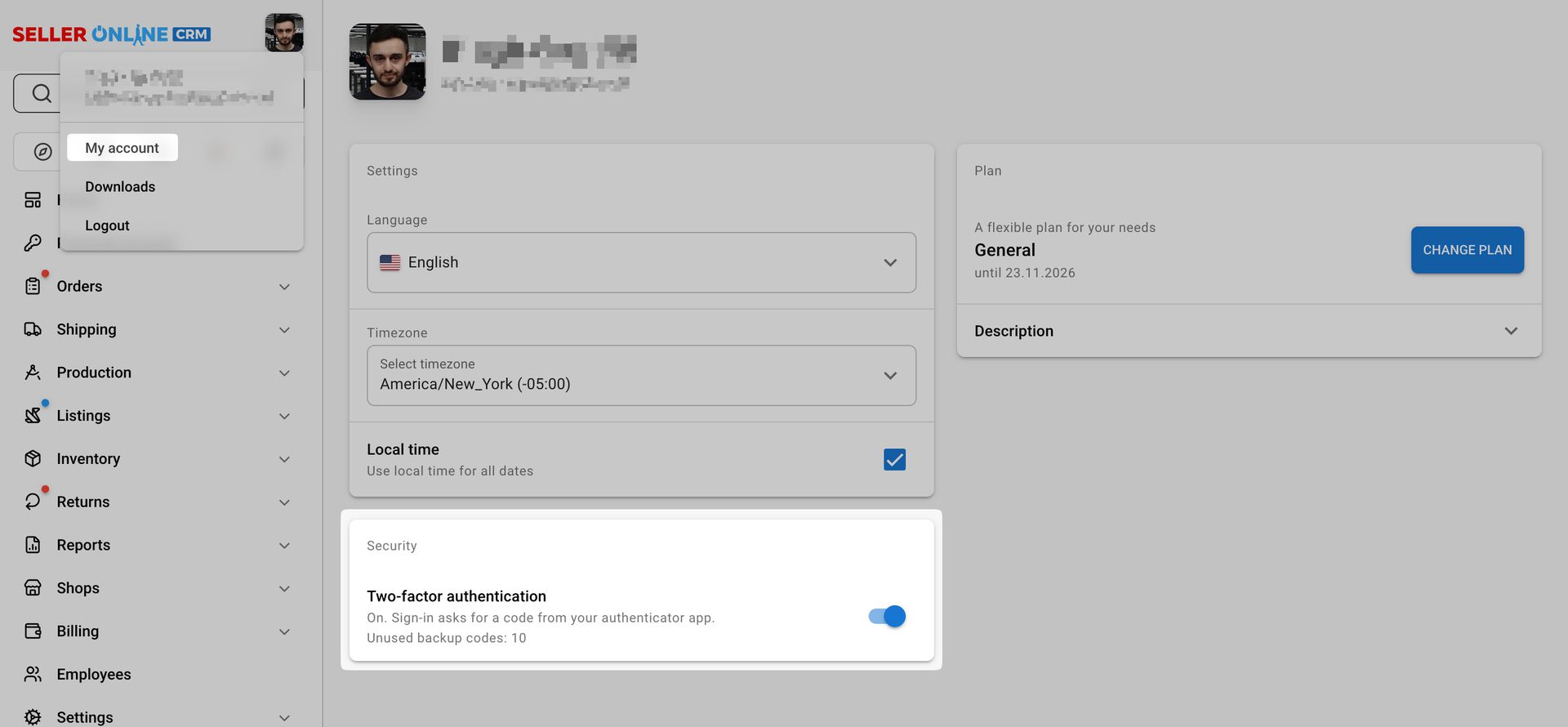
- Enable it in My account → Security. Each user, account owner, or employee configures it separately for their own account.
- When signing in, enter a six-digit code from the app after your password. If you do not have your phone at hand, use a backup code.
- You can disable 2FA there as well by entering your current code or a backup code. The number of unused backup codes is visible in the Security section.
- If someone tries to guess a code, the account owner receives an email after 5 and after 20 consecutive failed attempts.
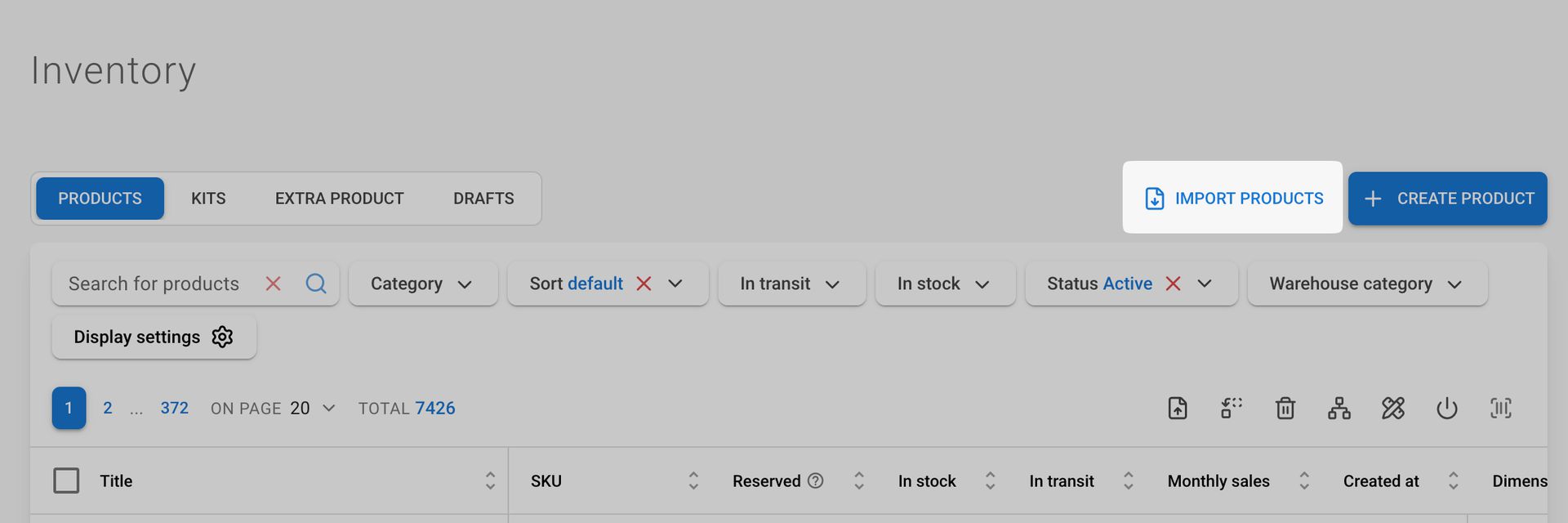
Product import from a file: the Products page now has an Import products button.
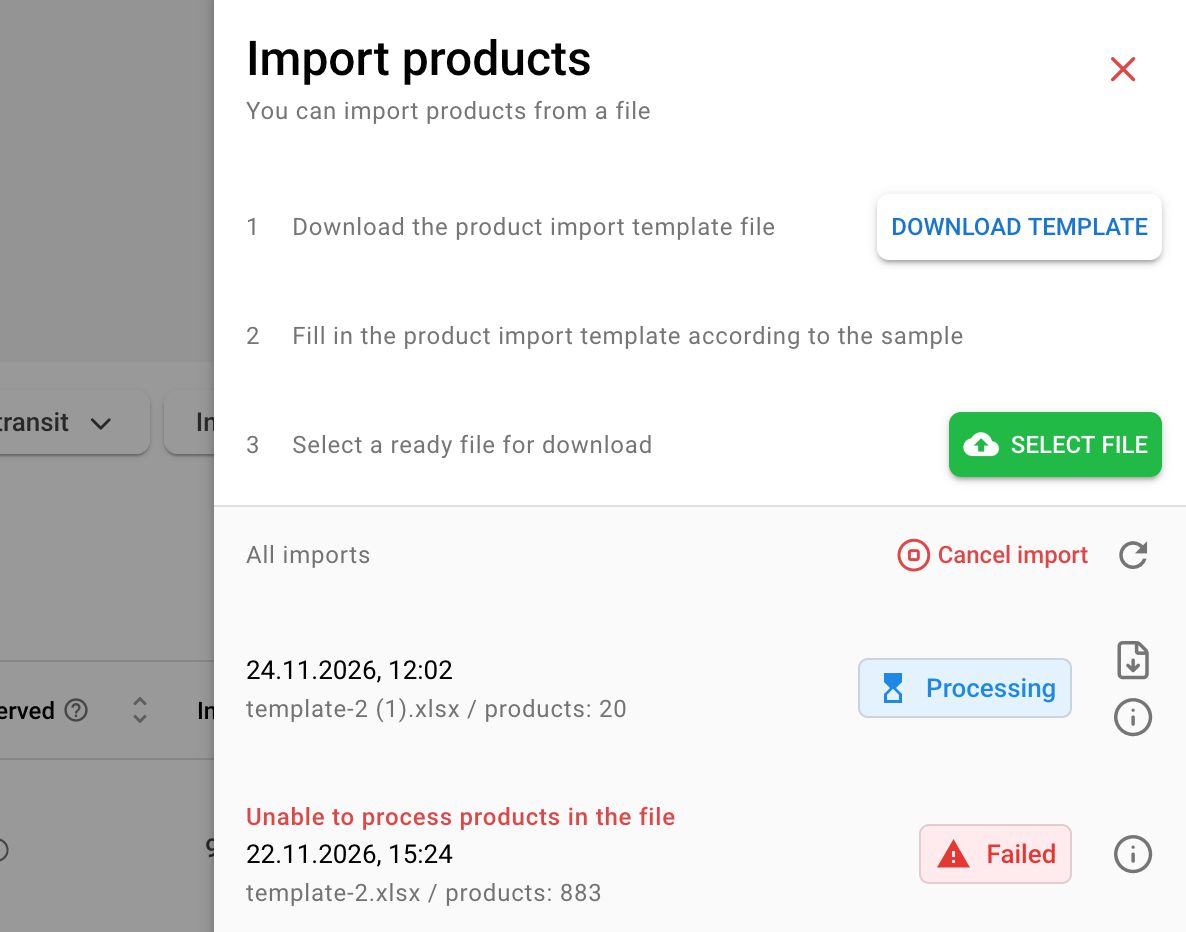
- Download the template, fill it in, and select the completed .xlsx file.
- An error in one row does not stop the whole import: those rows are skipped with an explanation, while the remaining products are added. If some rows fail, the import receives the “Partially successful” status, and rows with warnings are marked separately.
- Photos are fetched from links, including public Google Drive links, and saved as product photos. Images smaller than 256×256 pixels are not added, and a warning appears in the row.
- An import log with statuses is available, and the details of each import show every row.
- You can download the import file and cancel an import that is in progress.
We fixed an error that occurred when creating a US address for a USPS self-shipment.
We fixed an Etsy issue: the integration is no longer disconnected when Etsy does not respond to a token refresh request.
We fixed the display of used file storage on the My account page.